Many homeowners want to integrate their aging garage door openers with a smart home system. It provides peace of mind, upgrades daily convenience, and can add value to the property.
This guide is designed for anyone with older garage door hardware who would like it to work with their smart home gadgets, platforms, or apps. The following explanations will highlight supported tech, installation steps, and best practices for secure setup.
Understanding Older Garage Door Opener Compatibility
The first step for many is clarifying what “older” means in this context. Usually, pre-2010 models lack built-in smart support. These units use simple wall switches and basic remotes.
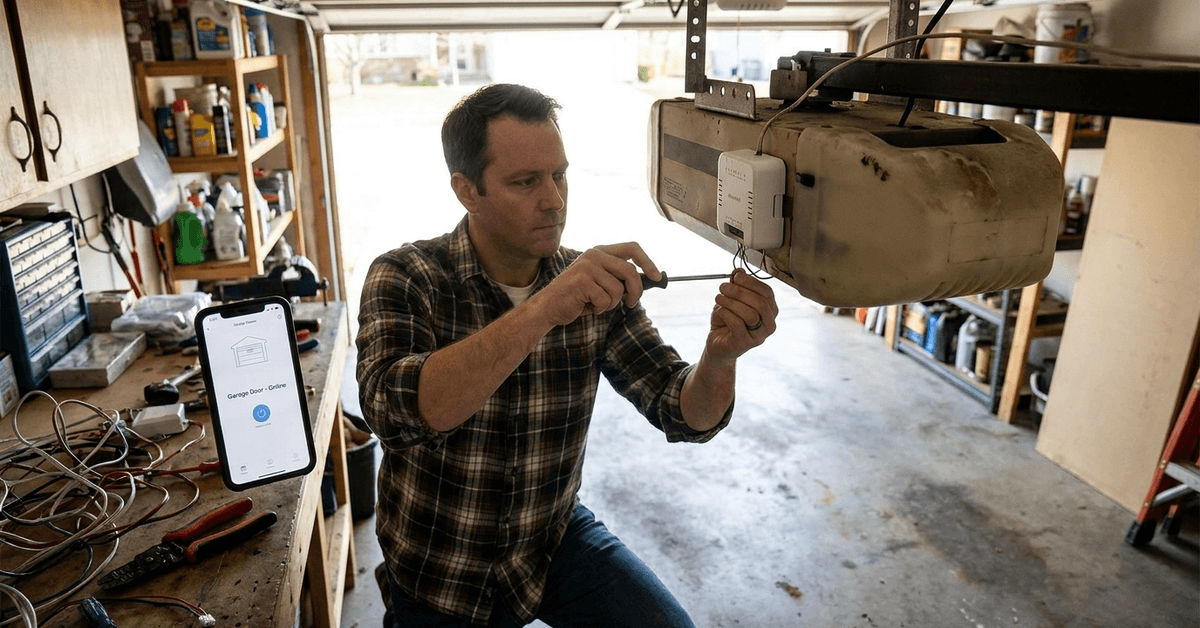
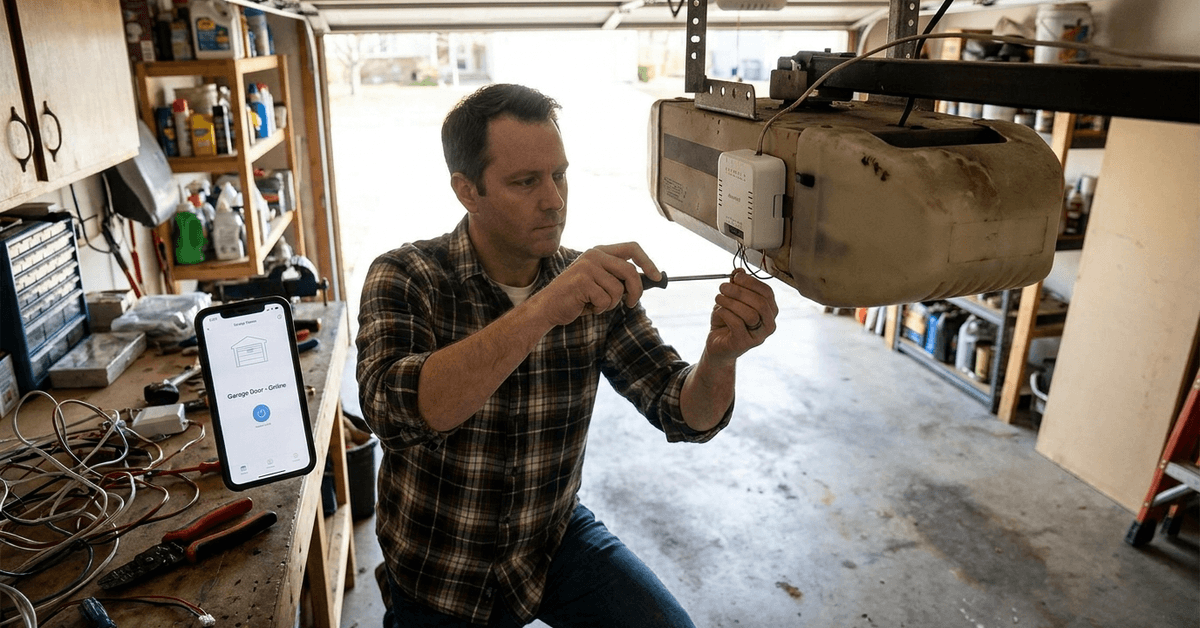
Smart conversion depends entirely on the ability to control the opener using a dry contact (momentary push-button) or a wired wall control. This physical interface is key when deciding on upgrade solutions.
Smart Home Protocols and Technologies
Several tech protocols are used in modern smart home automation. Not all will work with old hardware, but knowing the options helps tailor the approach.
Wi-Fi-Based Controllers
Chamberlain myQ and similar Wi-Fi modules are popular. These usually require openers built no earlier than the mid-1990s, as some older brands block add-ons.
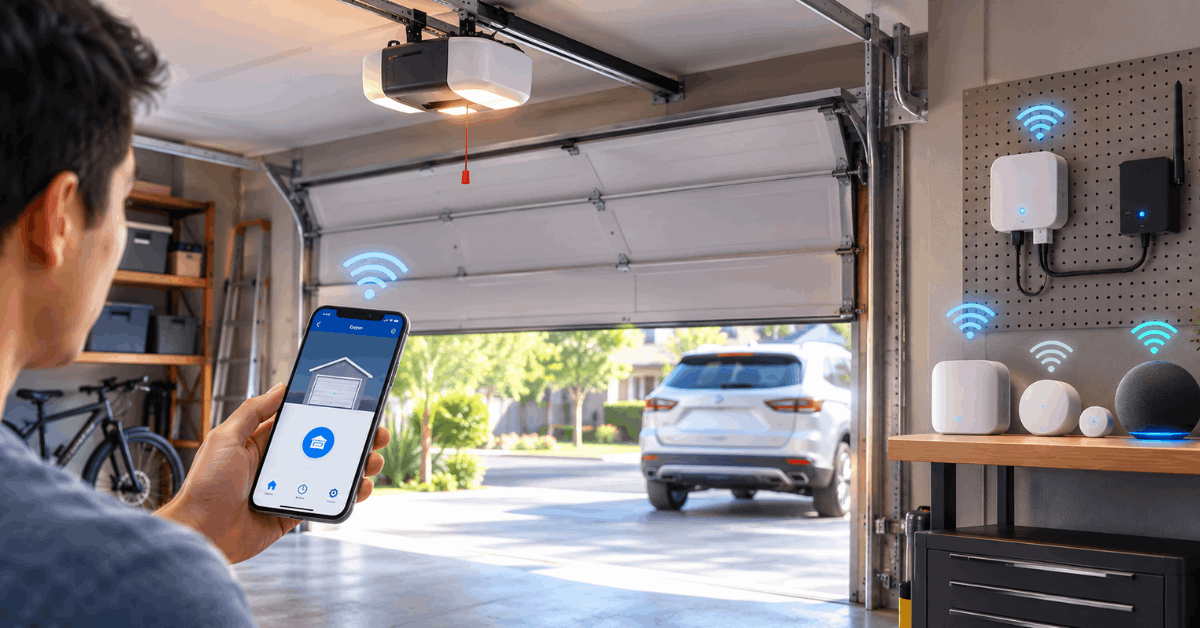
If myQ is incompatible, universal Wi-Fi relay switches (like the Meross Smart Wi-Fi Garage Door Opener) offer an adaptable route for most legacy systems.
Zigbee and Z-Wave Modules
For those running a smart home hub such as SmartThings or Hubitat, Zigbee or Z-Wave relays make an alternative to Wi-Fi devices.
The GoControl/Linear Garage Door Controller is a respected choice backed by years of real-world use and strong hub compatibility.
Retrofit Security and Safety
Older units may lack key safety mechanisms. Retrofitting a smart module does not upgrade these protections. Always check for compatibility with safety sensors to avoid unexpected closing hazards.
Step-by-Step Smart Conversion Process
Most wire-in retrofit devices follow a similar workflow, even if the specific model varies.
Required Tools and Supplies
- Smart relay controller (such as Meross, GoControl, or compatible brand)
- Phillips screwdriver
- Wire stripper or cutter (occasionally needed)
- Wire connectors (included with most smart kits)
- Safety glasses and work gloves
Physical Wiring Instructions
- Unplug the garage opener for safety before beginning any work.
- Open the wall switch panel that operates the door. Find its terminal screws (usually two).
- Connect the controller’s output wires to these terminals. Most use small solid copper wires.
- Secure the relay’s power supply adapter to a wall outlet (usually included in smart kits).
- Route or secure wires neatly to avoid tangles or snag risks.
Pairing With Smart Home Systems
- Plug the opener back in and restore power.
- Open the associated smartphone app (such as the manufacturer’s, or a platform like Apple HomeKit or Alexa).
- Follow the in-app instructions to add a new device, usually by scanning a code or selecting from a nearby device list.
- Test door operation from the app. If the door does not respond, verify your wiring and Wi-Fi connection.
Best Garage Door Smart Modules for Older Models
The market has matured, but a few models are particularly well-tested with older openers.
Meross MSG100 Wi-Fi Garage Door Opener
This controller supports wired wall button interfaces and is budget-friendly. It works well with Alexa, Google Home, and SmartThings.
Its small size and remote sensor (to detect open or closed status) make it flexible for most spaces.
GoControl Z-Wave Garage Door Opener Remote
This Z-Wave device is popular among advanced systems, integrating easily with Vera, SmartThings, and similar hubs.
Its sensor magnets provide position feedback, so users can always check the true door status within their home app environment.
Home8 Garage Door Controller
Some prefer niche options like Home8 for extra video support. This unit works with many openers and can alert your phone if the door is triggered.
Integrating With Popular Smart Home Platforms
Connecting a retrofitted opener with your broader smart home depends on the platform of choice. A few general strategies work across brands.
Amazon Alexa Integration
Alexa routines allow voice or app-triggered garage opening. Enable the device’s skill in the Alexa app, then follow secure linking prompts.
Google Home/App Integration
Many Wi-Fi modules appear as new devices in the Google Home app. Adding routines or automations can tie actions (like coming home) to trigger door control.
Apple HomeKit Compatibility
For Apple users, HomeKit requires certified hardware or use of Homebridge (open-source software) to bridge non-certified smart relays. Setup can be a little involved, yet users often praise the integration once connected.
Security, Privacy, and Safety Considerations
Connecting an older opener to your home’s Wi-Fi or network does increase remote access. Smart home security best practices are crucial for peace of mind.
Using Strong Passwords
Always set unique, complex passwords for your apps and smart devices. Avoid default codes, which can be exploited.
Enabling Two-Factor Authentication
Many smart platforms like myQ and Alexa offer extra login security. Two-factor sign-in is worth enabling wherever possible.
Safe Door Automation
Some older openers do not automatically stop if the door meets an obstacle. Pairing a smart relay does not add this function. Frequent checks and mechanical upgrades are advised for maximum safety.
Network Segmentation
Segmenting smart gadgets onto a separate Wi-Fi network protects other devices in case of a compromise. Many modern routers make this setup simple without technical headaches.
Troubleshooting Common Issues
Smart upgrades occasionally trigger technical hiccups. Most are minor, but a few are worth knowing.
- No response from smart relay: Check wiring, ensure the smart module is powered, and confirm strong Wi-Fi signal coverage in the garage.
- “Device not supported” errors: Some legacy openers block add-on modules. Model-specific guides or online forums can help with unusual units.
- Garage door opens or closes unexpectedly: Review apps for conflicting routines or check for wiring touch points between the wall button and the smart relay. Faulty sensors rarely cause ongoing door movement.
Conclusion
Connecting older garage door openers to smart home platforms is realistic for most households. Using a compatible relay, trusted apps, and simple wiring, modern convenience can be achieved—often with just a basic toolkit.
The process is usually straightforward and does not require advanced skills. Choosing the right technology ensures both compatibility and long-term reliability. Regular maintenance and security habits protect both access and privacy for the future.
Prioritizing compatibility and careful installation leads to success. Homeowners frequently report that smart upgrades improve daily routines, accessibility, and overall peace of mind, especially when leaving or arriving home.