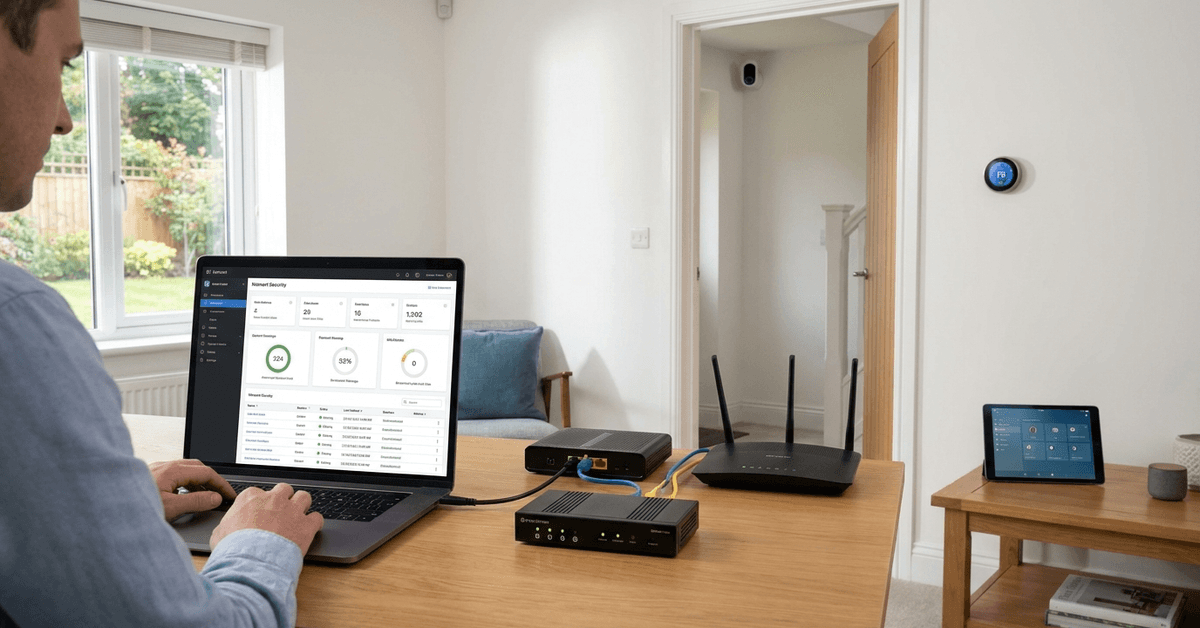
Keeping your smart home safe requires more than just locking doors. Home network firewalls are now essential for stopping cyber threats before they reach your devices.
This guide is designed for everyday homeowners getting started with home tech. Whether your network has a few gadgets or lots of smart automation, understanding network firewalls brings lasting security.
What Is a Home Network Firewall?
A firewall is a filter that stands between your home network and the internet. It blocks unwanted traffic and allows safe data to pass through.
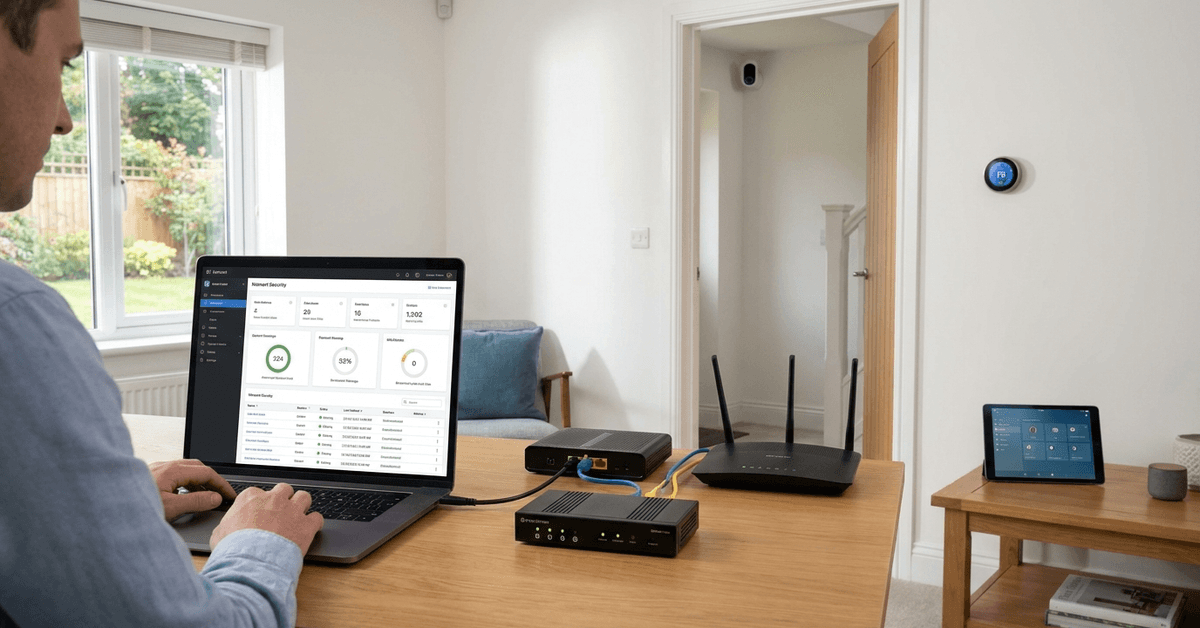
Most routers today include basic firewall functionality. Standalone devices and software also exist. Firewall security is the first line of defense against hackers, malware, and untrusted web activity.
Why Every Smart Home Needs a Firewall?
Smart homes connect many gadgets: cameras, TVs, thermostats, and more. Each one can become a hacker’s entry point.
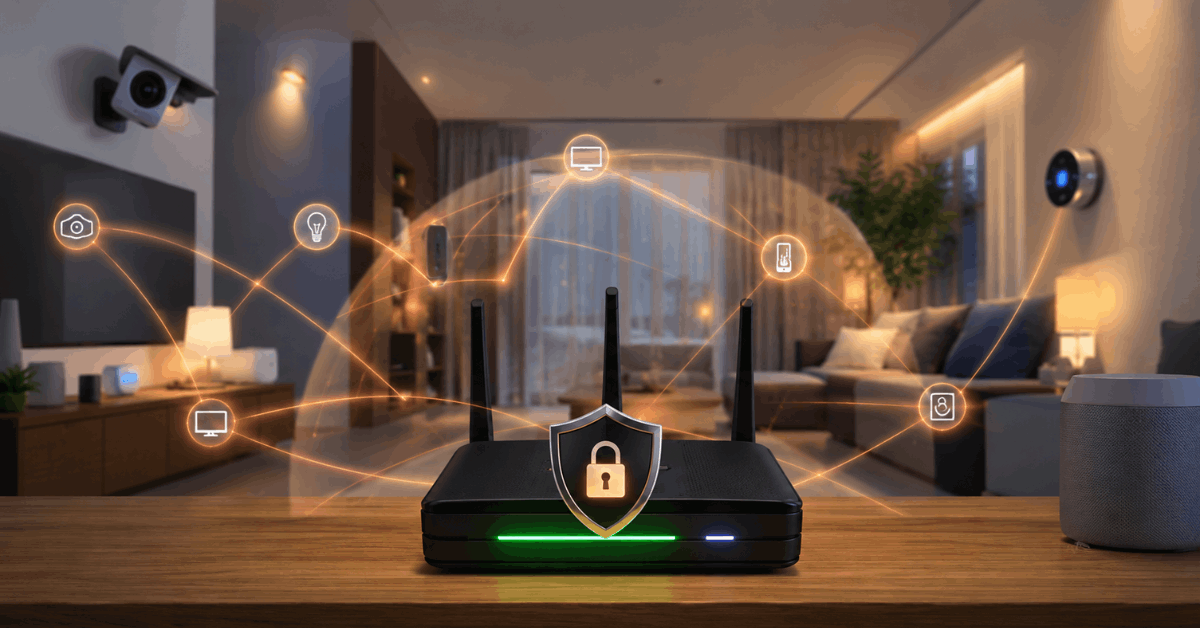
A firewall will:
- Block suspicious connections before they reach home devices.
- Hide your smart systems from curious outsiders.
- Reduce the risk of ransomware or data theft attacks.
As more devices are added, homeowners often underestimate the exposure each one creates.
Types of Home Network Firewalls
Hardware Firewalls
These are physical boxes installed between the modem and your network router. They operate independently of your devices.
Popular hardware options for home use include Firewalla, Ubiquiti UniFi Security Gateway, and Zyxel ZyWALL series.
Software Firewalls
Software firewalls install on individual computers or devices. Common on Windows and macOS, they filter network traffic at the device level.
- Some smart home hubs, like Home Assistant OS, support built-in firewall tools.
Router-Based Firewalls
Many routers come with firewall features enabled by default. These block standard attacks but may need to be manually configured for more advanced protection.
Popular router brands with built-in firewalls are Asus, Netgear, TP-Link, and Synology.
How Home Firewalls Protect You in Real Life?
Picture a smart doorbell camera. Without firewall protection, anyone could attempt to connect from outside.
When a firewall is active, it quietly checks each incoming request. Only safe, expected requests—like from your smartphone app—are allowed through.
This happens for every device: lamps, speakers, sensors, or even a smart garage opener. This keeps automation running smoothly with fewer interruptions.
Key Features to Look For in a Firewall
- Intrusion prevention —blocks known hacks and attack patterns
- Parental controls—limits kids’ access to risky sites
- Automatic firmware updates—keeps protection current
- User-friendly dashboard—shows blocked threats at a glance
- Device profiles—lets you isolate smart home devices from regular computers
Some models also support VPN passthrough or ad filtering.
Setting Up Your Home Network Firewall: A Step-by-Step Guide
Step 1: Choose the Right Type for Your Home
- Hardware firewalls suit larger homes or those with many gadgets.
- Router-based firewalls work for compact setups or beginners.
Step 2: Connect and Position the Device
- Hardware firewall: Connect it between the modem and the router. Check lights or display screen for power-on.
- Software firewall: Download and install the application on each device you want to protect.
- Router firewall: Access the router’s settings via a web browser—often at 192.168.1.1—and look for security or firewall menus.
Step 3: Update Firmware or Software
Many new firewall devices require an update to fix bugs or add features. The control panel should offer an update option.
Step 4: Configure Security Rules
- Create device groupings—separate smart home devices from personal laptops or phones.
- Enable parental or guest controls as needed.
- Set alerts for blocked intrusion attempts, which can appear as pop-ups or daily summaries.
Changes are often applied with a “Save” or “Apply Changes” button.
Step 5: Test Your Protection
- With your phone’s Wi-Fi off, try connecting remotely to a smart device. If you can’t, your firewall is blocking unauthorized requests.
- Sites like ShieldsUP! (by GRC) let you test for open ports and see what’s visible from the web.
Review logs occasionally to check for repeated suspicious activity.
Popular Firewall Apps and Devices for Home Networks
- Firewalla Blue Plus: Small but powerful with intrusion protection and family filters.
- pfSense: Open-source, very customizable on older PCs or dedicated appliances.
- Bitdefender Box 2: Pairs with mobile devices for easy setup and live alerts.
- Asus AiProtection: Bundled in many Asus routers, with malicious site blocking.
Every tool fits a specific home. Some are set-and-forget, while others let you tweak fine-grained controls.
When to Replace or Upgrade Your Firewall?
- Noticeable slowdowns in network speed—old hardware can throttle gigabit plans.
- Limited update support or lack of new threat definitions.
- Difficulty in isolating smart devices from guest networks.
Replacing your firewall every few years ensures better compatibility with newer devices and up-to-date security standards.
Firewall Best Practices for Smart Homes
- Regularly update firmware or software components.
- Change default passwords—most home breaches start with weak login details.
- Limit remote access features to essential users only.
- Enable notifications for high-risk block events.
It’s easy to think things are safe if nothing looks wrong. Still, background threats are always evolving.
Common Firewall Misconceptions
- Firewalls make you invisible online. In reality, they just reduce exposed entry points.
- Only tech-savvy users need firewalls. Any smart home benefits from added protection.
- Once installed, they’re set forever. Ongoing updates and monitoring are required for real safety.
No single tool solves every risk. Instead, firewalls shield your network as a core security layer.
Conclusion: Building Strong Digital Walls for Your Home
Home network firewalls quietly keep families and gadgets safer every day. The right setup deters many common threats—sometimes before you even know they existed.
Smart homes are always evolving. So is cybersecurity. Investing time in a reliable firewall pays off through peace of mind and fewer headaches.
There are many options and setups, but the fundamentals stay the same: isolate, update, and monitor. With a little effort, anyone can build a powerful digital barrier—regardless of their tech background.