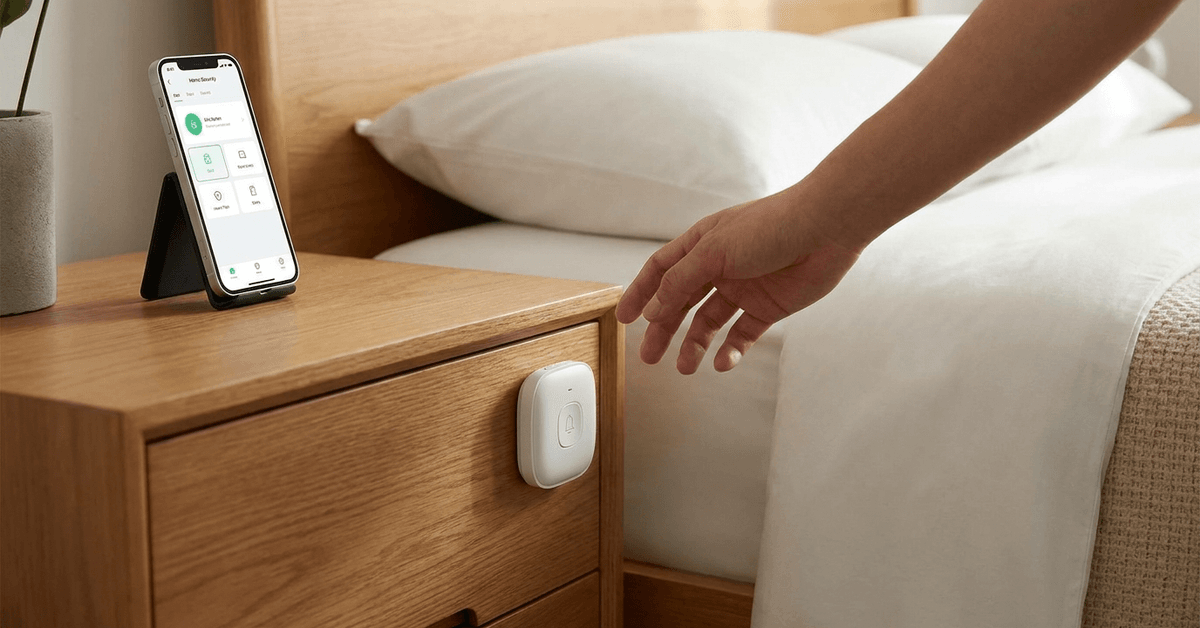
Smart panic buttons have become an effective layer of personal home security. Their main benefit lies in fast emergency response, right from your bedroom.
Many homeowners choose them for ease of installation and integration with smart systems. Here’s what a well-placed panic button can offer and how it fits into a secure living space.
What is a Smart Panic Button?
A smart panic button is a wireless device designed for quick, discreet emergency alerts. It works by instantly sending a signal to notify others or trigger alarms.
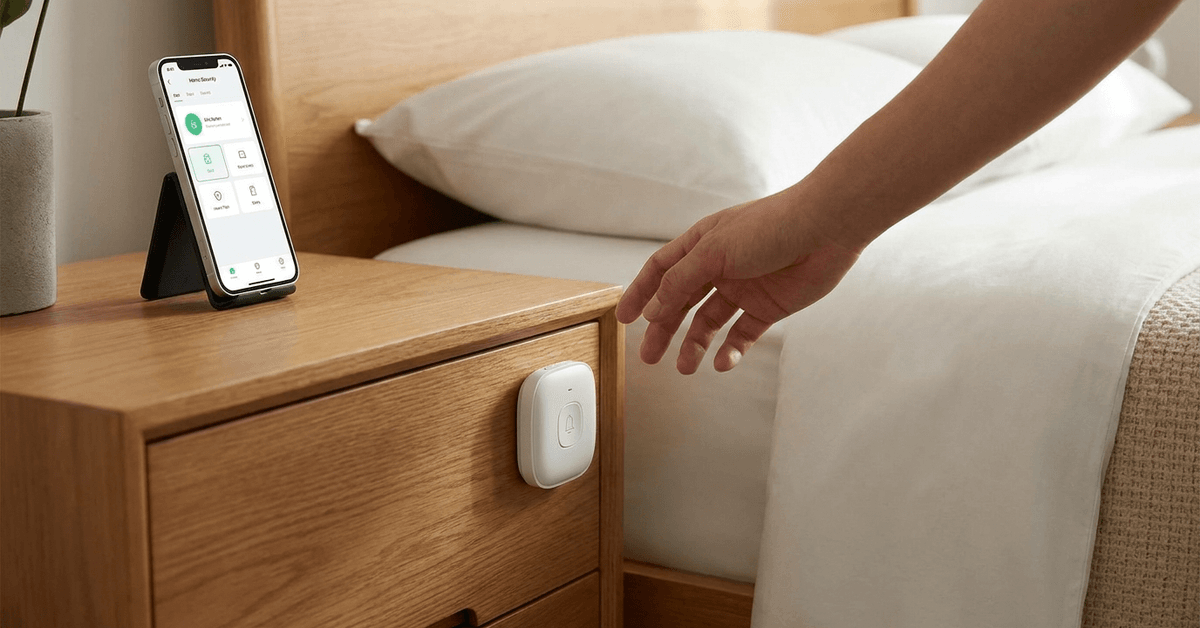
This device forms a direct link to your home’s security ecosystem. Its goal is to help you alert family members or monitoring services with minimal delay.
Choosing the Best Smart Panic Button for Bedroom Use
Options vary, but several brands stand out for reliability and integration.
- Ring Panic Button 2nd Gen: Works with Ring Alarm systems and Alexa routines.
- Samsung SmartThings Button: Supports various smart home automations.
- Yale Sync Smart Key Fob: Offers compatibility with Yale alarm kits.
- Fibaro Button: Integrates with Z-Wave hubs for custom actions.
Key features to prioritize include wireless connectivity, long battery life, and compatibility with your smart home platforms.
Wireless Protocols and Supported Hubs
Wireless panic buttons use different communication protocols. Understanding which ones sync best with your existing setup is crucial.
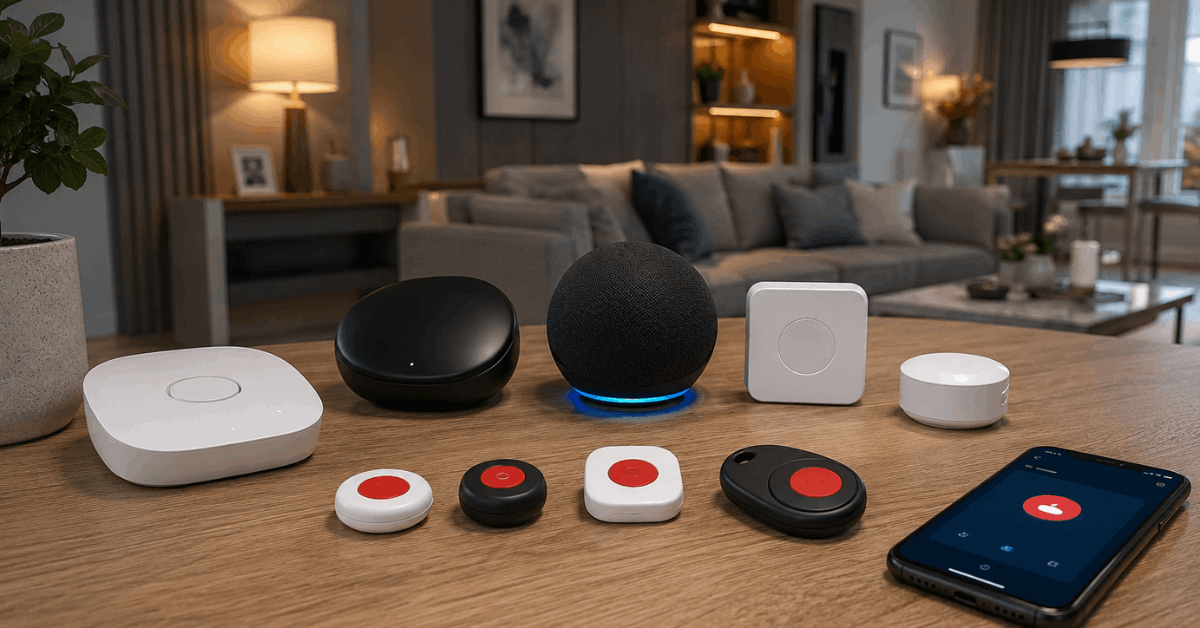
Z-Wave Buttons
Z-Wave is best for those with established hubs like SmartThings or Hubitat. Its range and reliability are highly regarded in the home automation world.
Zigbee Buttons
Zigbee options work well with compatible hubs such as the Amazon Echo with Zigbee or Philips Hue Bridge. They allow seamless integration with other Zigbee devices.
Wi-Fi and Bluetooth Buttons
Buttons like the Flic 2 use Bluetooth, often requiring a smartphone or dedicated gateway nearby. Wi-Fi buttons may offer app notifications, but sometimes have higher battery drain.
Preparing for the Installation
Before installing, it helps to confirm your chosen button’s compatibility with your hub and apps. This avoids unnecessary troubleshooting down the line.
Typically, homeowners find a few simple tools sufficient:
- Screwdriver (if wall screws are needed)
- Mounting tape for non-permanent attachment
- Fresh batteries (most panic buttons run on coin-cell types)
- A smartphone with the necessary smart home app
Location: Optimal Placement Near the Bedside
The panic button should be reachable without leaving bed. Some users mount it to the headboard, while others prefer the side table or wall within arm’s reach.
Accessibility matters most. Placement where accidental presses are unlikely is best, but it should not require the user to stand up to use it.
Step-by-Step Guide to Installing Your Smart Panic Button
Each brand will have minor setup differences, but core steps remain consistent. Here’s a general process that applies to most models:
- Download your smart home platform’s official app (such as Ring, SmartThings, or Yale Home).
- Insert the batteries into the panic button following the included guide.
- Pair the device: Access your app, locate the “add device” section, and select the device type (often listed by brand or protocol).
- Follow onscreen prompts to complete the pairing. The button may flash or beep when connected.
- Test the connectivity. Most systems let you perform a dry run to ensure alerts reach the hub and other connected devices.
- Physically mount the button using screws or sticky mounting tape per the manufacturer’s advice. Ensure placing it keeps it both accessible and secure.
- If available, assign automations or routines, such as triggering alarms, lights, or phone alerts. The official app typically offers customization here.
Integrating Panic Buttons with Broader Smart Home Security
A panic button gains value when used in coordination with your overall system. Linking it to alert sirens, camera feeds, or lighting can amplify response effectiveness.
Many users add routines like flashing lights at entryways or sending instant notifications to trusted contacts or monitoring services.
Service Integrations
- Ring Alarm: Sends alerts to Ring monitoring and linked mobile devices.
- SmartThings: Allows custom routines, such as activating smart locks or lights.
- Home Assistant: Advanced users can script intricate automations for security events.
Assigning clear actions reduces confusion during real emergencies. Mapping out the sequence ahead of time ensures reliability.
Configuring Notifications and Alert Escalation
Setting up layered alerts is a core benefit of a smart panic button system. Most platforms offer escalation options for events like intrusion or medical emergencies.
- Push notifications to all family smartphones
- Automated calls or SMS to emergency contacts
- Optional integration with professional monitoring services for immediate dispatch
In some setups, it’s possible to schedule silent alerts for higher discretion, for example in suspected intrusion cases.
Routine Maintenance and Battery Checkups
Batteries are the most frequent maintenance point. Monthly checks can avoid button failure during actual emergencies.
Manufacturers typically offer battery health indicators in the companion app. Replacing batteries proactively rather than waiting for warnings keeps the system robust.
Enhancing Panic Button Reliability
Periodic testing helps ensure ongoing readiness. Many homeowners set a monthly reminder for a quick test without raising a full alarm.
Confirming Wi-Fi, Zigbee, or Z-Wave network health also improves reliability. Physical checks, like confirming no mounting tape has loosened, reduce risks of accidental displacement.
Privacy and Security Tips When Installing Smart Buttons
Giving thought to privacy ensures technology supports your comfort, not the other way around. A few best practices help keep your panic system secure:
- Pair only with trusted networks and smart hubs
- Regularly update app and device firmware
- Avoid sharing panic button codes or mobile access outside your immediate household
Adding Extra Safety Features for Bedroom Setups
Advanced users often enhance security further by connecting other gadgets to panic button routines. Lights, cameras, and intercoms can respond to panic triggers for bigger coverage.
If using voice assistants like Alexa or Google Home, spoken commands can serve as back-ups. This redundancy may be reassuring in situations where hands can’t easily reach the button.
Conclusion: The Real-World Value of a Smart Panic Button by Your Bedside
Installing a smart panic button beside your bed brings real security within quick reach. Emergencies often unfold unpredictably, so rapid alerts are invaluable.
Optimal placement, regular testing, and smart integrations make it a dependable part of your home safety plan. The peace of mind is tangible. Small tech choices can have an outsized impact on your sense of security every night.