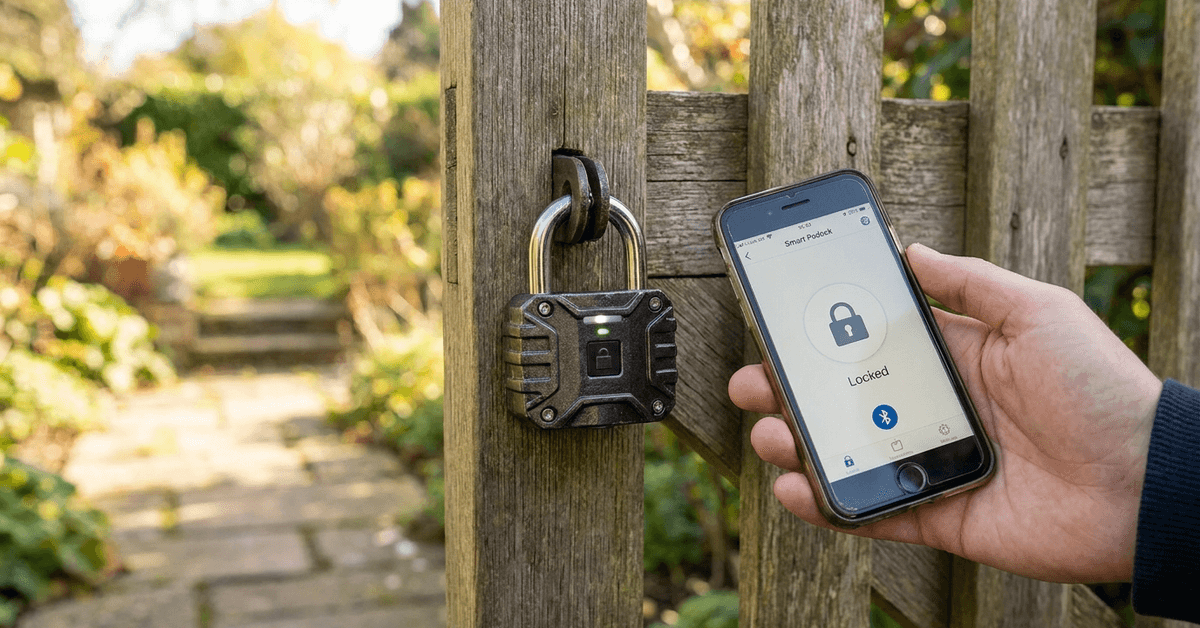
Outdoor gates can be a vulnerable point in home security. Smart padlocks have emerged as a popular way to safeguard exterior entrances with convenience and modern technology.
This guide is designed for homeowners new to smart home security. If you’re interested in upgrading your outdoor gate protection, you’ll find step-by-step advice and clear explanations below.
What Is a Smart Padlock for Outdoor Gates?
A smart padlock is an access control device that uses electronic components instead of a traditional key. These devices are designed to resist weather and physical attacks.
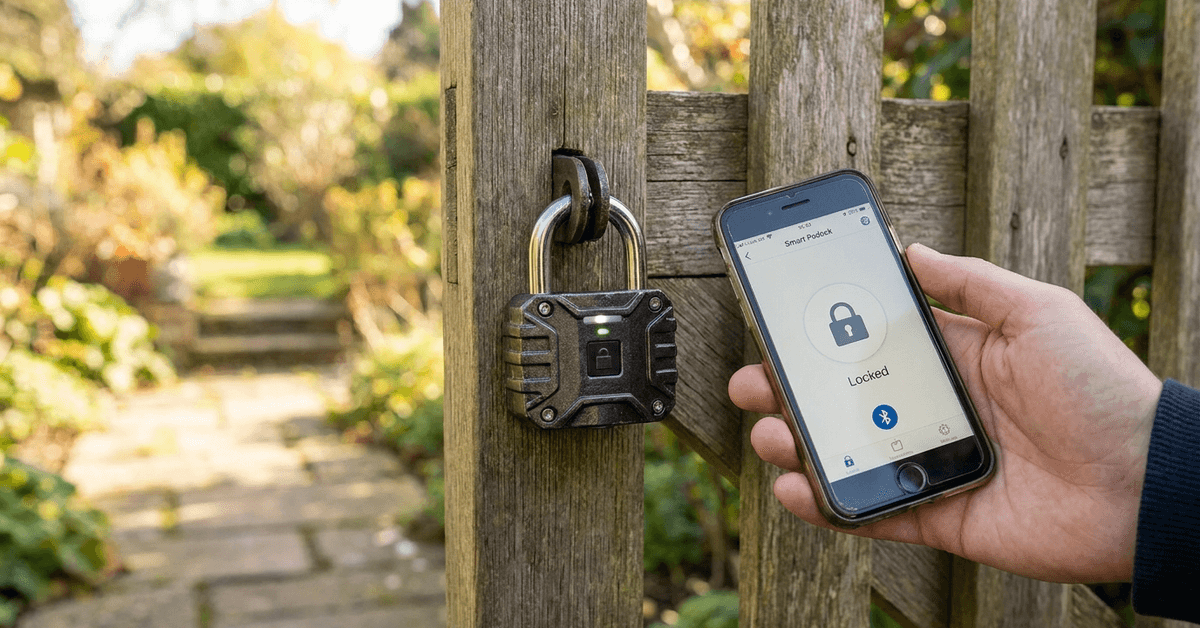
Bluetooth connectivity is the most common communication method for these padlocks. Others may use Wi-Fi or NFC, depending on the model.
Most outdoor smart padlocks are made with toughened steel shackles. Many include weatherproofing, IP65 or higher, to withstand rain and temperature changes.
Key Features to Look For
Weather Resistance
Outdoor models must handle moisture, dust, and UV light. IP ratings matter. An IP67 padlock, for example, is fully waterproof and dust-tight.
Mobile App Integration
Nearly all smart padlocks work with a dedicated smartphone app. App controls allow users to lock or unlock the device with their phone, check activity logs, or share access remotely.
Battery Life and Power Options
Common battery types include rechargeable lithium or replaceable CR2 cells. These often last several months per charge, depending on use.
Access Sharing and Management
Some brands allow digital key sharing. This makes it possible to grant others limited access—helpful for property managers or deliveries.
Physical Security
Look for anti-shim & anti-cut features. Hardened shackle materials such as boron alloy provide more protection against tools.
Popular Smart Padlock Brands and Their Apps
Homeowners researching smart locks will find several brands offering robust outdoor solutions. Here are a few options commonly used for gates:
- Master Lock Bluetooth Padlock (App: Master Lock Vault eLocks)
- Igloohome Smart Padlock (App: igloohome)
- eGeeTouch 3rd Gen (App: eGeeTouch Manager)
- Yale Smart Padlock (App: Yale Access)
Each brand’s app offers its own features. Some provide log history, while others focus on ease of user management.
How Smart Padlocks Work on Outdoor Gates?
Smart padlocks use electronic authentication instead of a physical key. Most use a Bluetooth connection to communicate with a mobile device within range.
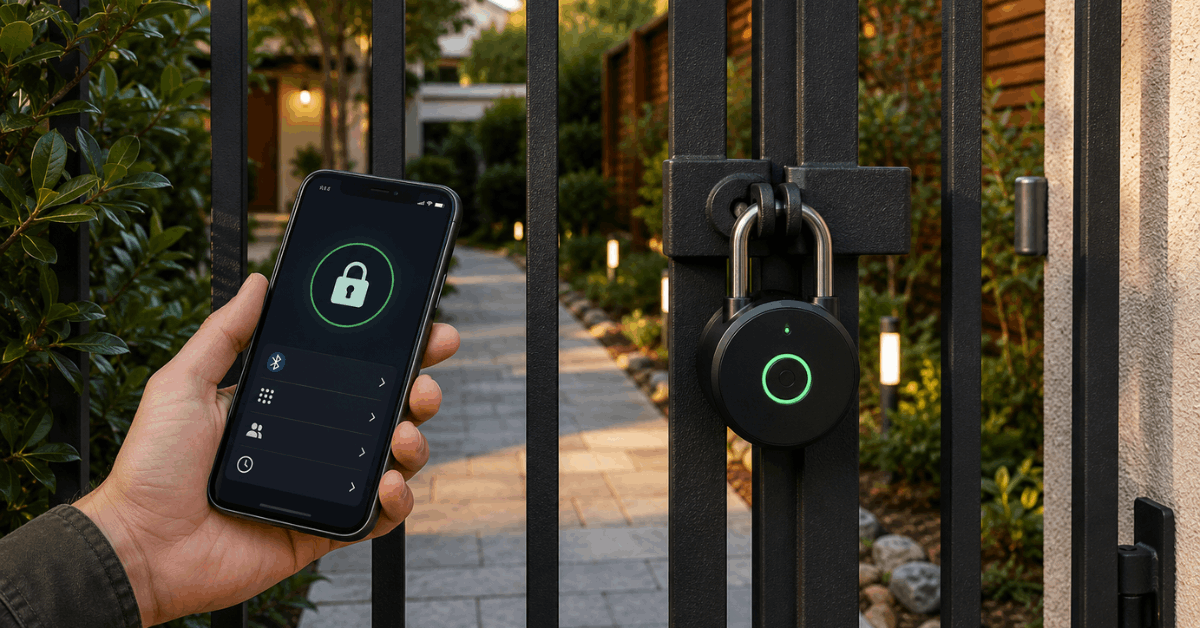
The padlock only opens after it confirms the user’s identity via app. Some support remote unlocks with Wi-Fi hubs or key fobs for added flexibility.
Typical Access Methods
- App unlock using Bluetooth/NFC
- Pincode entry (on models with keypads)
- Temporary digital keys for guest access
Audit Trails
App-based padlocks can track usage. This helps with security oversight, since it is clear when and by whom the lock was accessed.
Step-by-Step Installation Guide
1. Assess Gate Compatibility
Measure the latch and spacing to ensure your chosen smart padlock will fit. Some models have wide shackles for thick chains.
2. Set Up the Padlock
- Charge the battery fully.
- Download the brand’s mobile app and follow pairing instructions.
3. Attach the Padlock
- Install the shackle through the gate latch or chain.
- Tighten or close it securely, listening for any click indicating a full lock.
4. Configure Access and Security
- Set up your master profile in the app.
- Add trusted users or temporary digital keys if needed.
- Enable audit logging if supported for usage tracking.
If Wi-Fi unlocking is supported, some models require purchasing a compatible gateway hub. This allows remote control outside Bluetooth range.
Common Setup Issues and Practical Tips
Signal Interference
Strong metal gates or fences may interfere with Bluetooth signals. Placing a phone close to the padlock typically solves connection problems.
Battery Drain
Cold temperatures reduce battery life. Choosing a model with a physical key backup or clear battery indicator adds convenience.
Firmware Updates
Occasional app or firmware updates are normal. Most apps notify the user directly when updates become available.
Security Protocols and Data Privacy
Modern smart padlocks use AES-128 or AES-256 encryption to secure wireless communication. App accounts often use two-factor authentication.
It’s best to avoid connecting padlocks to open Wi-Fi networks. Private access points or direct Bluetooth links are safer in most residential cases.
Maintaining Your Smart Padlock
Battery Checks
Periodic battery checks are helpful, especially before holidays or travel. Some padlocks alert the user with app push notifications when power is low.
Cleaning and Inspection
For best performance, wipe any debris off the shackle and keypad. Check for corrosion if the area is exposed to heavy rain.
Firmware and App Health
Updates can close security gaps or improve stability. Checking for app updates every few months provides some security reassurance.
Legal and Privacy Considerations
Using a smart padlock on an outdoor gate is legal for personal property. When sharing digital keys with others, privacy should be respected.
Padlock brands outline their privacy policies within their apps. Reviewing these policies will clarify how log data or shared keys are used and stored.
Conclusion
Smart padlocks offer a practical upgrade for outdoor gate security. Choosing the right model involves comparing weather resistance, app features, and physical build. Reliable brands use modern encryption for peace of mind.
Installation is simple and maintenance is minimal when routines are followed. App notifications make daily use straightforward. As technology evolves, homeowners can continue to expect stronger protection and easier access management for their outdoor spaces.