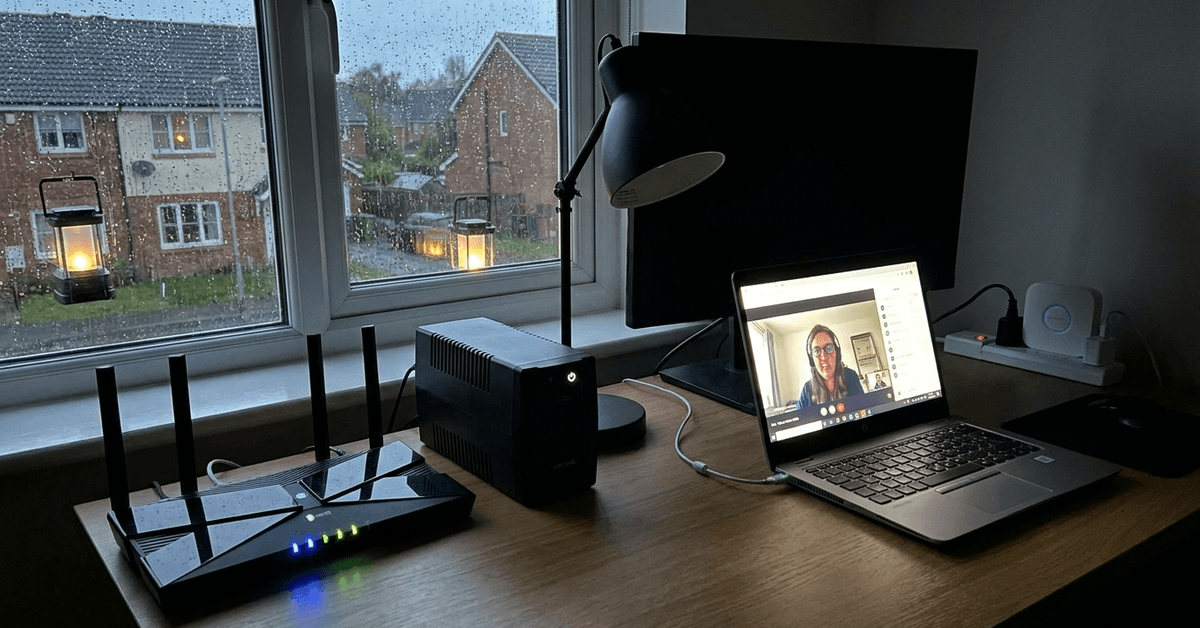
Power outages don’t just halt lights and appliances. They disrupt smart home automation, security monitoring, and everyday web access.
For families and remote workers, keeping an internet connection is crucial, especially during storms or grid failures. Homeowners looking for uninterrupted Wi-Fi performance often rely on dedicated battery backup systems designed for routers and network hubs.
Why Battery Backups Are Vital for Home Routers?
Modern homes use cloud-based cameras, smart assistants, and always-connected gadgets. Even a brief internet drop can mean missed alerts or lost video history.
A battery backup lets routers bridge the gap during power outages, ensuring security and automation tasks keep running.
Some users might consider using old laptop power banks, but these often lack the required voltage or plug types for steady router operation.
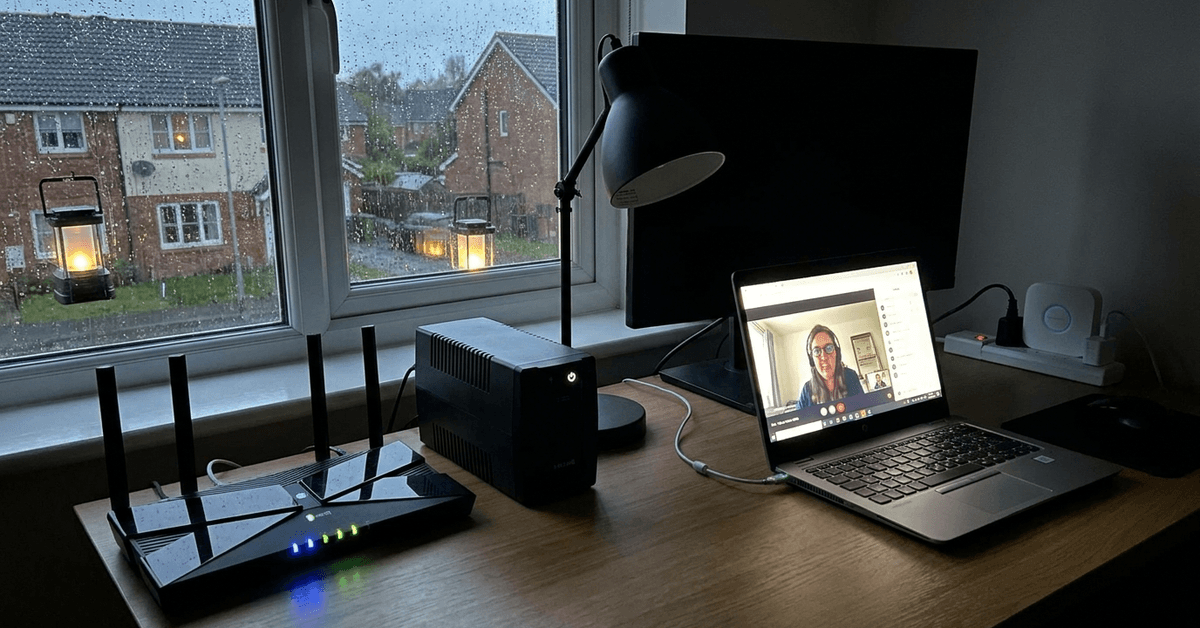
Dedicated battery units offer tailored voltage outputs, longer runtimes, and reliable surge protection. For anyone managing a smart home environment, this stability can be a real stress-saver.
Types of Battery Backup Systems for Routers
There are a few principal categories when it comes to router-friendly battery backup solutions. Each has unique benefits, depending on home size or equipment type.
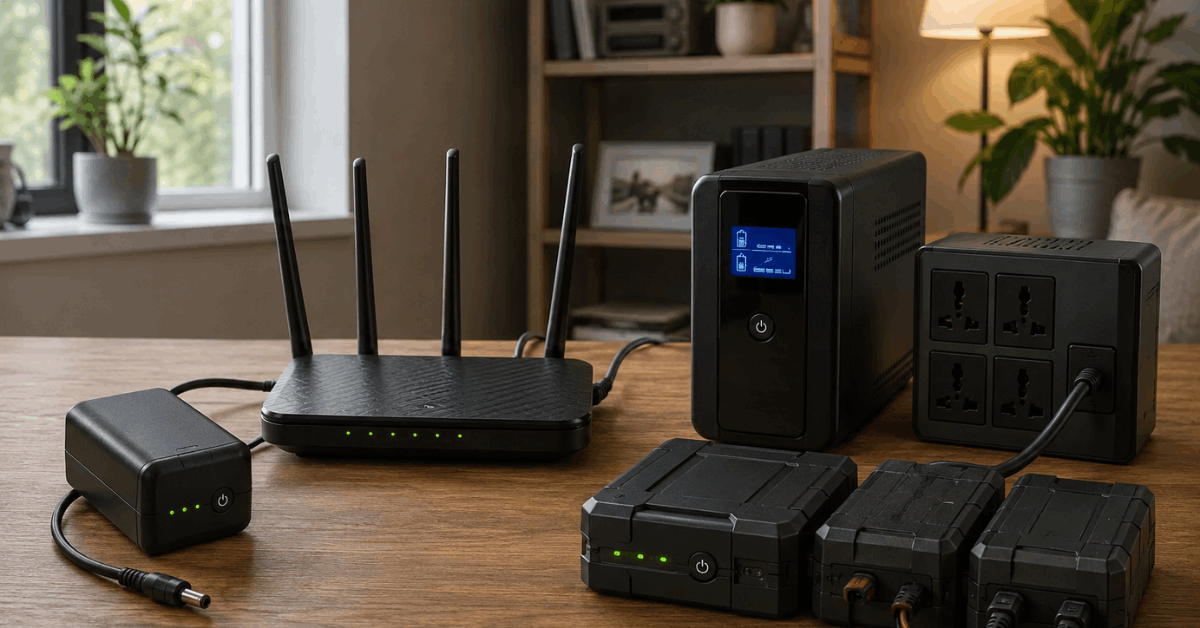
Mini uninterruptible power supplies (UPS)
These palm-sized UPS devices are popular because they’re compact and easy to hide near your router. Models like the APC Back-UPS Connect or TalentCell Mini UPS come with barrel plug adapters to fit common router makes.
Most mini UPS offerings provide around three to six hours of runtime for a single device. Homeowners value the auto-switching feature, which seamlessly moves to battery without a Wi-Fi reboot.
Traditional desktop UPS
A traditional desktop UPS, such as the CyberPower EC650LCD or APC BE600M1, delivers more capacity. These tend to protect additional gear like switches, modems, or mesh hubs.
Benefits include extra surge outlets, status LCDs, and longer runtimes—sometimes up to eight hours with only a router attached.
Modular battery backup units
Some newer units, like the Eaton 3S Mini UPS or OpenWrt-compatible UPS models, can be paired with expansion batteries for longer protection. These are suited to users needing days rather than hours of uptime.
Key Features to Evaluate
Real-world battery backup performance depends on several essential features. Selecting the right unit saves hassle and ensures safety during outages.
Wattage and voltage compatibility
Routers typically require 9V, 12V, or 24V inputs, at 1A to 3A currents. Matching your model’s power adapter rating is the safest approach.
A mis-matched power supply can result in malfunctions or even router damage. Double-check the device’s label or user manual for exact requirements.
Battery capacity (measured in Wh or mAh)
Bigger capacity (expressed as Wh or mAh) translates into longer run times. Yet, a very large capacity isn’t always necessary for basic routers, which often draw as little as 7W to 15W per hour.
Many users find a 36Wh mini UPS will support a common router and modem for two to five hours on battery. Heavier setups with mesh nodes or smart hubs demand more.
Auto-switching speed and seamless failover
Look for battery backups with a switching speed below 10ms. This feature keeps the router’s session alive and avoids network reboots. A quick failover is the secret behind uninterrupted smart home routines during outages.
Surge and lightning protection
Some backup devices double as surge protectors. Another layer of defense for your valuable network hardware. Not all mini UPS units offer this, so it’s a good idea to check specs before purchasing.
Top Battery Backup Options to Consider
A variety of models stand out for performance, reliability, and ease of installation. The following choices address different home or small office scenarios.
- APC Back-UPS Connect BGE50ML: Compact, 50Wh, supports routers and VoIP gear, lithium battery, offers USB charging for mobile backup.
- CyberPower EC650LCD: Compact desktop UPS, useful for routers plus a few smart devices, integrated LCD display.
- TalentCell Mini UPS: Flexible output support (5V/9V/12V); runs cameras, mesh points, or even Raspberry Pi-based automations.
- Eaton 3S Mini UPS: Rugged, expandable, tailored for networking gear, supports daisy-chaining battery packs.
- Vertiv Liebert PSA5-500MT120: Trusted performance for medium setups, longer runtime and surge protection features.
Simple Installation and Setup Tips
Router backup units install with minimal technical steps. Following careful procedures helps ensure safe and reliable operation:
- Disconnect your router’s original power adapter from the wall.
- Plug the battery backup’s adapter into your router’s DC power port.
- Use the correct voltage setting if your backup device allows it.
- Plug the backup unit into a wall outlet so it charges while the power is on.
- Check for LED indicators that show active battery readiness.
For traditional desktop UPS, simply plug your router’s power adapter into the battery-backed outlet, not the surge-only outlets. Many homeowners find it helpful to label cables for quick troubleshooting later.
Advanced Options: Monitoring and Alerts
Some battery backups support app or web-based status monitoring. For example, the CyberPower PowerPanel Personal software gives battery health updates and logs outage events on select models.
Integrating alerts with home automation tasks boosts security. Owners sometimes set up push notifications through IFTTT, Home Assistant, or custom Telegram bots to notify if battery power triggers.
Realistically, this might be more effort than most need, but it’s popular among more tech-inclined homeowners.
Maintenance and Best Practices
Regular checks extend the life and reliability of battery backups. A simple, practical routine includes:
- Test the backup each month by unplugging mains power and confirming your Wi-Fi stays live.
- Keep the device in a shaded, ventilated spot to reduce heat buildup.
- If using a lithium-based unit, recharge fully every few months, even if unused.
- Replace batteries every 3-5 years, based on manufacturer guidelines.
Homeowners sometimes notice capacity drops in cold or overly hot environments. Relocating the unit to an interior room helps maintain runtime.
Integration with Broader Smart Home Systems
Battery backup units can be combined with whole-home backup generators or solar systems. This layered approach supports both security and automation hubs during lengthy outages.
For smart home users, consider adding your UPS status to dashboards like Home Assistant or SmartThings. This helps visualize when devices are on battery, letting users plan manual interventions if needed.
Conclusion
Keeping your router powered during outages means more than just having working Wi-Fi. It protects smart home automations, keeps security running, and prevents unnecessary downtime for work or study.
With so many battery backup options, there’s a solution for nearly every setup, whether small apartment or multi-zone hub.
By matching your device’s power needs, monitoring occasionally, and keeping up with routine maintenance, enjoying truly resilient network connectivity can be straightforward. Practical decisions today lead to less stress during tomorrow’s storms.