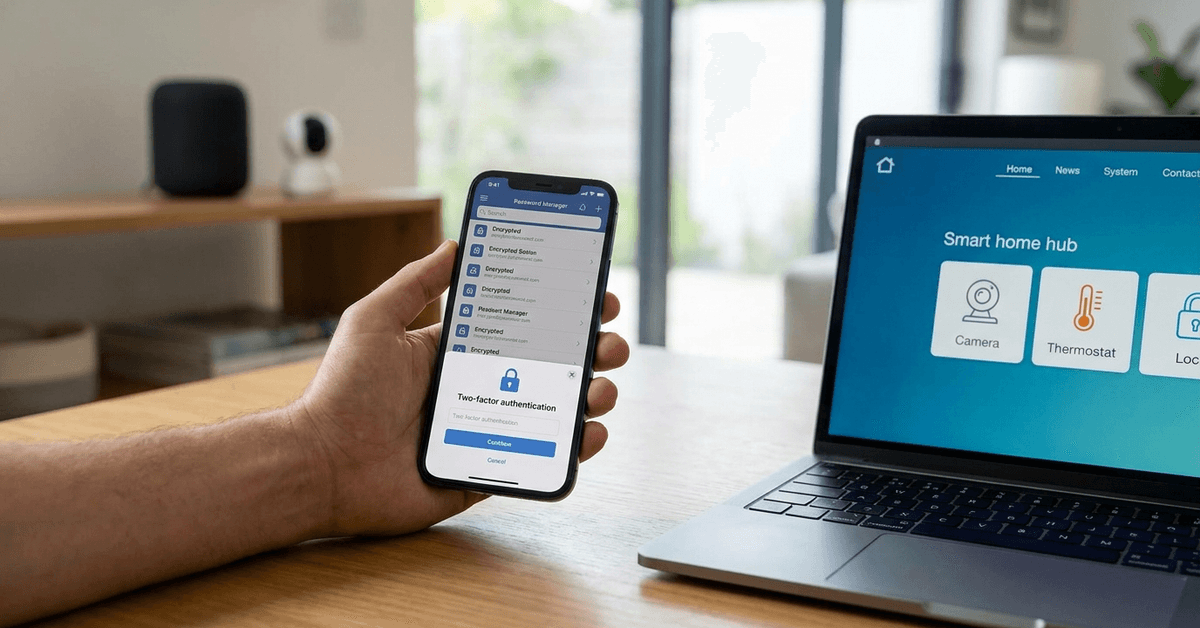
Securing smart home systems starts with well-chosen passwords. Homeowners managing smart locks, thermostats, and security cameras need digital protection as robust as their hardware. Strong passwords help prevent unwanted access and protect sensitive automation data.
Why Smart Home Password Security Matters?
Most home automation devices are connected to the internet. Weak passwords expose private routines, unlock codes, and even personal information to cybercriminals. Attackers often target easy targets: default or re-used passwords.
With the growing use of apps like Google Home and Amazon Alexa, accounts risk being compromised if password security is overlooked.
Even experienced users sometimes underestimate the risk. Perhaps it’s easy to forget how quickly cyberthreats develop.
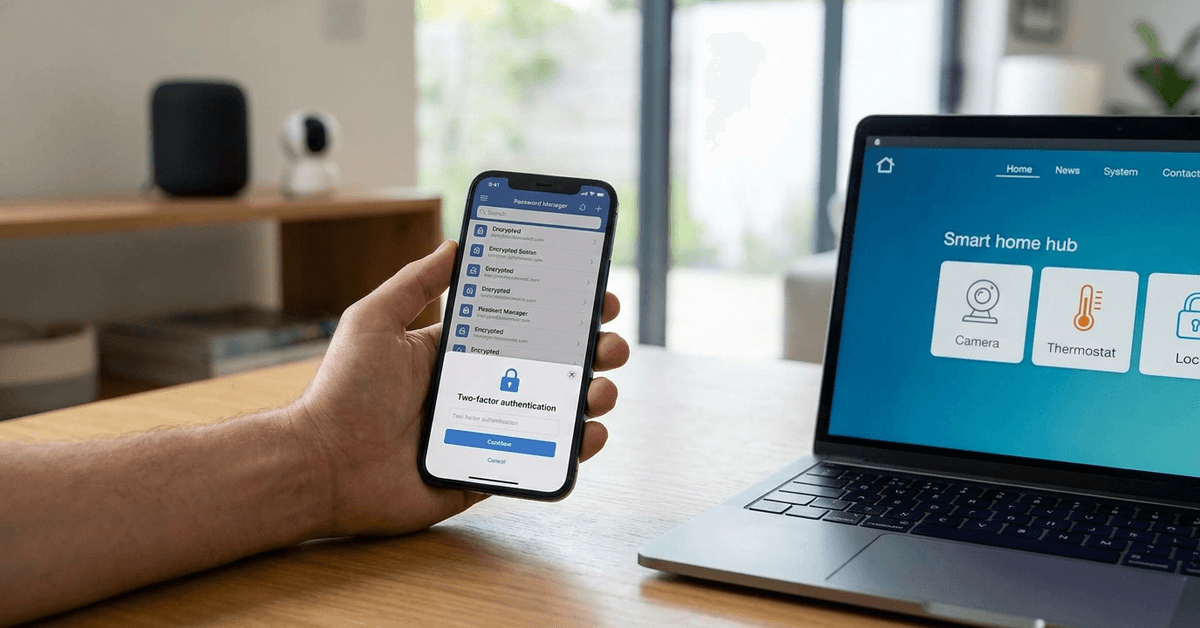
Core Components of a Strong Password
Length and Complexity
Password security improves with length. A general guideline is to use at least 12 characters, incorporating uppercase, lowercase, numbers, and symbols. Longer, unpredictable passwords frustrate brute force attacks.
Unpredictability and Uniqueness
Including unrelated words or phrases boosts security. Avoid family names, addresses, or common words. Unpredictable combinations make passwords harder to guess. Re-using passwords on multiple devices weakens every account.
Avoiding Common Pitfalls
- Skipping over simple sequences like “1234” or “password.”
- Not using personal information found on social media.
- Avoiding device or brand names, such as “Nest123.”
Practical Password Creation Strategies
Passphrases for Smart Home Accounts
Many users find passphrases easy to remember but hard to crack. This method uses a sequence of random words or phrases, sometimes linked by symbols or numbers. For example: “Crimson!Table98+Garden”
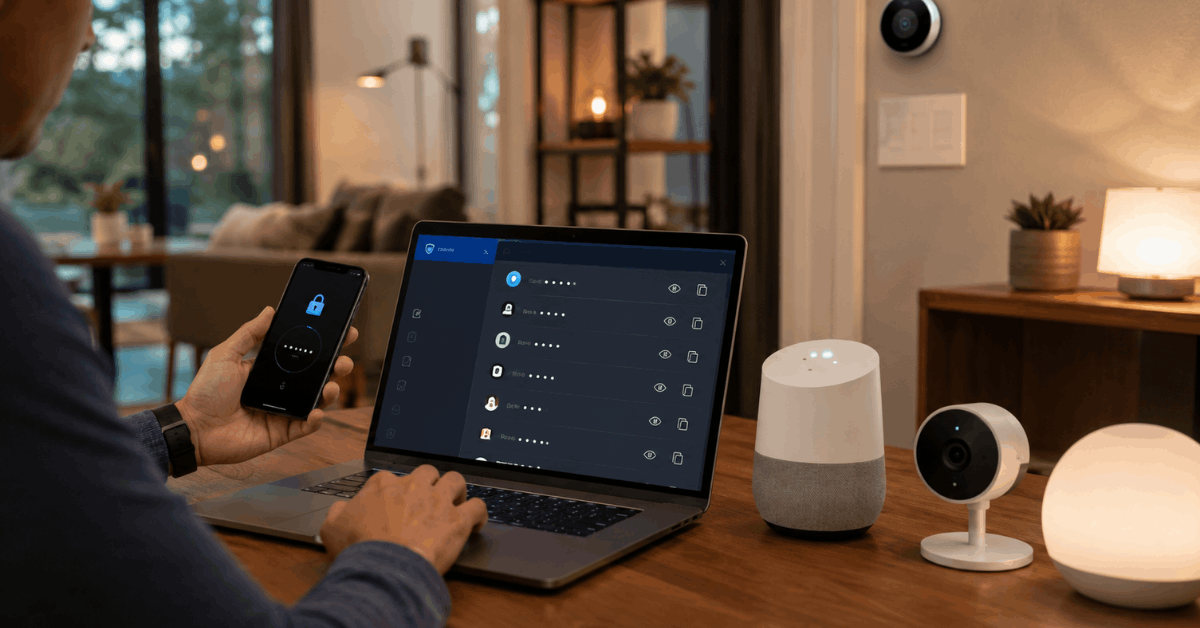
Password Managers in Practice
Software like Bitwarden, 1Password, and LastPass can create and store strong, unique passwords. These tools securely sync across devices, which is especially useful for families or shared smart homes.
Occasionally, installations might seem intimidating, but setup wizards make things smoother.
- Download and install your chosen manager’s app.
- Create a master password (this must be memorable and strong).
- Let the app generate passwords for each home automation login.
- Enable biometric authentication if possible for added security.
Only the master password needs to be remembered—the manager handles every login after that.
Two-Factor Authentication Support
Many platforms now offer two-factor authentication (2FA). Adding a layer beyond the password, 2FA requires a second code—sent to a mobile phone or generated via app. Homeowners gain extra peace of mind from this extra hurdle.
- Google Home, SmartThings, and Ring support 2FA in their account settings.
- Authenticator apps like Google Authenticator or Authy generate time-limited codes.
- SMS text-based 2FA is an option, though app-based is usually stronger.
Best Practices for Smart Device Password Management
Changing Default Credentials
During initial setup, many smart devices use factory default usernames and passwords. Changing these immediately is crucial. Attackers use automated scripts to scan devices using well-known defaults.
Device-Specific Passwords
Each home automation device or associated app should have a unique password. If a hacker cracks one password, the rest remain protected. This might seem tedious at first, but digital safety increases significantly.
Frequent Updates and Password Rotation
Rotating passwords every six to twelve months limits damage if credentials leak. Most reputable password managers can remind users when to review and update their passwords. Sometimes, even changing a few characters can make a difference.
Installation and Configuration Walkthrough
Step-by-Step: Using Bitwarden with Google Home
- Install Bitwarden on your computer and mobile device.
- Create your Bitwarden master password, choosing a mix of words, numbers, and symbols.
- Open Google Home and visit “Manage your Google Account.”
- Go to “Security,” then “Password.”
- Use Bitwarden’s password generator to create a new password for Google Home.
- Save the login in Bitwarden and optionally enable biometric access for faster use.
Enabling Two-Factor Authentication
- In your smart home app (such as Ring), navigate to “Account Settings.”
- Select “2-Step Verification” or “Two-Factor Authentication.”
- Register your mobile number or scan the QR code with your authenticator app.
- Enter the code from your app to finalize activation.
- Make sure backup codes are saved in a secure location, separate from your main devices.
Important Smart Home Platforms and Their Security Features
- Google Home: Supports both 2FA and password change reminders. Integration with major password managers offers smooth experience.
- Amazon Alexa: Two-step authentication by SMS or authenticator app. Device access history shows recent activity.
- Samsung SmartThings: Account-based security, regular update prompts, and compatibility with unique passphrases.
- Nest, Ring, and Philips Hue also provide layered protections, including device-specific account credentials.
How to Tell if a Password Is Compromised?
- Unexpected device activity, such as lights switching on or accounts being locked out.
- Security notifications from the platform about strange logins or password resets.
- Receiving emails about account changes you did not initiate.
If any signs appear, changing passwords promptly and reviewing connected email or recovery settings is wise. In rare cases, disconnecting a suspicious device may prevent further access until things are resolved.
Tips for Stronger Smart Home Passwords
These simple steps can improve protection across your connected devices.
- Replace all default passwords.
- Create long, random passphrases.
- Store logins securely.
- Turn on app-based 2FA.
- Review unfamiliar account activity.
Conclusion
Home automation makes lives easier but reinforces the need for vigilant security. Using unique, complex passwords is a practical, first-line defense against cyber risks.
Employing password managers and enabling two-factor authentication safeguards families and devices alike. Staying alert for suspicious activity and updating credentials regularly keeps smart homes private and secure.
Fortressmate.com encourages every homeowner to treat password protection as part of their everyday home routine. Future security—and peace of mind—begins with each login.