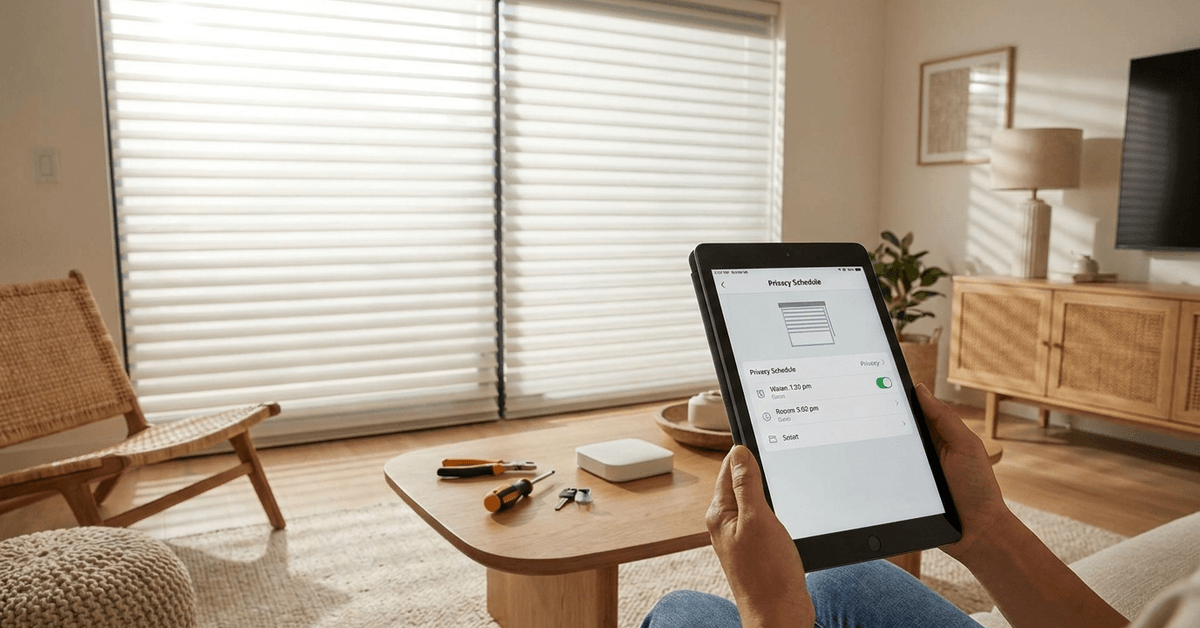
Smart window blinds add a strong layer of convenience and control to modern homes. Automating your blinds can help safeguard privacy based on precise daily routines and settings.
For homeowners new to smart automation, the installation process can seem intimidating. However, with reliable planning and clear steps, it’s straightforward to achieve smooth, secure privacy scheduling.
Understanding Smart Window Blinds and Privacy Scheduling
Modern smart blinds integrate with Wi-Fi or Zigbee hubs. Smart schedules enable automatic adjustments at set times of day. Privacy is enhanced by syncing blind movement with your presence or lighting conditions.
Main Smart Blind Protocols
The two most common wireless technologies are Zigbee and Wi-Fi. Zigbee offers stable, low-power mesh networks. Wi-Fi provides direct app integration without extra hubs, but may be more power-hungry.
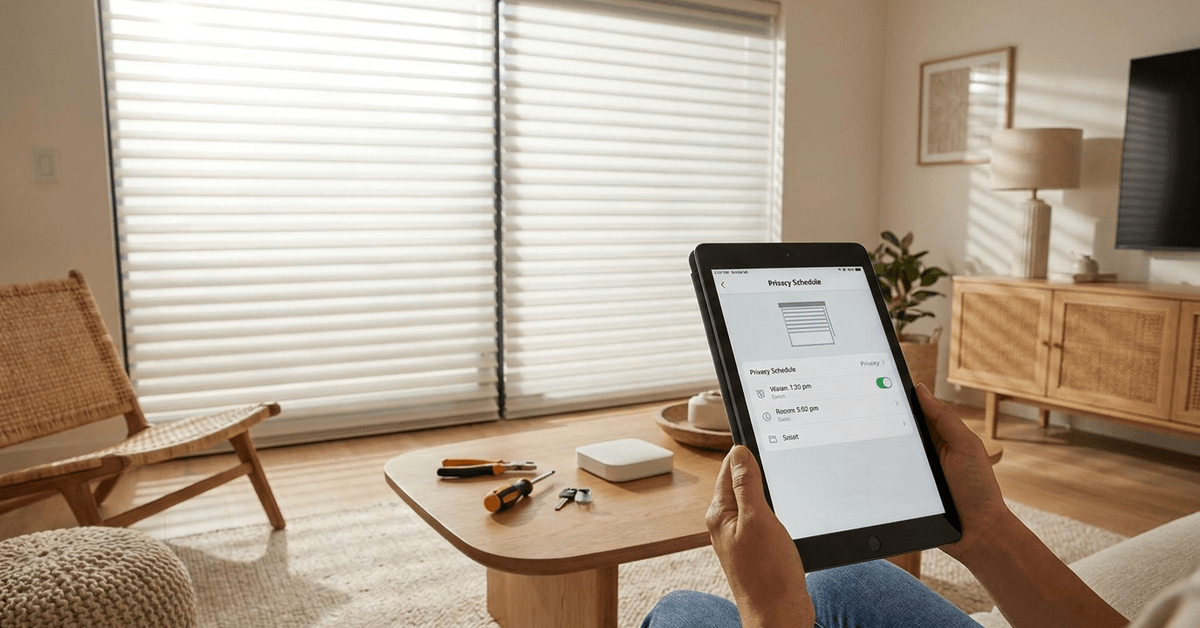
Benefits for Privacy-Conscious Households
- Customized privacy at different times, for example, closing blinds automatically every evening.
- Syncing blind schedules with routines such as bedtimes or absences.
- Reducing the risk of leaving blinds open accidentally.
Choosing Compatible Smart Blinds
Popular brands include Lutron Serena, Somfy, IKEA Fyrtur, and SwitchBot. Compatibility with your existing smart home platform is crucial. A home running Apple HomeKit, for instance, will require blinds certified for HomeKit connectivity.
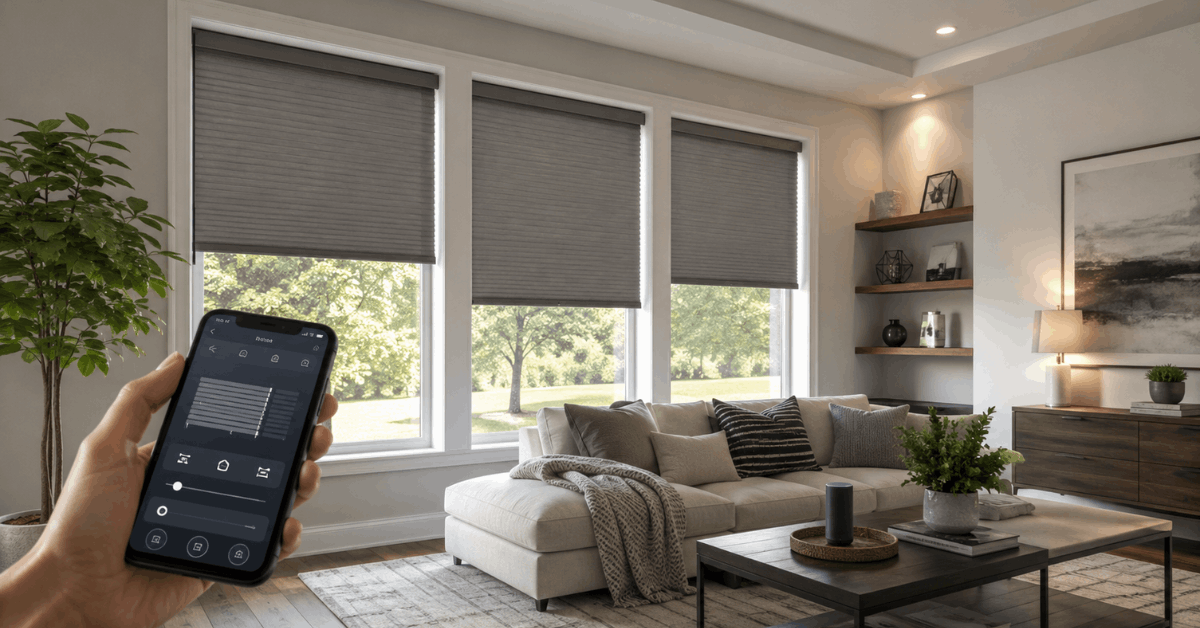
Factors to Consider
- Supported protocol: Check if the blind supports Zigbee, Z-Wave, Matter, or Wi-Fi.
- App compatibility: Confirm the blind integrates with Alexa, Google Home, or Apple HomeKit.
- Power supply: Options include rechargeable batteries, plug-in, or solar panels.
- Mounting style that fits your window and décor.
Some blinds require a proprietary hub. IKEA Fyrtur, for example, operates best with the IKEA DIRIGERA or TRÅDFRI hub. Running through the proper control hub helps ensure reliable privacy routines.
Pre-Installation Preparation
Before beginning installation, measuring is essential. Proper alignment is necessary for effective coverage and seamless operation.
What You’ll Need?
- Smart blind kit (with motor, mounts, remote, and instructions)
- Drill and screwdriver
- Level tool for alignment
- Measuring tape
Surveying the Space
Check for obstacles or uneven surfaces near your window. Walls with power outlets or strong Wi-Fi signal promote smooth blind operation. If windows are uniquely shaped, custom-cut blinds might be required for full privacy coverage.
Step-by-Step Smart Blind Installation
Proper installation begins with careful unboxing and inventory. Reviewing instructions and verifying kit contents helps minimize surprises later in the process.
1. Mark Mount Locations
- Hold up the mounting bracket to the window frame or wall.
- Mark hole locations with a pencil using the level tool to ensure straight placement.
2. Attach Mounting Brackets
- Drill pilot holes for each bracket screw.
- Use the screwdriver to secure brackets. Hand-tighten for a sturdy fit.
3. Mount Blind and Motor
- Snap or slide the blind into the brackets.
- Attach the motor unit as described in the instructions.
- Check stability by gently tugging the blind up and down.
4. Connect Power Source
- Install batteries, plug in the adapter, or attach the solar panel if applicable.
- Confirm power indicator lights or listen for an activation sound.
5. Initiate Pairing Mode
- Press and hold the blind’s pairing button as specified in its manual.
- Follow on-screen prompts in the manufacturer’s app to detect your device.
Configuring Privacy Schedules in Your Smart Home App
After installation, blinds must be added to your chosen app. Most major brands integrate with Alexa, Google Home, SmartThings, or Apple HomeKit. App features vary, and so do schedule options. Using the right app is crucial for a seamless privacy routine.
Popular Smart Blind Apps
- Home+ for Apple HomeKit users (compatible with Lutron Serena and some Eve MotionBlinds).
- SwitchBot app: Works with SwitchBot blinds and infrared bridges.
- IKEA Home Smart app for Fyrtur blinds and supported hubs.
Setting Schedules in the App
- Open the app and locate your installed blind device.
- Tap the settings or automation icon, often represented by a gear or plus symbol.
- Find “Schedules” or “Automation” and set the time window for blinds to open/close.
- Save the privacy routine. Test the blind by setting a one-minute trigger to confirm reliable scheduling.
Some systems support additional triggers, such as sunrise/sunset or occupancy sensors. This adds flexibility for households with irregular daily routines.
Integrating Privacy Schedules With Home Automation Platforms
Linking your blinds with automation routines can be individualized. For many, it’s efficient to tie window privacy to whole-home security modes, lighting scenes, or custom routines.
Recommended Integrations
- Apple HomeKit: Use the Automation tab to close blinds when everyone leaves home.
- Amazon Alexa: Create routines to adjust blinds with voice commands or paired motion sensors.
- SmartThings: Tie blinds to “Good Night” or “Away” scenes for instant privacy modes.
Platforms like Home Assistant or Hubitat Elevation enable even more granular scheduling, incorporating weather status, guest mode, or time-of-year preferences for privacy.
Troubleshooting Common Problems
Even well-installed blinds can encounter issues. Typical problems include connectivity drops, schedule failures, or stuck movement.
Diagnosing Issues
- Reset Wi-Fi or Zigbee hubs if the app loses connection.
- Verify batteries or adapter are supplying consistent power.
- Recalibrate the blind’s upper and lower limits if movements are inconsistent.
- Update device firmware within the app to resolve minor bugs.
When to Contact Support?
If the manufacturer’s troubleshooting steps do not resolve the issue, reaching out to the support team is usually productive. Major smart blind suppliers maintain clear support pages and phone assistance for common installation and app issues.
Conclusion
Smart window blinds bring automated privacy within easy reach, provided installation and configuration are handled with care. Accurately measuring windows, selecting a compatible brand, and following stepwise instructions are the first steps toward privacy scheduling that fits any household routine.
With effective app integration and solid troubleshooting, smart blinds deliver resilient, hassle-free privacy for years to come.
The peace of mind that follows is often worth the effort of careful setup. For many, it’s not just about automation, but about feeling secure at home—no matter the time of day.