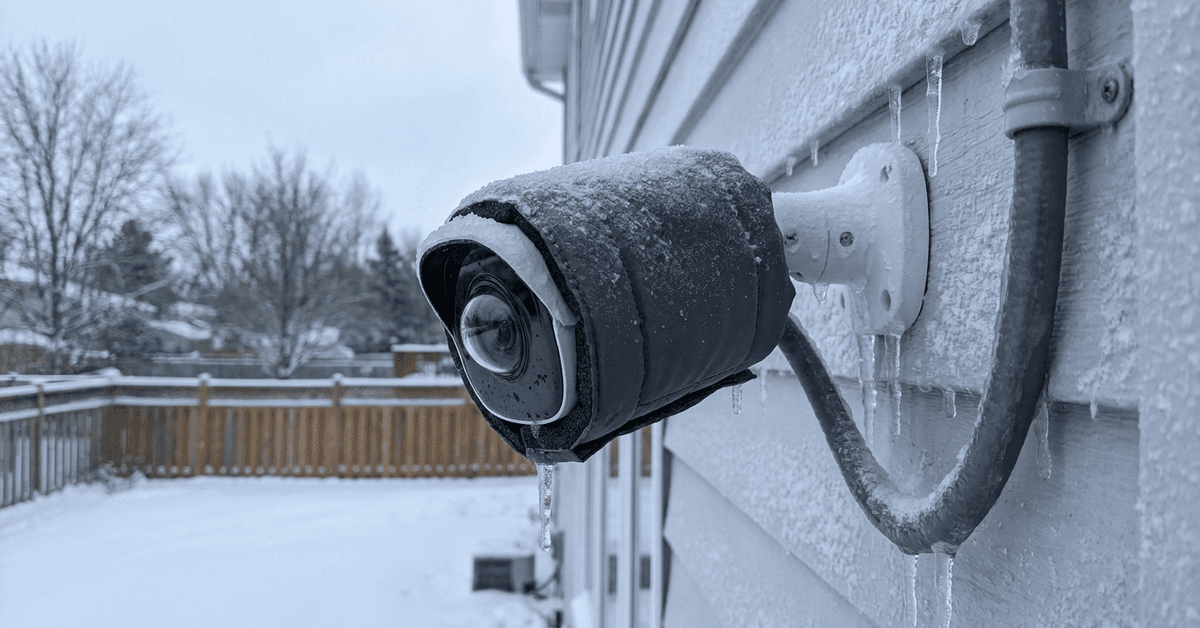
Outdoor smart cameras face serious operational challenges in cold environments. Those living in frigid climates know that extreme temperatures may impact device performance, image clarity, and even network reliability.
This article is for homeowners, renters, or property managers aiming to protect their smart surveillance gear from winter extremes. Reducing downtime, avoiding camera failures, and preserving battery life are the main goals here.
Why Cold Affects Outdoor Smart Cameras?
Most cameras contain sensitive electronics and batteries. Cold weather often affects both.
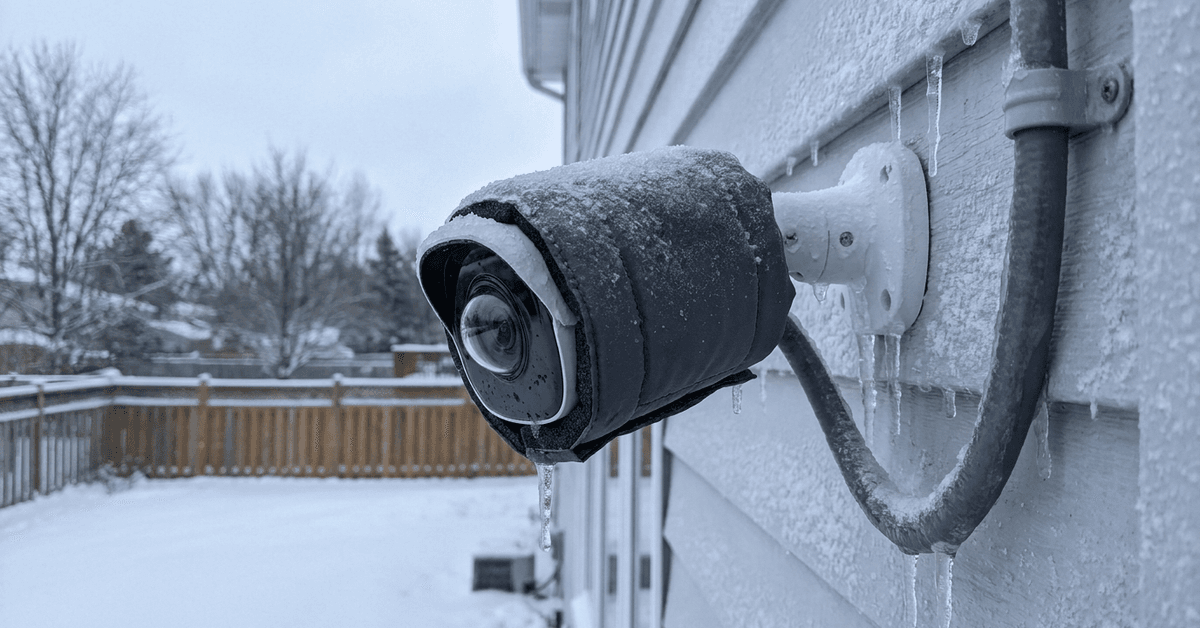
Below-freezing temperatures can slow battery chemical reactions, minimize charge retention, and cause premature shutoff.
Condensation risks rise as well. When devices move from warm to cold, internal moisture may form and damage circuits.
Additionally, some models become sluggish or lose Wi-Fi connection due to firmware limitations under stress.
Key Features for Cold Climate Cameras
Some camera models are designed with colder climates in mind.
Weatherproof Ratings
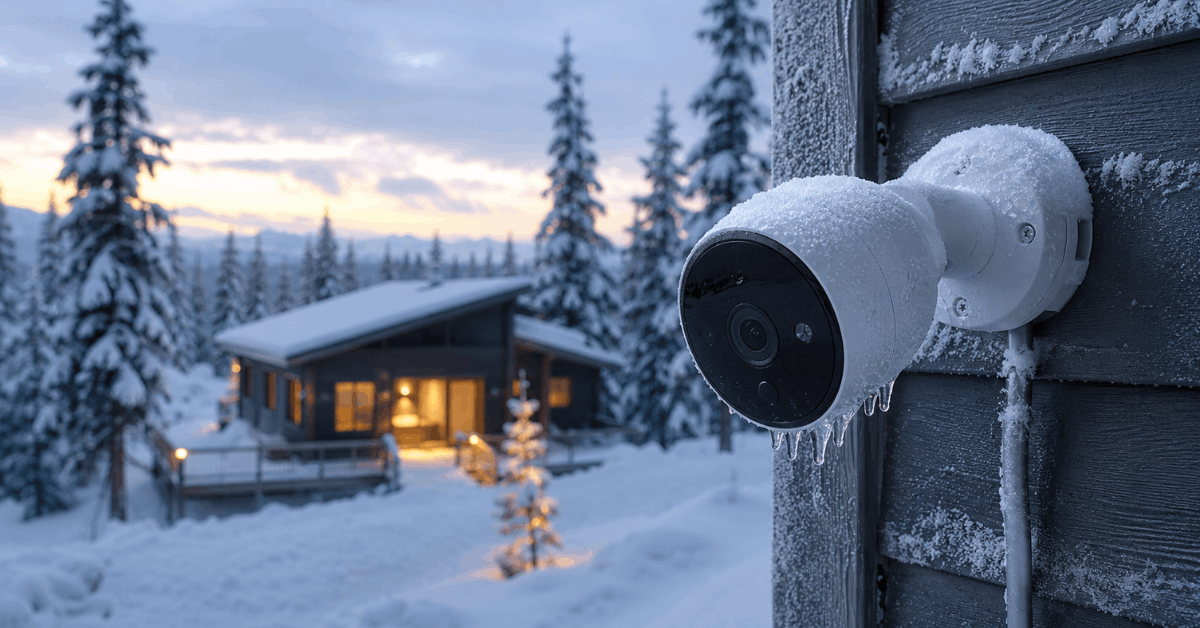
The most important rating to check is the IP65/66 or above enclosure standard. This means strong protection against snow, sleet, and ice.
Cameras rated IP66 or higher are less likely to allow moisture ingress even if snow piles around them.
Low Temperature Operating Range
It helps to review the manufacturer’s listed operating range. Many smart cameras officially perform best above -20°C (-4°F).
Industrial or enterprise-grade options may function reliably to -30°C (-22°F) or colder.
External Power Options
Batteries drain faster in the cold. An external power supply such as a weatherproofed AC adapter or solar panel can maintain operation.
Battery-only cameras may struggle to last through longer cold spells.
Insulation Strategies for Outdoor Cameras
Insulating your device provides a protective thermal buffer and may significantly improve performance.
Basic Thermal Covers
Off-the-shelf winter camera jackets are often available for popular models. These covers use foam or neoprene materials.
A higher-density thermal jacket offers more reliable insulation while maintaining airflow to avoid overheating on sunny days.
DIY Insulation Approaches
Many homeowners find value in custom solutions. Simple materials such as rigid foam panels or pipe insulation sleeves may provide good results.
- Cut a rigid foam shield to size and mount it around the camera housing.
- PVC pipe insulation or weatherproof tape can cover wires and connectors for added protection.
- Strategically placed plastic dome enclosures may block direct wind and snow.
Enclosed Mounting Options
Wall-mounting the camera inside a properly vented birdhouse-style box offers extra protection while maintaining lens clarity.
A strategically positioned plastic dome or transparent acrylic shield may further reduce cold air exposure.
Heated Camera Mounts
The most robust method uses a low wattage camera heater designed for security hardware. These integrate with the camera mount or housing.
Thermostatic switch kits automate heating only when needed, saving power and prolonging hardware life.
Optimizing Camera Settings for Winter
Simple configuration adjustments often maintain performance even when insulation is limited.
Adjust Motion Sensitivity
False alarms rise in winter due to blowing snow and fluctuating light. Reducing sensitivity in the camera app, such as Arlo Secure or Ring App, is often useful.
Many platforms let you define activity zones to further minimize unnecessary notifications.
Night Vision Adjustments
Infrared sensors consume more power and may create glare on snow. Switching from full IR mode to a balanced or auto setting often preserves battery.
Firmware Updates
Certain winter bugs cause firmware instability. Checking regularly for updates via the camera’s companion app is crucial for devices like Google Nest or Wyze Cam.
Protecting Power and Connectivity in Cold
Power and connection dropouts are common winter complaints. Site-specific solutions usually help more than generic fixes.
Battery Maintenance
Pre-charging and swapping batteries in a warm indoor space ensures longer runtime. High-capacity lithium batteries perform better in cold than standard types.
Store spare batteries indoors and rotate them at least once per week.
Wired Power Considerations
A properly insulated or heated cable conduit minimizes voltage drop and prevents ice buildup. Outdoor-rated AC adapters, such as those from Wyze Outdoor Power Adapter, are recommended.
Wi-Fi Reliability
Cold temperatures affect both the camera and Wi-Fi router placement. Placing the router closer to the outdoor wall sometimes helps.
Mesh Wi-Fi systems, such as Google Nest Wifi , may prevent disconnections during storms or deep freezes.
Routine Checks and Preventive Maintenance
Preventing damage is easier with routine checks, even if your cameras seem to be holding up.
- Brush off snow buildup every few days with a soft broom.
- Check housing seals for cracks and replace if needed.
- Review live footage quality weekly from inside using the camera app.
- Inspect cords and connectors for ice or corrosion.
Legal and Safety Considerations
Exterior modifications should comply with building codes and HOA rules. Drilling or mounting heated housings may have restrictions on visible electrical work.
Homeowners should only use safety-rated materials and UL-listed accessories. Avoid enclosing any device in a non-vented or flammable material.
Always refer to the camera manufacturer’s official winterization guidelines to preserve warranty terms and liability coverage.
Conclusion
Insulating smart cameras against extreme cold extends hardware lifespan and ensures that critical footage is always available during winter’s worst. Homeowners usually see fewer outages, clearer images, and improved security reliability by applying smart, well-tested approaches.
Combining quality equipment, DIY insulation, and tech-savvy app management can offset most cold weather risks. With a bit of routine attention and the right setup, it’s possible to maintain effective outdoor surveillance all season without constant troubleshooting or battery swaps.