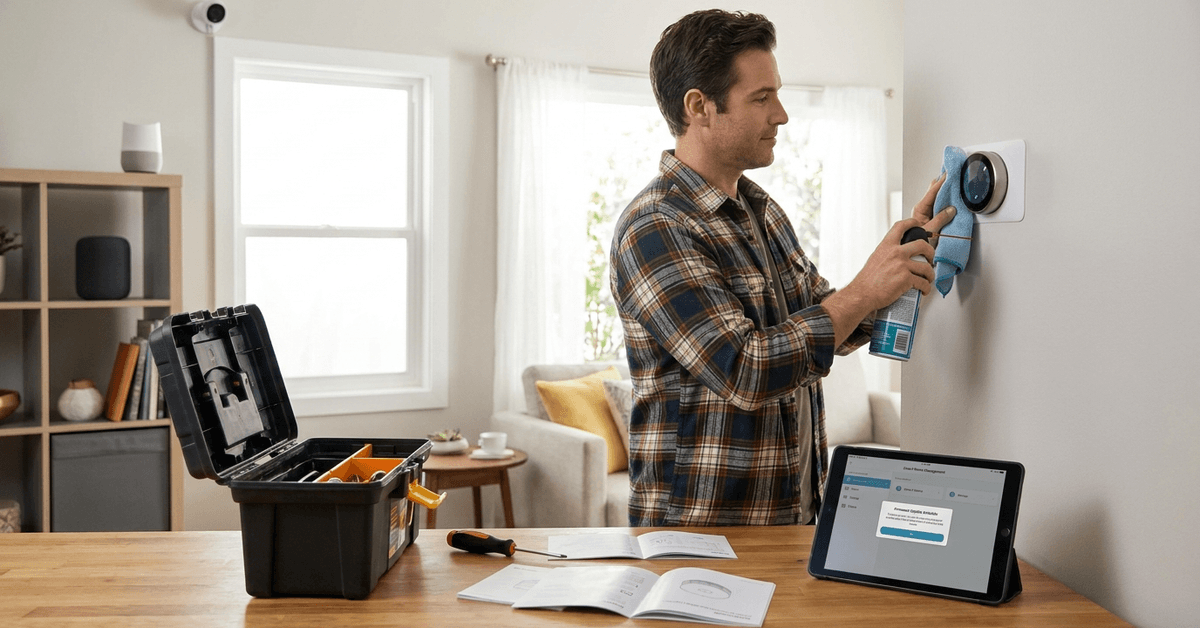
Reliable smart home hardware is essential for both peace of mind and daily convenience. Anyone managing smart lights, security cameras, thermostats, or sensors faces occasional glitches.
But regular maintenance helps prevent breakdowns, ensures compliance with software updates, and improves long-term device performance. This step-by-step checklist walks smart homeowners through a repeatable process for keeping all key hardware healthy, secure, and functional.
Essential Tools and Apps for Smart Home Maintenance
Before starting, the right set of tools saves time and reduces risk of accidental device damage. Typically, homeowners rely on mobile device managers, vendor apps, and a few hardware tools.
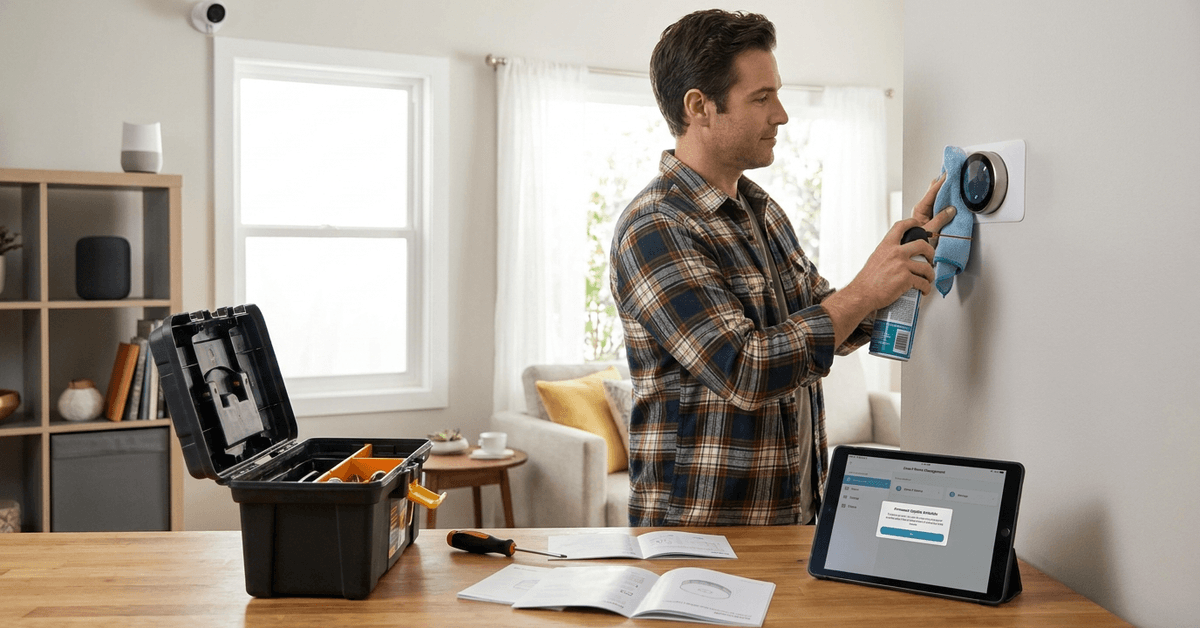
- Smart device manager app (such as Google Home or Apple HomeKit)
- Set of mini screwdrivers (Phillips and flat)
- Can of compressed air
- Microfiber cleaning cloth
- Label maker or masking tape
Most device manufacturers offer their own setup apps; regularly checking these apps simplifies firmware and network status checks.
Power and Connectivity Checks
Power disruptions are a primary cause of smart device issues. Early detection improves uptime and reduces troubleshooting headaches later.
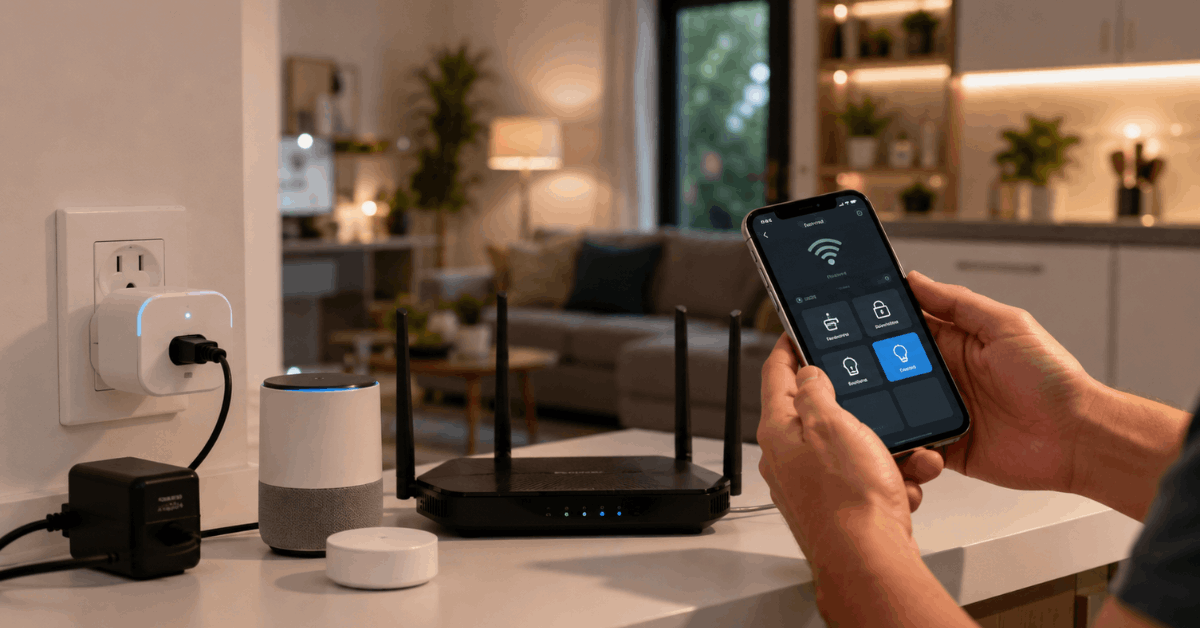
Testing Power Supplies
- Inspect device power adapters and plugs for any fraying or discoloration
- Smart outlets can be tested via app power-cycling
- Check for a secure fit in wall sockets, avoiding wobbly or loose connects
Wi-Fi and Router Assessment
- Run regular speed tests from your router admin page
- Most brands recommend at least 2.4GHz Wi-Fi for stable device coverage
- Check for firmware updates on your home router using its official app
Firmware and Software Updates
Regularly scheduled updates patch vulnerabilities and enhance device compatibility. Skipping updates risks security and performance.
- Open each manufacturer’s management app to look for pending updates
- Set device auto-updates if supported in app: Google Nest, Amazon Alexa, and Philips Hue support this
- For manual update devices (e.g. some Zigbee or Z-Wave hubs), refer to the official website for files and instructions
Allow devices a few extra minutes to reboot after a major update to avoid incomplete installation.
Physical Cleaning and Inspection
Dust, moisture, and accidental knocks all affect smart hardware lifespan. Short, routine physical checks go a long way.
Contact and Surface Cleaning
- Unplug and power down devices before cleaning to avoid electric shock
- Wipe plastics and screens gently with a microfiber cloth
- Camera lenses benefit from careful cleaning using lens wipes
Check for Corrosion or Damage
- Examine battery terminals in sensors and smart locks for corrosion (white/green residue)
- Inspect cables and connectors for wear or exposed wiring
- Replace worn batteries in all key security sensors or remotes annually
Testing Core Functionality
Partial device failures can be easy to miss if automations mask them. Monthly feature checks help spot failing sensors or relays early.
- Test motion, window, and door sensors—use the companion app to confirm triggers register
- Run a sample smart routine: for example, toggling all lights and checking result
- Alarm systems often have a ‘test’ mode which notifies all connected components
If an accessory fails a check, consult the hardware’s official troubleshooting guide. Some minor issues may require just a reset or firmware refresh.
Network Security and Access Review
Many smart hardware problems stem from poorly managed access or outdated passwords. Network hygiene acts as a strong first line of defense.
- Login to the router admin panel to review connected devices
- Remove any unknown or old smart devices
- Change Wi-Fi and admin passwords every six months—random combinations are harder to breach
- Regularly review app permissions granted on your phone and revoke unnecessary access
Enabling two-factor authentication for device management apps (when supported) adds another layer of security.
Automation and Integration Checks
Smart home automations break when integrations go out of sync. Periodic routine checks help avoid surprises.
- Test if automation rules (schedules or triggers) still activate as intended
- Confirm integrations with third-party platforms like IFTTT or SmartThings
- Check for missing devices in the main dashboard or automation app
It’s common for manufacturers to issue compatibility updates, so reviewing rules after software updates is wise.
Backup and Reset Protocols
Sometimes, resets or restores are necessary for persistent problems or after hardware swaps. Not all users realize regular backups are possible—and smart.
- Use device management apps that offer a backup and restore feature
- Note the location of device reset buttons, usually recessed in the housing
- After a reset, follow manufacturer pairing instructions to re-sync device to your network
Keeping printed (or digital) records of device serial numbers and Wi-Fi credentials speeds up any recovery after a reset event.
Annual Professional Inspection (Optional)
For large smart home setups or critical security gear, annual third-party checkups can catch issues missed in DIY routines. This may seem cautious, but for some, the extra assurance is worth it.
- Specialized technicians review wiring and network health
- System upgrade advice is offered to maintain compatibility with new protocols
Vetting technicians through recognized brands like Geek Squad, or directly from the device vendor, reduces the risk of improper handling.
Comprehensive Conclusion
Consistent smart home hardware maintenance delivers convenience, reliability, and peace of mind. While product manuals offer guidance, a personalized checklist like the one here translates technical jargon into real-world steps.
Simple habits—regular cleaning, verifying power, updating firmware, and checking automations—prevent most issues before they begin. As smart hardware evolves, a careful approach ensures devices work together smoothly and safely.
Homeowners who invest just a bit of attention each month enjoy more uptime, greater security, and better long-term performance from every smart device.