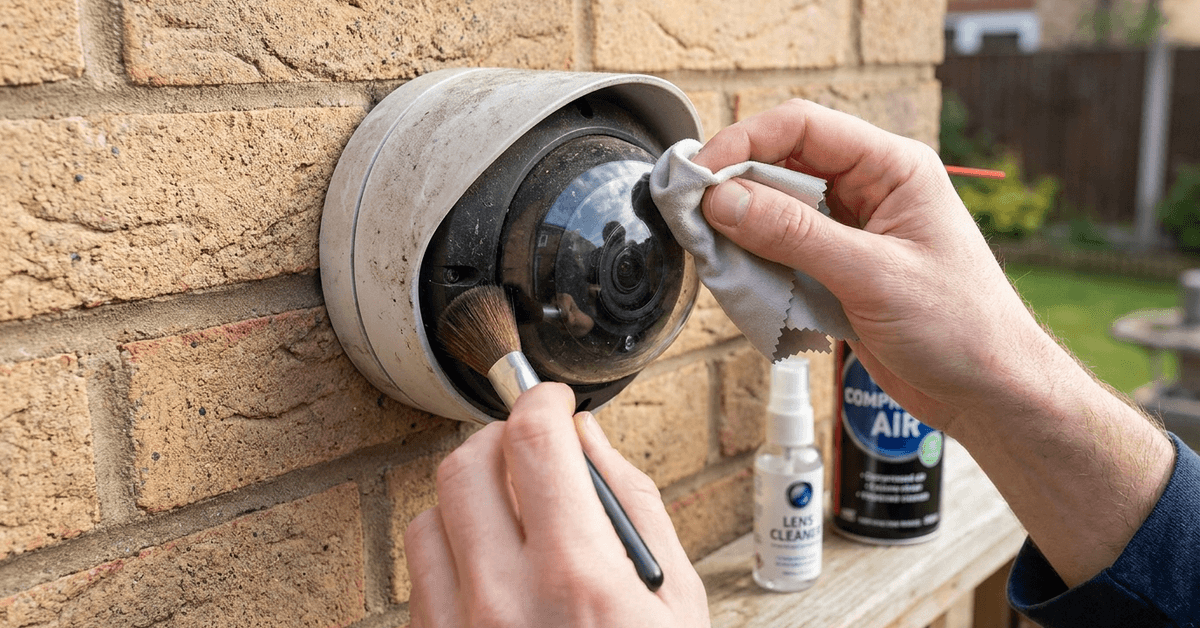
Keeping outdoor security camera lenses clean is essential for sharp video and reliable motion alerts. This task matters for families using wireless cameras, property managers, and anyone securing their smart home.
Clean lenses improve night vision, prevent false alarms, and help cameras record faces and license plates more clearly. Protecting the glass from scratches is just as critical as removing dirt.
Why Proper Cleaning Matters for Camera Performance?
Lenses attract dust, pollen, and water spots. Over time, these can blur images or block crucial evidence during incidents.
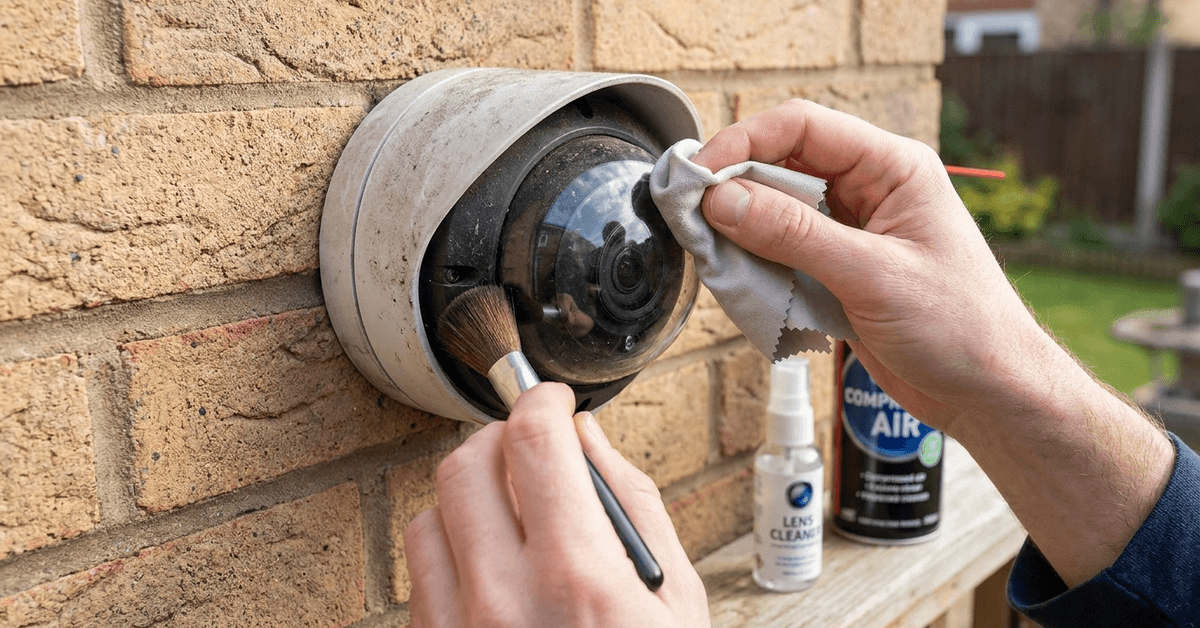
Even tiny scratches can permanently reduce clarity and lower resale value. Many camera warranties do not cover damage from improper cleaning.
Understanding Camera Lens Materials
Outdoor camera lenses are typically made from either tempered glass or durable polycarbonate plastic.
Tempered Glass Lenses
Tempered glass is harder to scratch but can shatter with the wrong tool or chemical exposure.
This material is most common in premium security models from Arlo, Reolink, and Google Nest Cam.
Polycarbonate Lenses
Budget models, like Wyze or Eufy cams, often use polycarbonate. This material resists shattering, but it is slightly softer than glass.
Using the correct cleaning technique is even more important on polycarbonate to avoid haze or micro-abrasions.
Common Causes of Lens Damage
- Wiping the lens while grit is present
- Using paper towels or abrasive cloths
- Spraying glass cleaner directly onto the lens
- Cleansing with alcohol, ammonia, or rough chemicals
Harsh weather can also leave behind minerals that etch lenses if not removed gently.
Best Tools and Safe Products for Cleaning
Microfiber Lens Cloths
The safest starting point is always a microfiber lens cloth designed for eyeglasses or DSLR cameras.
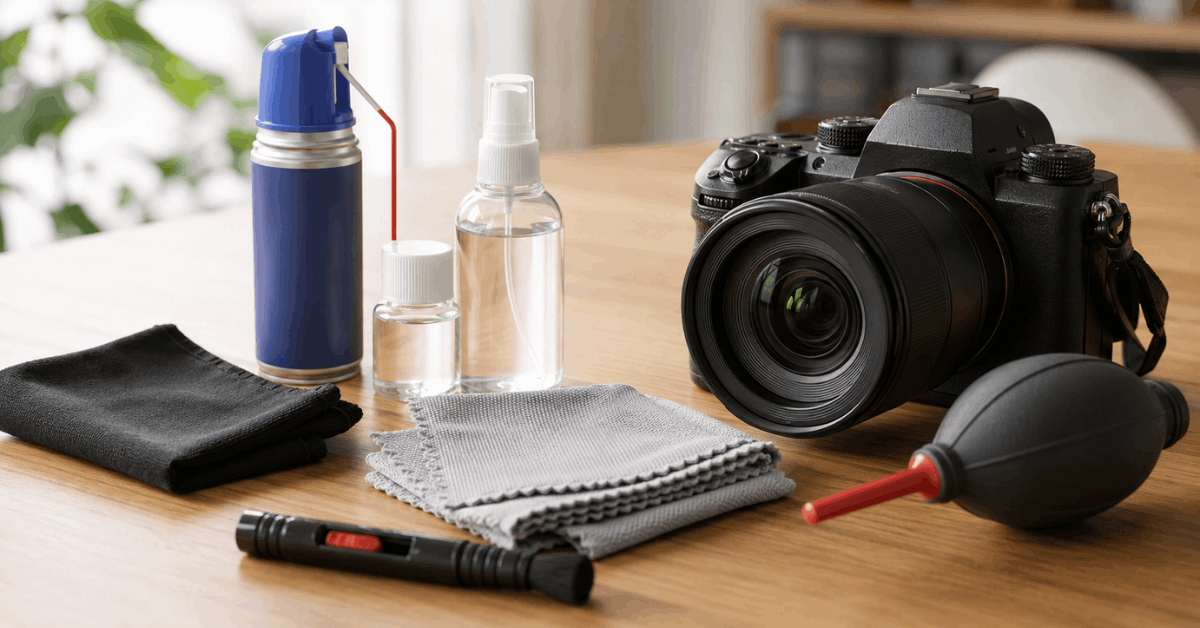
This material lifts dust without scratching sensitive coatings or plastics.
Lens Cleaning Solution
Many users prefer a water-based camera lens solution, such as Zeiss Lens Cleaner or Eco-Fused spray.
It is important to apply cleaner to the cloth, not the lens itself, to prevent seepage into the camera body.
Soft Lens Brush
A soft lens brush, like those from Giottos or LensPen, removes pollen, sand, or cobwebs before wiping.
Clean Compressed Air
For dry dust, compressed air designed for electronics can blow away loose particles before contact cleaning.
Safe Step-by-Step Lens Cleaning Process
- Switch off the camera system or set it to privacy mode for safety.
- Check the lens for sand, leaves, or visible particles. Gently use a soft lens brush to remove any debris sitting on the glass.
- Use a burst of compressed air from a safe distance to clear away hidden grit.
- Dampen a corner of a microfiber cloth with a manufacturer-approved lens cleaner or distilled water. Never use window/glass cleaner.
- Wipe the lens in gentle, circular motions starting at the center. Avoid strong pressure.
- Use a dry area of the cloth to buff the surface and remove streaks or residue.
- Check the lens for leftover smudges or spots. If needed, repeat with a new section of the cloth.
- Allow the lens surface to completely air dry before reconnecting the camera to power.
What to Avoid When Cleaning Outdoor Camera Lenses
- Paper towels are convenient but often cause micro-scratches and shed fibers.
- Avoid rough kitchen sponges, even those labeled as ‘non-scratch’.
- Steer clear of regular household glass cleaners (Windex, etc.), which may strip anti-reflective coatings.
- Avoid using your breath to ‘fog’ the lens, as it introduces unknown residue.
In many cases, trust only products recommended by your camera manufacturer in the user manual or on their official website.
How Often Should You Clean Outdoor Security Camera Lenses?
Outdoor camera placement impacts how often lenses need cleaning. Locations near plants, busy roads, or walkways usually require more frequent attention.
- After storms or high pollen seasons: inspect and clean as soon as safe.
- In dry or high-traffic areas: at least once per month.
- For best security performance: review video footage weekly for signs of blurring.
Installing a small camera hood or shield can help minimize buildup but is not foolproof.
Advanced Tips for Preventing Recurring Smudges or Damage
Use of Hydrophobic Sprays
A hydrophobic lens spray such as Rain-X for Plastics can reduce water stains without harming coatings.
Some users report that a very light mist keeps rain droplets from sticking, though it must be certified safe for cameras.
Firmware Alerts for Lens Issues
Platforms like Arlo or Eufy offer AI-powered blur detection and cleaning reminders in their companion apps.
Enabling push alerts helps homeowners act quickly before image quality drops or false positives increase.
Camera Placement and Mounting
Adjusting the mounting angle, or moving the camera a few centimeters under an eave, usually reduces exposure to direct rain and dust.
Upgrade to Self-Cleaning Covers
Newer smart cameras sometimes come with self-cleaning mechanisms, such as a rotating glass disc or miniature wiper. Products like the Hikvision Smart Series offer this feature.
If frequent cleaning is needed, a third-party weather shield or cover might be a worthwhile accessory.
Conclusion
Maintaining clear security camera lenses does not have to be complicated. The right cleaning tools, cautious handling, and regular checks prevent scratches that could jeopardize video quality or system reliability.
Consistency, gentle care, and product selection based on your camera’s manual offer the best results. Homeowners who follow these methods often notice easier video reviews and fewer missed events. Each safe cleaning step preserves both image sharpness and long-term smart home protection.