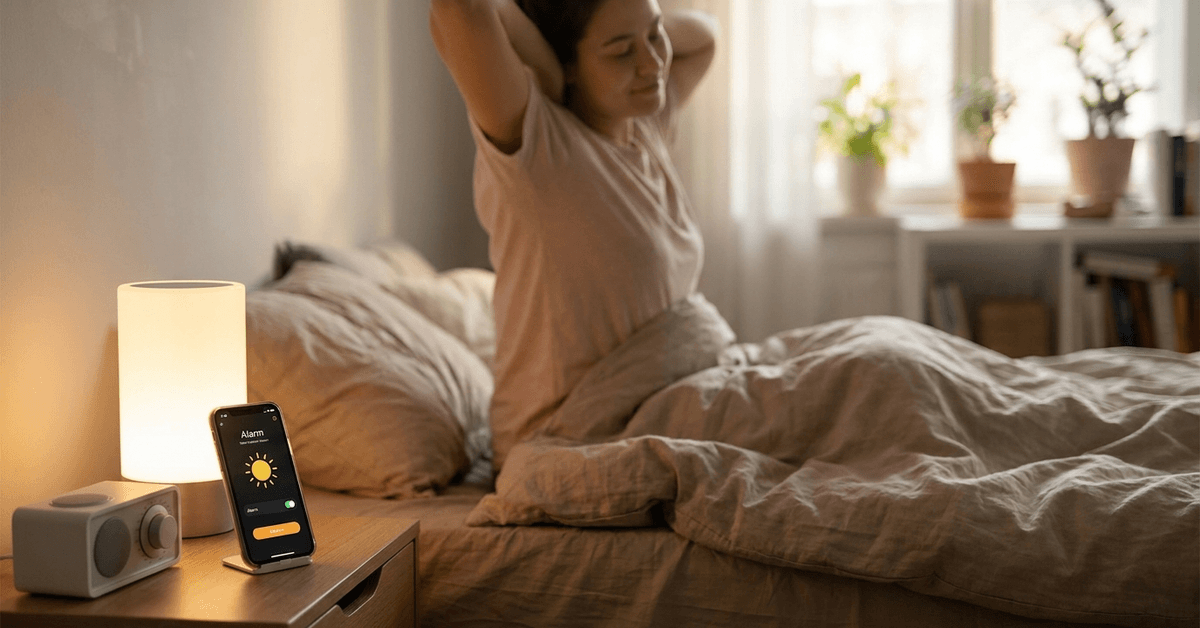
Waking up can feel less abrupt and more natural with indoor lighting that synchronizes to your alarm. Homeowners looking to build a reliable, secure smart home often explore light syncing as a practical upgrade.
This guide on Fortressmate.com explores actionable steps and specific tech options so anyone can enjoy a smarter morning routine. Let’s break down the benefits, the tech requirements, and how to achieve seamless integration using trusted devices and popular smart home apps.
Why Sync Indoor Lights to Your Daily Alarm?
One of the core reasons for syncing lights to alarms is improved wake-up comfort.
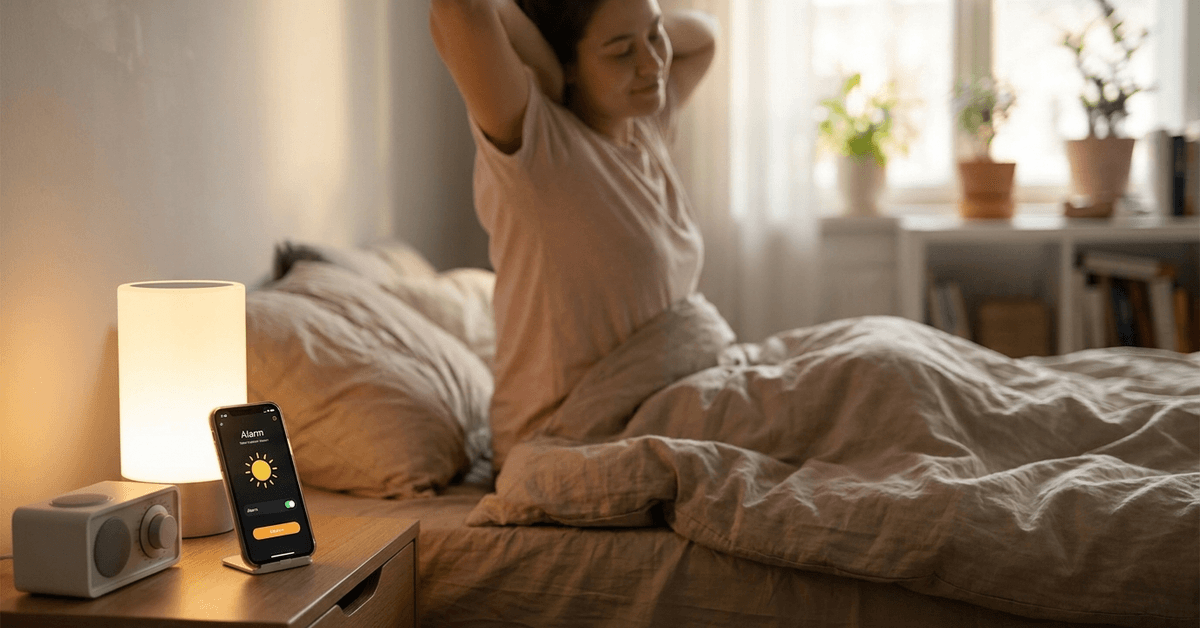
This approach mimics sunrise, gradually increasing brightness and helping the body adjust more naturally.
For anyone with a busy schedule or rooms that lack natural sunlight, this can offer a tangible mental boost. It also adds a layer of convenience and security to your daily pattern, especially when routines vary.
What Equipment and Platforms Are Required?
At the most basic level, a compatible smart light system and a programmable alarm or routine scheduler are needed.
A few trusted options frequently integrated by enthusiasts include:
- Philips Hue bulbs and Hue Bridge
- LIFX WiFi-enabled lights
- TP-Link/Kasa smart lighting
- Google Nest Hub or Google Home environment
- Amazon Echo devices for Alexa routines
- Apple HomeKit-ready bulbs (Nanoleaf, Eve, or Hue)
Most systems require either a proprietary hub (such as the Hue Bridge) or a WiFi connection with app support for automation.
Essential Setup Steps for Light-Alarm Syncing
Initial hardware installation
Install compatible smart bulbs and connect them to the appropriate hub or directly to your wireless network.
Power each bulb while ensuring a steady WiFi signal in the intended area to avoid drops or lag in the automation process.
Integrate with your chosen smart home platform
Link your lights to a central platform via their native app or through:
- Google Home (works well across many brands)
- Amazon Alexa app
- Apple Home or HomeKit for iOS users
Create groups or rooms in the app so specific lights can be addressed together or individually, offering flexibility later on.
Routine or alarm automation configuration
The core of synchronization happens through automation routines or alarm settings.
- In Google Home, tap Routines in the app menu, then create a new routine that runs when your alarm triggers.
- For Alexa, use the ‘Routines’ section and set the trigger as an alarm event rather than a set time.
- Apple users often use the Home app’s ‘Automation’ tab, pairing a wake-up alarm with the “Turn on lights” scene.
Timing and light selection are fully adjustable, so it’s easy to keep lights off on weekends or minimize disruptions for others sharing the space.
Step-by-Step: Syncing Philips Hue With Your Morning Alarm
- Download and install the Philips Hue app on your mobile device.
- Ensure lights are added and named inside the app.
- Open the ‘Routines’ tab or ‘Automations’ (depending on app version).
- Select ‘Wake up’ or ‘Custom routine’ and choose the desired days and start time (ideally, match your alarm setting).
- Pick which bulbs or groups to activate and adjust the fade-in duration. Many find a 10–30 minute gradual light increase most lifelike.
- Finish by confirming and testing the automation by setting an alarm a few minutes ahead to watch the sync in action.
Additional customization (optional)
- Use color values or scenes for a softer or more vibrant start. Warm tones (orange or soft yellow) feel most natural for mornings.
- Integrate with third-party platforms like IFTTT if extra logic or conditions are required (for example, only trigger lights on weekdays).
Troubleshooting Common Syncing Issues
WiFi and connectivity problems
Unreliable WiFi is a top reason automations may fail.
Test signal strength at each light installation site and reboot the router or hub if any devices regularly appear as “offline” in your app.
Out-of-sync routines or alarms not activating lights
Confirm the right triggers are selected in the app. Routines sometimes default to a strict time instead of using an actual alarm event.
Update both the smart light and platform software for maximum reliability.
Scene or brightness not matching the alarm
Double-check that the selected scene or bulb group matches what’s specified in the automation.
Some apps allow for fine-tuning. Experiment gradually for the best personal balance of comfort and alertness.
Top Smart Lighting Protocols for Seamless Integration
Homeowners often see better results by choosing indoor light systems that support widely recognized protocols.
- Zigbee is common among popular bulbs and bridges like Philips Hue.
- WiFi-only bulbs (LIFX or Kasa) work well for simple installations and often cost less.
- Thread is emerging as a secure, low-latency standard for HomeKit-enabled devices.
- Z-Wave is found mostly in more advanced home automation setups, sometimes requiring a dedicated hub like SmartThings.
Each protocol has tradeoffs involving range, latency, and compatibility with other platforms. For most, Zigbee or WiFi remains the easiest for seamless alarm syncing.
Recommended Apps to Streamline Light and Alarm Syncing
- Philips Hue app : Best for users fully invested in Hue bulbs and bridges.
- Google Home app: Broad support for multiple brands and adjustable routine triggers.
- Amazon Alexa app: Strong for voice-activated routines and households with Echo devices.
- Apple Home (HomeKit): Essential for iPhone users or those prioritizing privacy.
- IFTTT: Advanced condition-based routines linking alarms and lights across apps or devices.
All major platforms allow for gradual brightness increases, day-of-week settings, and integration with other morning tasks such as coffee makers, if desired.
Security and Privacy Considerations
Any device connected to WiFi or a smart home hub should be kept updated with the newest firmware.
This reduces the risk of unauthorized network access or malfunctions at crucial moments such as your morning wake-up call.
When possible, platforms like Apple HomeKit offer an added layer of end-to-end encryption for sensitive routines.
Homeowners are also encouraged to use unique, strong passwords when setting up accounts for each app or brand ecosystem.
Best Practices for a Reliable Smart Lighting Alarm Routine
- Schedule a recurring app check-in weekly to verify automations run as expected and to install pending updates.
- Consider setting a backup standard alarm in the first few weeks until the routine proves fully reliable.
- Use scenes to customize for various seasons or wake-up preferences, testing adjustments on evenings to avoid disrupting genuine sleep cycles.
- Document or screenshot your favorite settings so you can restore them if you switch phones or reset your smart home devices.
Conclusion: Achieving Smoother Mornings With Synced Smart Lighting
Synchronizing smart indoor lights with your daily alarm brings convenience, comfort, and a gentle start to everyday life.
This setup is attainable using today’s leading bulbs, platforms, and customizable apps. Careful planning and routine verification safeguard against common tech hiccups.
As home automation continues to evolve, linking lights to alarms remains a simple yet powerful way to enhance personal well-being while adding a polished touch to modern living spaces.