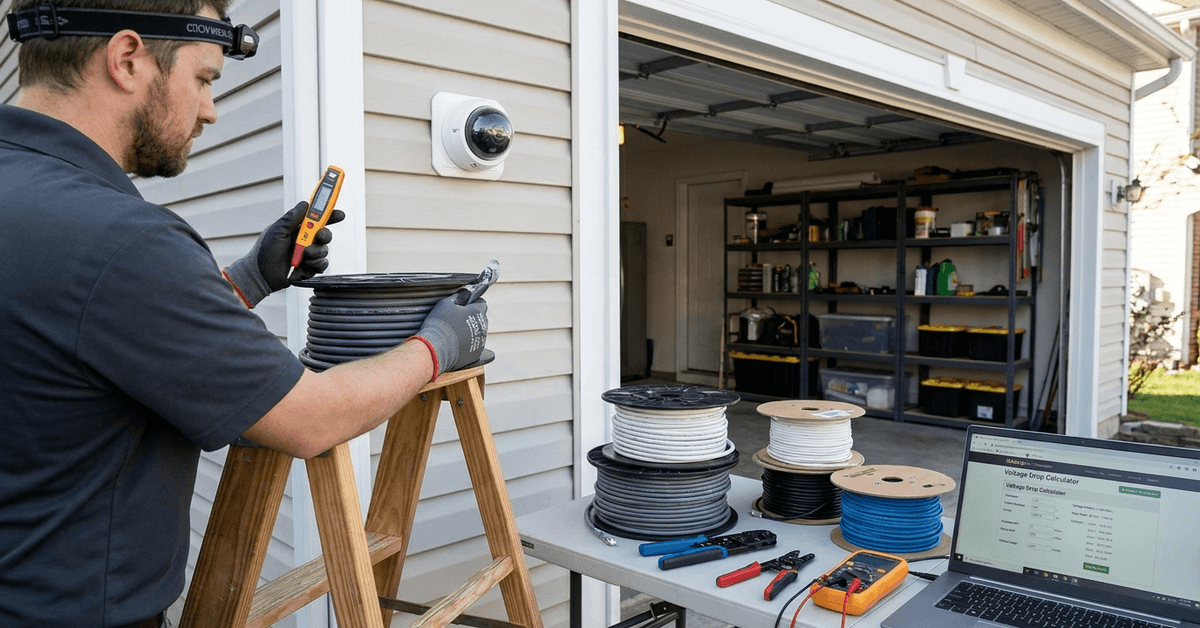
Continuous camera recording depends entirely on cable reliability, yet cable selection is often underestimated. An incorrect cable can cause footage drops or permanent equipment damage.
This guide helps smart home enthusiasts and DIYers secure uninterrupted power for their cameras, ensuring essential moments are always captured.
Why Cable Choice Matters for Continuous Recording?
Cameras require a stable and sufficient power supply for all-day recording. Cable quality plays a central role in preventing disruptions and voltage drops.
Risks of Incorrect Cable Selection
- Interrupted recordings due to short circuits or power loss
- Degraded video quality if voltage drops below camera minimum
- Shortened camera lifespan from overheating or inconsistent current
Continuous streaming cameras, especially those with full HD or night vision, draw more power than basic models. Many users realize too late that cheap or undersized cables lead to gradual failures.
Understanding Camera Power Requirements
Before choosing a cable, it’s helpful to check your camera’s rated input voltage and current draw. These figures are available in the camera’s manual or on the manufacturer’s site.
Common Power Specs for Security Cameras
- PoE (Power over Ethernet): 48V DC, up to 15.4W (IEEE 802.3af) or 25.5W (802.3at)
- USB-powered cameras: 5V at 1A to 2.5A
- 12V DC standard: often 1A to 2A per camera
- 24V DC: used for longer runs, sometimes with multi-camera setups
Some surveillance setups combine wired and wireless cameras. Each type comes with unique cable sizing and compatibility needs.
Which Cable Type is Best for Your Camera?
Different cable types suit different camera models, run lengths, and installation environments. Here’s how homeowners decide between the most practical options.
Standard DC Power Cables
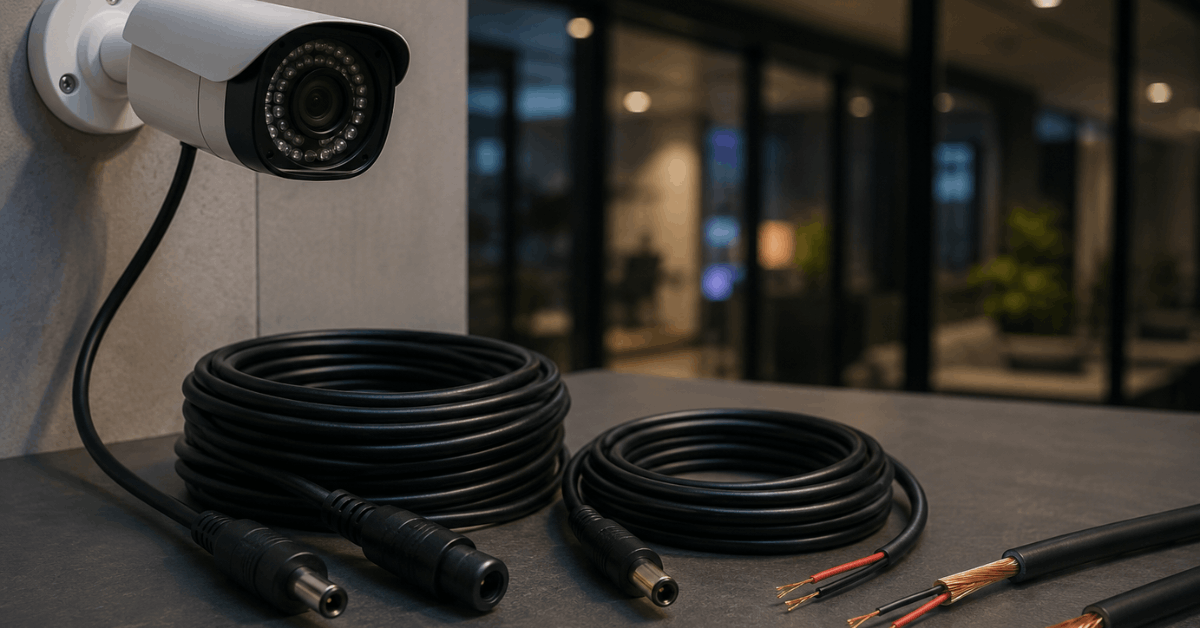
- Ideal for most 12V cameras under 50 feet away from the power source
- Pre-made sets include molded connectors for quick use
- Look for copper conductors, not just copper-clad aluminum (CCA)
Power over Ethernet (PoE) Cables
- Used for IP cameras supporting PoE via Cat5e or Cat6 cables
- Single cable powers and connects network data, reducing clutter
- For best results, Cat6 is often preferred for runs over 100 feet due to less voltage drop
USB Power Cables
- Mostly for compact, consumer-grade cameras
- Longer USB runs (over 10 feet) may drop voltage—active USB extension cables or powered hubs help mitigate this
How Cable Gauge Influences Power and Reliability?
Cable thickness, measured by AWG (American Wire Gauge), directly affects how much power reaches the camera without dropping below required voltage.
Common Gauge Recommendations
- Short runs (under 25 feet): 24AWG or 22AWG typically suffice
- Medium runs (25–50 feet): choose 20AWG for minimal voltage loss
- Long runs (over 50 feet): 18AWG or thicker often needed
Thick cables cost a bit more but dramatically lessen risk of outages. For outdoor use, always select cables rated for UV and weather exposure.
Calculating the Correct Cable for Your Setup
Accurate calculation helps prevent guesswork. A combination of gauge, length, and required current will define your best option.
Simple Calculation Steps
- Find your camera’s voltage (V) and amperage (A)
- Measure the route length from power source to camera
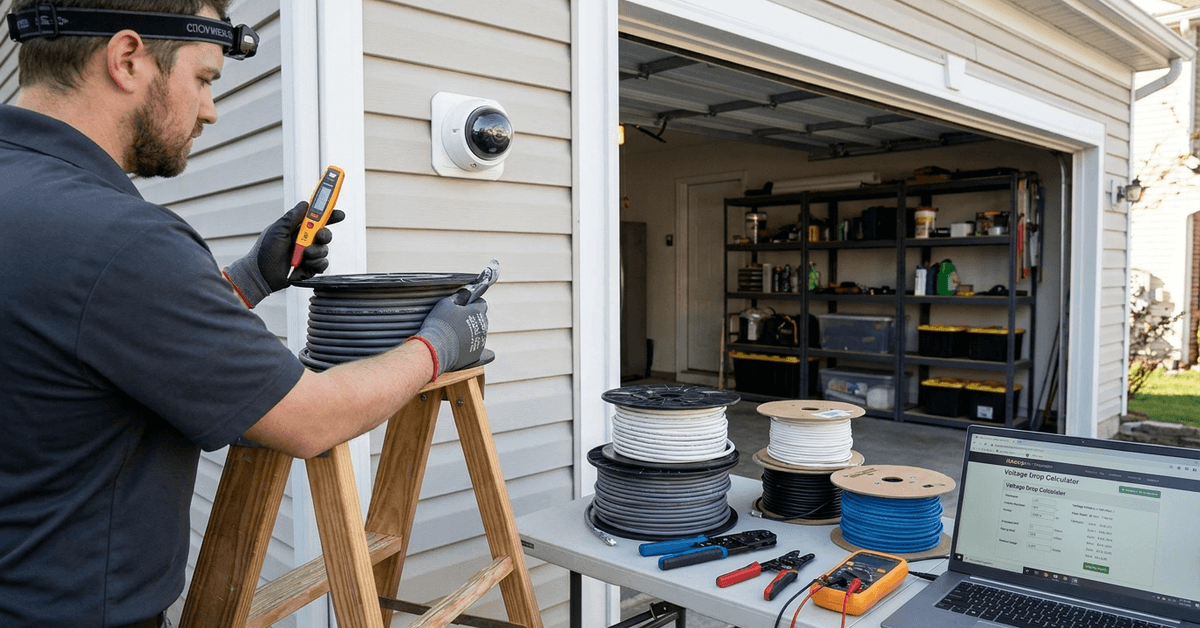
- Use a cable voltage drop calculator (web tools such as RapidTables help here)
- Compare the resulting voltage at the camera end against its rated minimum
If voltage at the destination is too low, a thicker gauge or a shorter run is often the most reliable answer. It isn’t uncommon for first attempts to reveal underpowered setups, especially in large homes.
Install Best Practices for Continuous Camera Power
Physical installation matters as much as cable type. A few real-world practices increase reliability:
- Secure cables along walls or ceilings to avoid physical wear
- Avoid running power alongside high-interference lines (like mains AC)
- Label both ends for future troubleshooting
- Use surge protectors or inline fuses for sensitive equipment
- Leave a service loop—extra wire at ends—for maintenance
Smart Power Solutions for Advanced Setups
Many smart home users add fail-safes to their camera systems, especially in areas prone to outages or tampering. Building redundancy into your cabling is highly effective.
Uninterruptible Power Supply (UPS) Options
- A compact UPS keeps surveillance running during brief outages
- Specific UPS models offer DC output for direct wiring—search for “networking UPS” or “surveillance UPS”
- For PoE, some UPS units can back up both switch and cameras together
Smart Power Management
- Integrated Wi-Fi plugs (TP-Link Kasa, Wyze Plug) allow scheduled restarts or monitoring for overheating
- Homeowners often connect smart plugs to battery power banks for added backup—though this suits only low-amperage cameras
Common Installation Mistakes to Avoid
- Using copper-clad aluminum cables in humid or hot areas—they corrode quickly and lose power
- Daisy-chaining multiple extension cables, leading to significant voltage drop
- Ignoring voltage at the camera end—meters like Klein Tools Voltage Tester help confirm delivery
- Relying on generic adapters with unknown output regulation
Consistent, always-on recording depends on little choices, often overlooked until issues arise.
Safe and Legal Considerations
Wiring inside homes must suit local electrical standards. Outdoor runs require weather-rated cables and sealed connectors to avoid fire hazards and permit violations.
For PoE systems in larger properties, professional consultation is sometimes the most prudent approach, especially for wiring inside walls or ceilings.
Conclusion
Choosing the correct power cables means more than just plugging in a camera and hoping for the best. It involves real calculations, smart material choices, and a willingness to double-check voltage at every stage.
Prioritizing cable quality—especially copper conductors and the right gauge—secures non-stop protection for both your property and your data.
Thoughtful homeowners combine these technical steps with routine checks and, occasionally, smart add-ons like UPS backups. The result is a camera network that works around the clock, ready for whatever the day or night brings.
With the right cables, your Fortressmate.com setup stands stronger and more reliably guarded for the long haul.