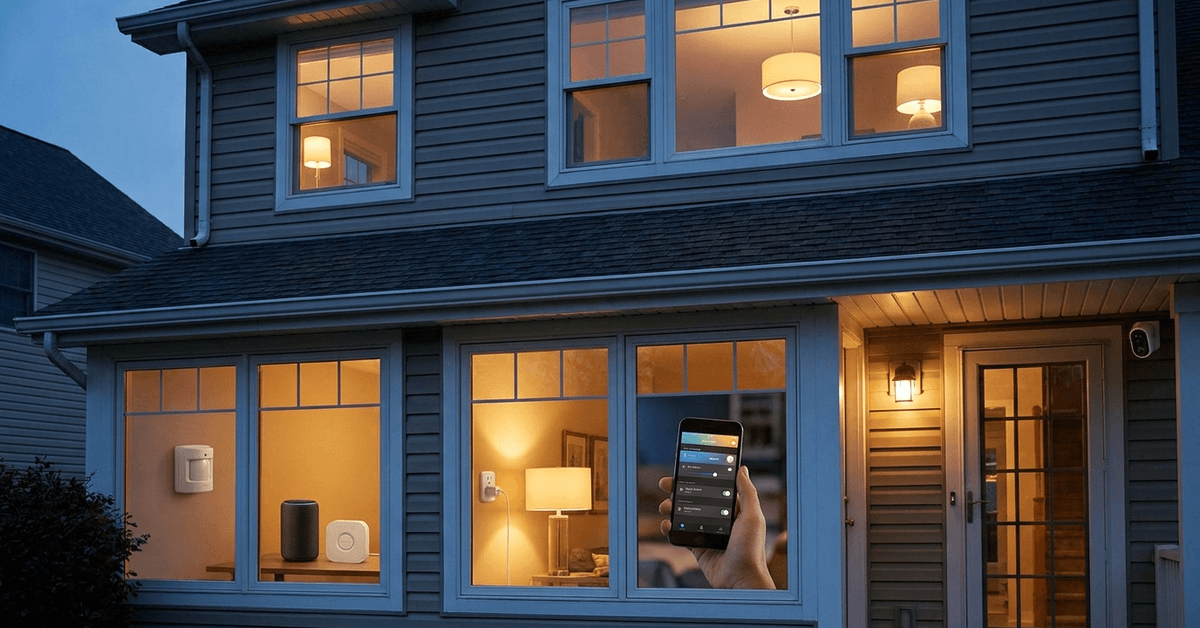
Securing a home often starts with the simplest details, such as lighting. When a house looks occupied, it often deters unwanted visitors.
This guide is designed for homeowners and renters interested in practical, tech-driven solutions. The key benefit is peace of mind using smart light automation to mimic the effect of someone always being present.
Why Smart Lighting Automation Matters for Home Security?
Automated lights are one of the most effective visual deterrents for burglars. Most intruders seek easy targets.
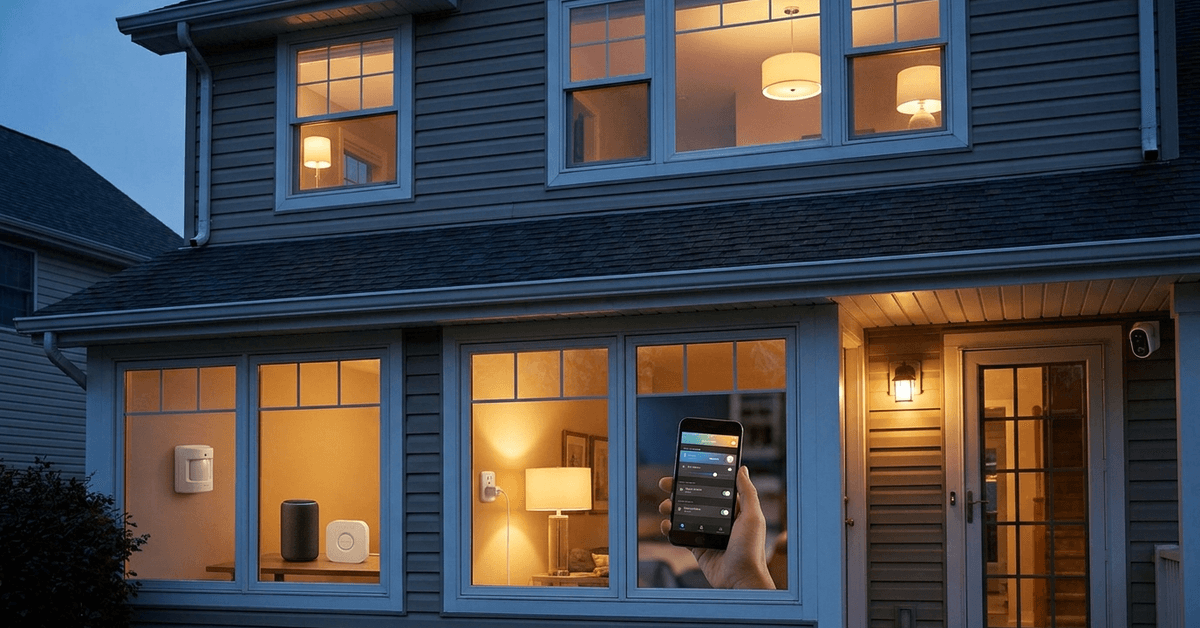
Homes that appear occupied are statistically less likely to be targeted. Strategic lighting patterns can create this impression even when nobody is inside.
Choosing the Right Smart Light Technology
Modern smart lighting offers several protocols. Each has benefits depending on your needs.
Wi-Fi-Based Smart Bulbs
Wi-Fi bulbs are easy to install and don’t require extra hubs. Popular brands include Philips Hue and LIFX.
These bulbs connect directly to your router and can be controlled from anywhere with an app.
Zigbee and Z-Wave Systems
Zigbee and Z-Wave bulbs need a compatible smart hub. These systems are often used for more extensive or integrated smart home setups.
Reliable brands include Sengled (Zigbee) and Aeotec (Z-Wave).
Smart Plug Adapters for Regular Lamps
Smart plugs such as TP-Link Kasa let you automate traditional lamps without replacing bulbs.
Plugs work with table lamps or floor lamps, adding flexibility to any room, even if bulbs are not smart enabled.
Apps and Platforms for Reliable Light Scheduling
Setup requires the right app to handle scheduling with realistic patterns. The most reliable platforms often offer advanced features like variable timing or occupancy simulation.
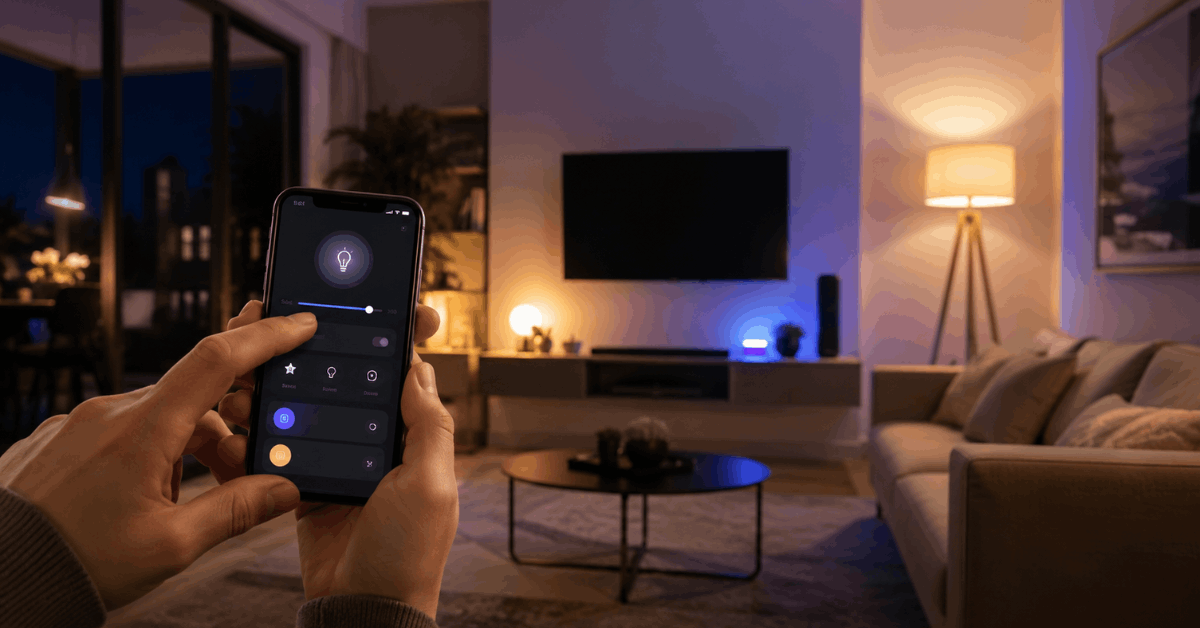
Philips Hue App
The Hue app features customized routines. It includes “Randomize” options for varied timings each evening.
Compatible only with Hue bulbs and bridges but remains a leader in natural light automation.
Alexa and Google Home
Amazon Alexa and Google Home apps allow scene creation and automation. Both platforms integrate many smart light brands.
Alexa’s “Away Lighting” and Google’s “Home & Away Routines” offer built-in presence mimicking.
IFTTT (If This Then That)
IFTTT adds flexibility for those using different brand devices. It allows the creation of cross-device automations.
Triggers can be based on time, location, or other smart device statuses for more dynamic schedules.
How to Set Up Automated Lighting Step-by-Step?
1. Planning Your Lighting Layout
- Identify which rooms should look occupied (living rooms, entryways, and upstairs windows are typical focal points).
- Consider varying which rooms are lit on different days or times for natural effect.
2. Installing Smart Bulbs or Plugs
- Screw in smart bulbs or connect smart plugs to selected lamps.
- Connect each device to your Wi-Fi or the designated hub, following the specific manufacturer’s onboarding instructions.
3. App Configuration and Account Linking
- Download the brand’s primary app (such as Philips Hue or Kasa Smart).
- Register the devices and ensure they appear in your app’s dashboard.
- If using a hub, make sure it is paired and online before proceeding.
4. Setting Schedules and Routines
- Create daily routines with different on/off times for each lamp.
- Use “Randomize” or “Vacation Mode” features where available to add timing unpredictability.
- For more advanced scenarios, consider linking routines to sunrise and sunset times.
5. Adding Presence Simulation Features
- Some systems label this function as “Presence Simulation,” “Away Mode,” or “Randomize Lights.”
- Enable these features so the system will vary operation patterns automatically.
Tips for Making Automation Appear Natural
Vary Timing Patterns
Lights turning on and off at the same times every day may look suspicious. Most homeowners find that setting slightly different schedules for weekdays and weekends looks more realistic.
Alternate Between Rooms
Occupancy simulation works best when several lights are programmed in sequence. For example, the living room could light up around dusk, then switch to a bedroom later.
Combine Lighting With Other Smart Devices
Integrating other smart gadgets, like motorized blinds or a TV simulator, enhances authenticity. Sometimes, soft background noise controlled by smart speakers adds another security layer.
Noteworthy Apps and Tools for Easy Management
- Philips Hue – For users with Hue bulbs and bridges
- LIFX App – Offers similar features for LIFX Wi-Fi bulbs
- TP-Link Kasa – Excellent for smart plug control
- Amazon Alexa / Google Home – For multi-brand device integration and voice-control routines
- Apple HomeKit – Home app for Apple ecosystem users
- IFTTT – Powerful triggers to mix devices across multiple brands
Legal and Safety Considerations
Device Security
Smart devices should always be updated with the latest firmware to avoid vulnerabilities. Enabling two-factor authentication for cloud apps can protect user accounts from unauthorized access.
Local Electrical Codes
Some homes may have wiring or sockets that require professional installation for new devices. It’s a good idea to ensure all smart hardware is UL-certified or equivalent, and never overload power outlets.
User Privacy
Most apps use cloud services to offer remote access. Checking privacy settings is recommended, especially when sharing access with family members or housemates.
Powerful Ways to Expand Your Smart Security Setup
- Add motion sensors to pair with lights for extra realism.
- Sync lights with door sensors to simulate real-life behavior.
- Explore home monitoring with smart cameras for layered defense.
Conclusion
Making your home look lived in with automated lighting often comes down to smart planning and leveraging the right technology. Reliable routines, coupled with selective device integration, dramatically increase the feeling of security.
Most people find that investing in a few well-placed bulbs or plugs is a small step with meaningful peace-of-mind returns. With thoughtful setup and regular app checks, homeowners can maintain the ‘always home’ effect with minimal effort.