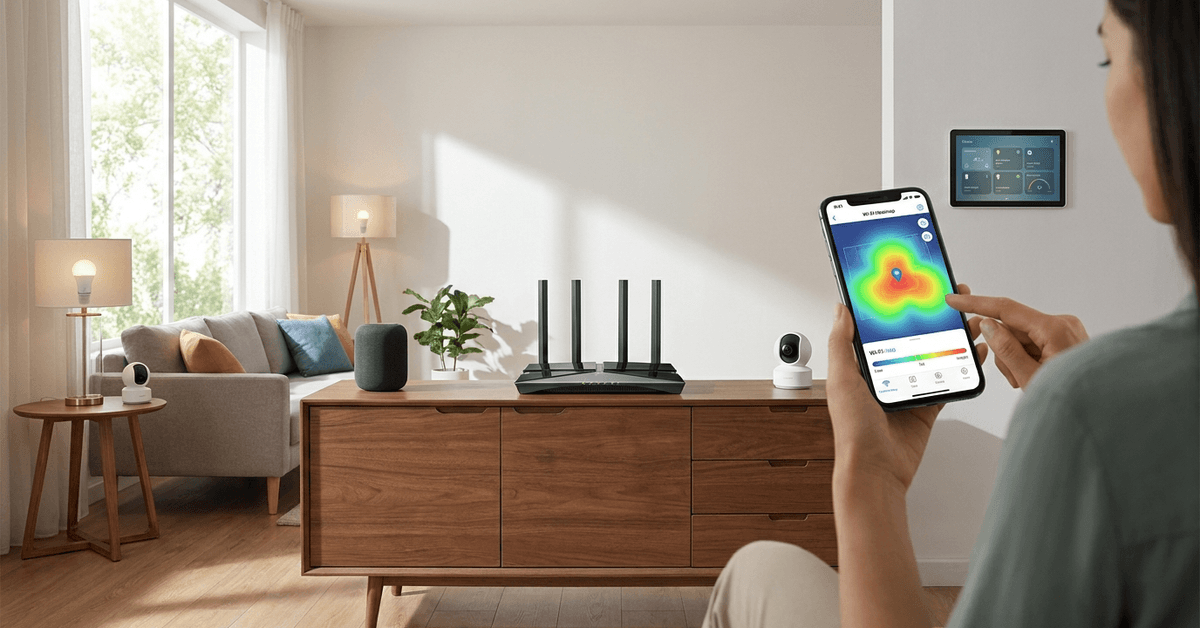
Reliable Wi-Fi is the backbone of any modern smart home. Yet, so many houses still struggle with slow spots, dropouts, or rooms where online devices just cannot connect well. Anyone with cameras, smart locks, or streaming setups knows how frustrating those dead zones can be.
This guide is crafted for homeowners who want seamless Internet coverage, especially those interested in smart gadgets or automation. The main benefit? Consistently fast, stable coverage in every corner—without costly trial-and-error.
Why Router Placement Really Matters?
Physical position is the number one factor affecting your network’s strength. It determines whether signals reach a bedroom upstairs, a media room downstairs, or even your backyard camera.
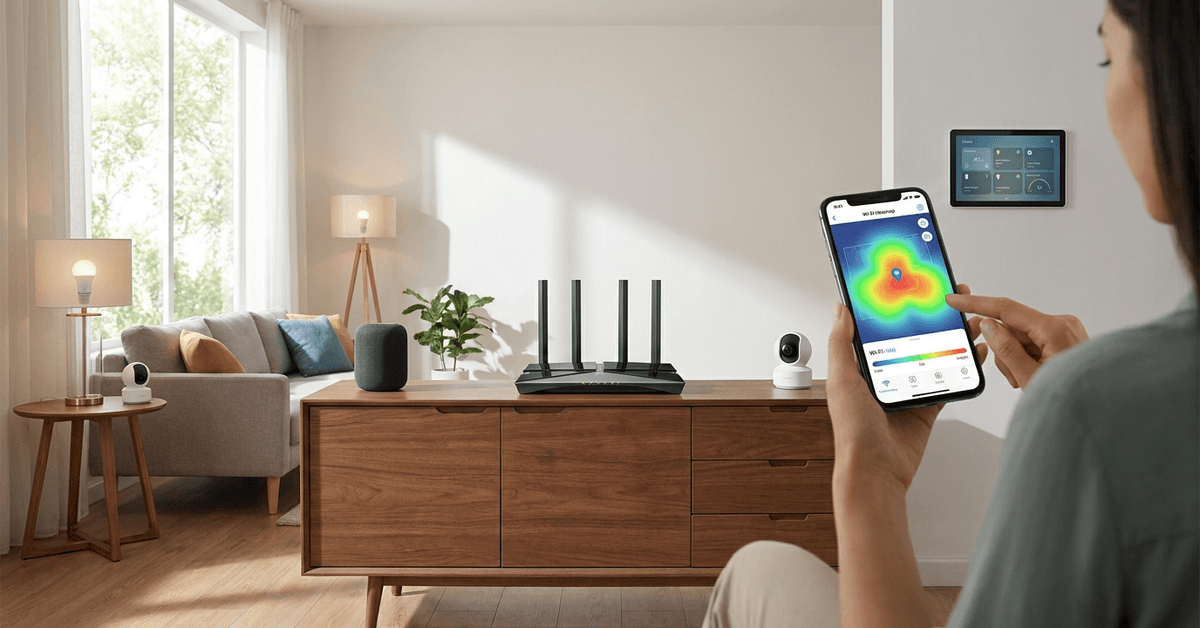
Home Architecture’s Impact
Metal appliances, masonry walls, and even older wires can absorb or reflect wireless signals. Thick doors and mirrors in hallways create interference and reduce coverage. Placing routers behind TVs or in closets rarely results in strong performance.
Choosing a Central Location
Rooms at the edges—garages, basements, or attics—tend to block signals to the rest of the house. The rule of thumb is a central spot with as few obstructions as possible, like a hallway table or open shelf in your main living area.
Understanding Router Antennas & Signal Spread
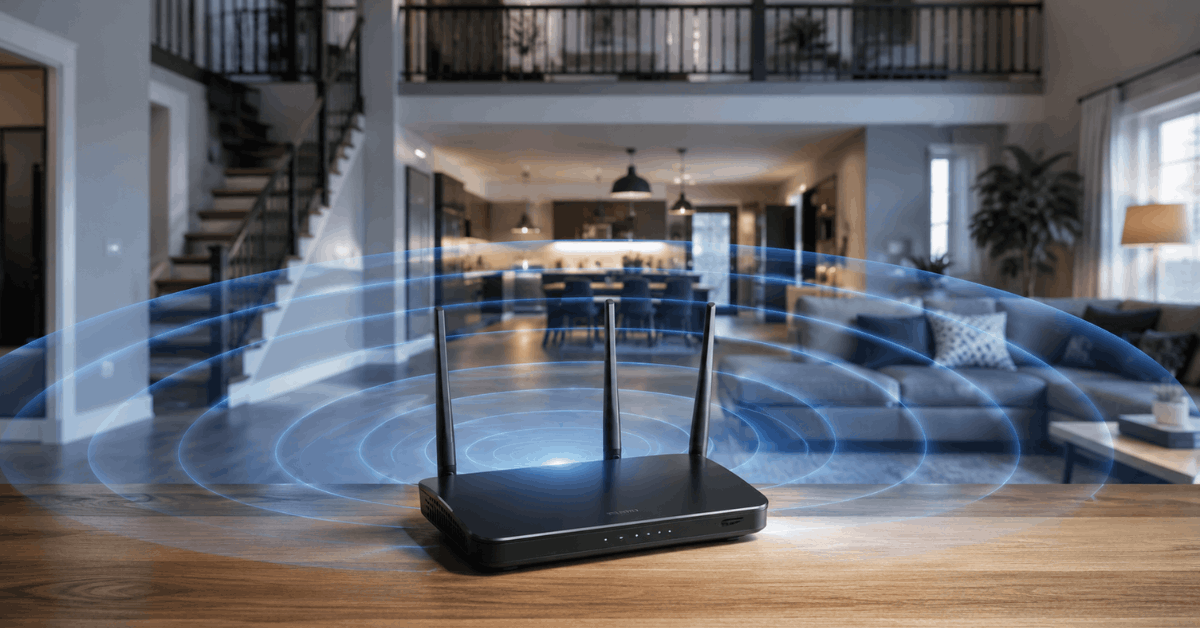
Most routers emit radio waves outward in a roughly circular pattern. Antennas can help direct those signals, but their placement and orientation play a real-world role in coverage.
Vertical vs. Horizontal Antenna Placement
A vertical antenna broadcasts signals horizontally, covering more ground on the same floor. A horizontal antenna projects signals upward and downward—useful for homes with multiple stories. Tilting antennas at slight angles often creates better overlap between floors.
Optimizing for Two-Story and Large Homes
Larger homes introduce special challenges, especially when thick floors or brickwork stand between routers and devices. Routers on the ground floor may not reach upstairs bedrooms or attic offices.
Positioning for Maximum Reach
- Level 1: Place the router on a shelf or cabinet that is about halfway between ceiling and floor height.
- Level 2: Try positioning near the stairwell, as open stairways let signals move up or down more freely.
- Level 3: Avoid corners, as signals get trapped or bounced away by walls.
Powerline Adapters and Wi-Fi Extenders help with dead zones but are most effective when placed mid-way between the weak and strong areas.
Using a Wi-Fi Heatmap Tool
Visualizing your signal strength makes router adjustments much easier. Apps such as NetSpot (Windows/Mac) and WiFi Analyzer (Android) display hot and cold spots around your home. Scanning each room allows you to spot issues quickly and re-test after moving hardware.
Dealing with Interference and Device Crowding
Electronic interference is common in densely populated homes, especially with gadgets operating on the same frequency. Nearby microwaves, Bluetooth speakers, and even baby monitors can disrupt Wi-Fi signals.
Identifying Sources of Interference
- Microwaves, often affect the 2.4GHz range.
- Cordless phones, when placed too close to routers.
- Multiple smart gadgets using overlapping bands.
Channel and Frequency Selection
Most routers pick a channel automatically. In crowded environments, using your router’s admin panel to manually set a less-used channel can improve reliability.
Switching to the 5GHz band avoids many common interferences but offers slightly less range than 2.4GHz.
Mesh Network Setup for Whole-Home Consistency
Modern mesh systems like Eero, Google Nest WiFi, and Asus ZenWiFi solve far more problems than standard single-node routers. They create overlapping coverage areas for uniform signal throughout large or uniquely shaped homes.
Mesh Placement Guidelines
- Central Main Node: Place the primary unit near your internet entry point but avoid hidden corners.
- Satellite Nodes: Spaces satellites evenly—about halfway between the main router and farthest device-heavy rooms.
- Avoid stacking: Place units on different floors, but keep them open and away from thick walls.
Mesh systems automatically hand off devices as you move through the house, minimizing drops.
Router Settings That Can Boost Coverage
Position matters, but tweaking settings in your router’s admin menu can offer extra improvements. Many homeowners leave default options unchanged, missing out on performance gains.
Key Admin Features to Review
- Transmit Power: Some routers offer high/medium/low output settings. Set it to High for maximum reach, unless interference increases.
- QoS (Quality of Service): Prioritize traffic—like video calls or streaming—for vital devices.
- Band Steering: Enable if available. This feature helps your router direct devices to the best band, reducing crowding.
What Not To Do: Common Placement Mistakes
- Avoid putting the router behind thick furniture, under metal shelves, or inside cabinets.
- Placing it near microwaves or smart fridges can degrade signal.
- Corner locations almost always produce uneven coverage.
- Stacking or crowding antennas reduces their effectiveness.
- Ignoring firmware updates can lead to weaker performance.
Step-by-Step: Evaluating and Moving Your Router
- Load a speed test website on your phone in each main room.
- Use a heatmap app for visual feedback.
- Move the router to your intended new position.
- Repeat speed and heatmap tests to compare.
- Reposition satellites or extenders as needed.
- Check coverage in basements, garages, and attics last.
Router Models & Features for the Smart Home
More devices call for better specs. The newest Wi-Fi 6 and Wi-Fi 6E routers offer greater capacity and advanced band management for dozens of simultaneous smart devices—especially those using OFDMA (orthogonal frequency-division multiple access) to split channels efficiently.
Many models from TP-Link Archer, Asus, and Netgear Nighthawk series are recommended for robust security and multi-device support.
Conclusion
Smart router placement is a science, but also a bit of trial, observation, and adjustment. Each house presents unique challenges—architecture, device count, and interference all play roles.
However, understanding signal spread, avoiding common mistakes, and using heatmap tools empower homeowners to achieve reliable, whole-house coverage.
Whether using a traditional router or investing in mesh systems, strategic placement ensures every smart device in your home performs at its best, keeping your fortress connected and future-ready.