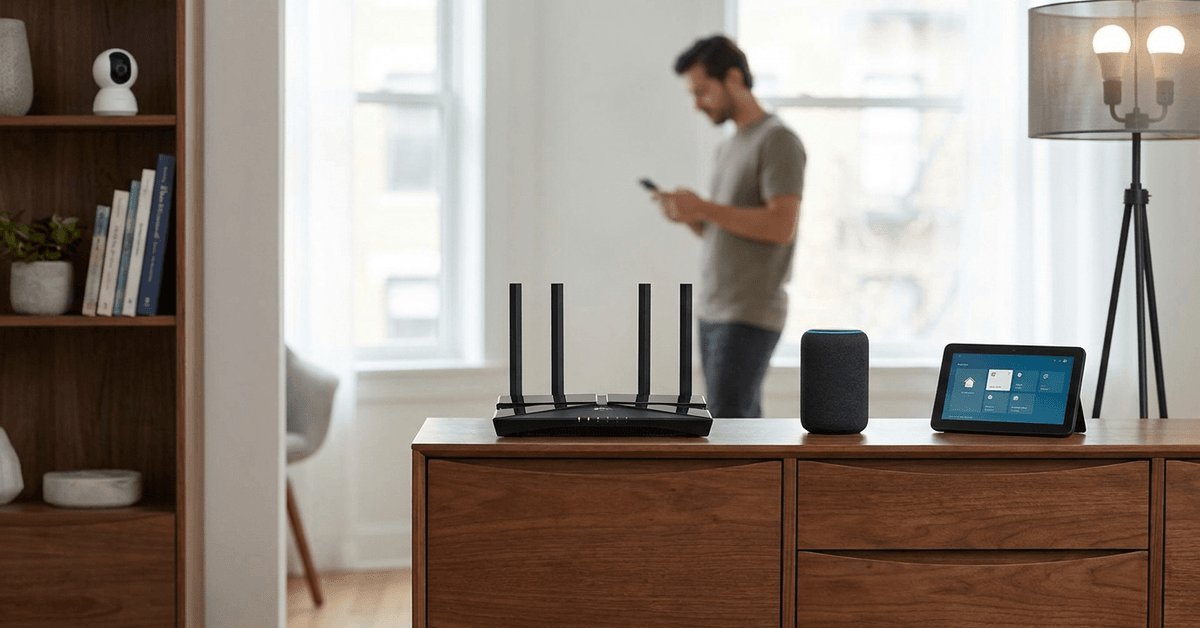
Choosing the right router matters more than ever when building a connected smart home. The network is the true backbone for dozens of security cameras, sensors, and automation gadgets.
Every detail—from speed to stability—impacts how these devices perform together. So, the leap from older routers to Wi-Fi 6 is not just about speed numbers. It’s about reliability, privacy, and future-proofing day-to-day life.
Wi-Fi Standards: The Basics
Most homes use routers that follow the Wi-Fi 4 (802.11n) or Wi-Fi 5 (802.11ac) protocol. The latest, Wi-Fi 6 (802.11ax), brings several big changes.
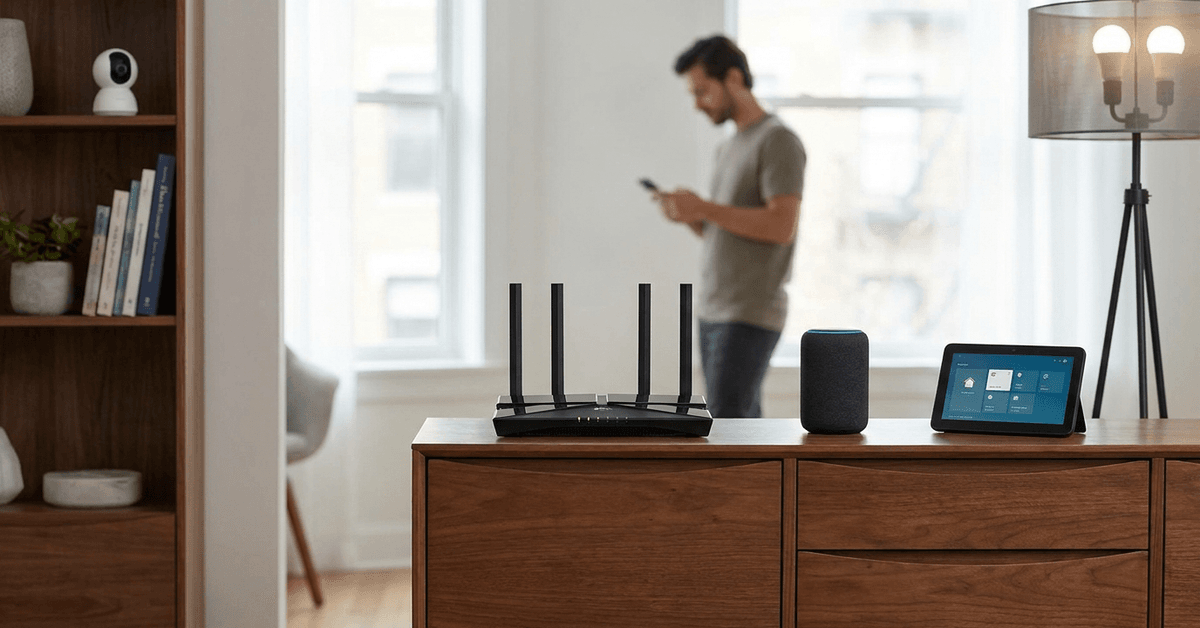
Wi-Fi 6 isn’t just faster, but it rewrites how devices share airwaves. This matters when homes get crowded with smart gadgets.
Key Technology Upgrades in Wi-Fi 6
Higher Speeds and Bandwidth
Wi-Fi 6 can reach speeds beyond 9.6 Gbps. Most older routers max out under 3.5 Gbps. This is a headline number, but what really counts is how Wi-Fi 6 manages many devices at once.
In practice, for homes streaming security footage or running multiple hubs, more bandwidth means fewer slowdowns at busy times.
Orthogonal Frequency Division Multiple Access (OFDMA)
The OFDMA feature lets Wi-Fi 6 routers talk to many devices simultaneously. Older routers send data one at a time, which quickly becomes a bottleneck in smart home setups.
With OFDMA, smart bulbs, door locks, and sensors each get their little piece of the channel, making everything feel more responsive.
Improved MU-MIMO for More Active Devices
Multi-User, Multiple-Input, Multiple-Output (MU-MIMO) exists in Wi-Fi 5, but the Wi-Fi 6 version is more advanced. With Wi-Fi 6, more devices can send and receive data concurrently.
This upgrade means surveillance cameras don’t crowd out voice assistants or thermostats when sending high-resolution feeds.
Greater Battery Efficiency for Gadgets
Wi-Fi 6 introduces Target Wake Time (TWT) to help connected devices plan their communications. Devices sleep longer and wake only as needed.
This reduces battery drain on wireless sensors and smart locks. Most older routers lack this type of power management.
Security Advancements for Smart Homes
WPA3 Security Protocol
The WPA3 protocol comes standard on Wi-Fi 6 routers. It’s not exclusive, but rare on older models. WPA3 greatly raises the bar for device authentication and data protection.
For homeowners using smart locks, cameras, or doorbells, this means tougher encryption guarding their private data from prying eyes.
Safer Device Pairing
Smart gadgets often use QR codes or Bluetooth to join your network. Wi-Fi 6 routers with Wi-Fi Protected Setup (WPS) and WPA3 Simultaneous Authentication of Equals make pairing both easier and more resistant to attack.
This is helpful for busy families installing multiple devices from brands like Nest, Arlo, or Philips Hue.
Capacity and Coverage: Handling Busy Homes
Greater Device Limit
Older routers often struggle when more than 15–20 gadgets are active. Many smart homes now push far past this limit, bumping into lags and disconnects.
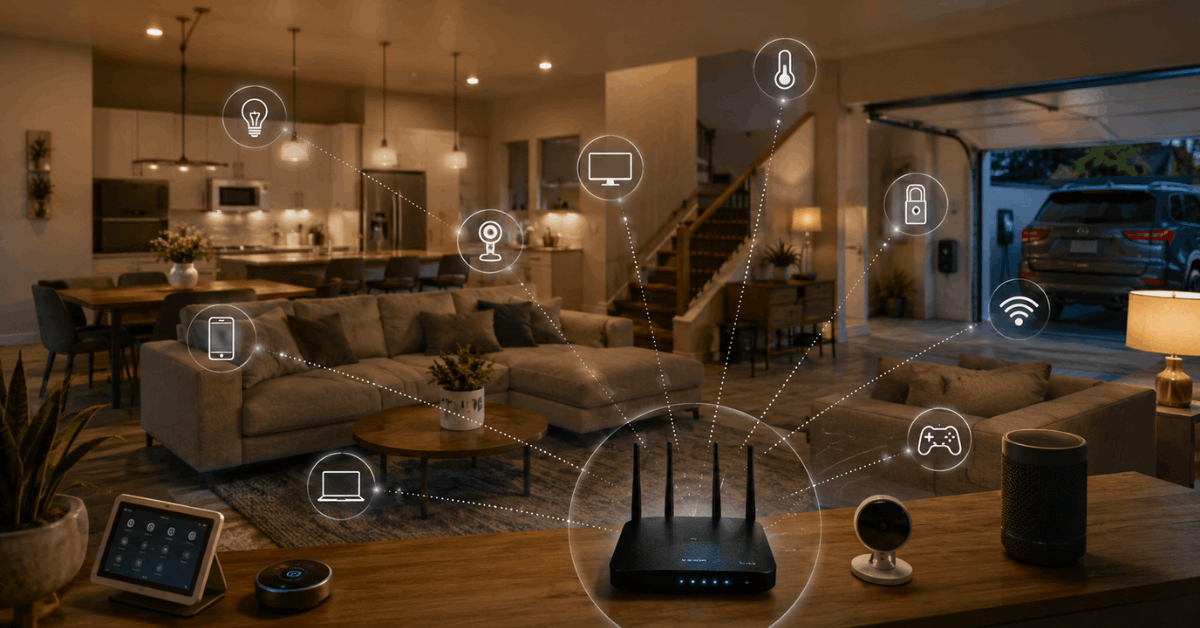
Wi-Fi 6 routers can handle upward of 50 or more devices smoothly. This matters for houses loaded with automation components and streaming media.
Stronger Signal Penetration
Wi-Fi 6 signals travel through walls and floors more efficiently. While not immune to obstructions, the difference is clear compared to a five-year-old router.
For split-level homes or those with garages full of sensors, the improved range can solve dead zone complaints without extra Wi-Fi extenders.
Compatibility With Modern Smart Home Hubs
Popular smart home ecosystems such as Amazon Alexa , Google Home, and Apple HomeKit all support both old and new Wi-Fi standards. However, not all routers are created equal.
Wi-Fi 6 routers are optimized for easy onboarding, faster over-the-air updates, and smoother real-time control, especially when several automation routines trigger simultaneously.
Platform-Specific Features
- Google Nest Hubs leverage OFDMA for reliable sensor data streaming.
- Yale and August smart locks benefit from TWT, lasting longer on each battery cycle.
- Philips Hue bridges and Arlo cameras auto-update firmware faster with strong router support.
Easy Installation Steps: Setting Up Wi-Fi 6 in a Smart Home
- Unbox the Wi-Fi 6 router, then connect it to your ISP’s modem with the supplied Ethernet cable.
- Use the manufacturer app—such as Netgear Nighthawk or ASUS Router—for walk-through setup. This typically covers Wi-Fi name (SSID), encryption type, and password configuration.
- Check for the latest firmware via the router’s settings page. Apply updates before pairing smart devices.
- Re-connect your smart home gadgets, prioritizing those needing WPA3 security for maximum benefit.
- Organize devices into separate bands, using 2.4GHz for low-bandwidth sensors and 5GHz for video devices or hubs.
- For advanced setups, assign static IPs to critical gear like security cameras. Apps like Fing or the built-in router device table can help manage these allocations.
Software and Apps to Optimize Smart Home Wi-Fi
- NetSpot: Useful for mapping signal strength and identifying dead zones throughout the home.
- Fing: Tracks connected devices and alerts when new gadgets join your network.
- Home Assistant: Enables advanced automation routines while monitoring Wi-Fi device health in real-time.
- TP-Link Tether or Linksys Smart WiFi: Allow live bandwidth allocation and usage reporting for each connected device.
Energy Management and Network Efficiency
Older routers run hot, often using more power by attempting to maintain connections with multiple gadgets. Wi-Fi 6 includes power savings protocols—not just the TWT feature.
Less electricity means lower bills, less heat near your networking gear, and smaller risk of random disconnects.
When an Older Router Might Still Work?
Homes with under 10 smart devices and few simultaneous video streams might feel little difference upgrading. For basic setups, Wi-Fi 5 routers continue to cover essentials well.
If the home plan expands—adding cameras or voice-controlled security lamps—a smoother transition happens with Wi-Fi 6 already installed.
Conclusion
Smart homes thrive or struggle based on network quality. Wi-Fi 6 routers provide real benefits: speed, range, capacity, device friendliness, and most importantly, better security for all connected gadgets.
Upgrading isn’t just about faster downloads but smoother daily living and future-readiness. While older routers may be sufficient for now, the demands of automation and connected security make Wi-Fi 6 the new minimum for serious smart home setups.