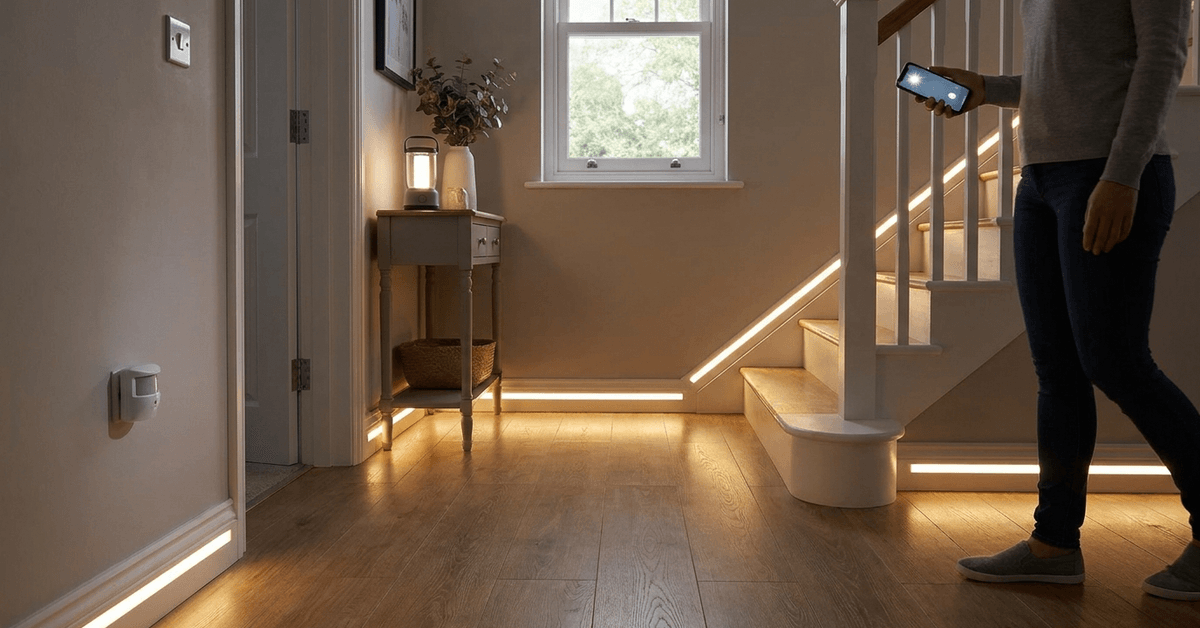
Sudden power outages often catch households off guard, creating safety hazards as people try to navigate in the dark. A well-designed emergency lighting path can make all the difference during these critical moments.
This guide shares strategies for homeowners interested in setting up reliable lighting that activates automatically when needed. It’s ideal for anyone prioritizing safety or wanting more control over their home’s resilience during power disruptions.
Understanding Emergency Lighting Paths
Emergency lighting paths are deliberate routes illuminated during blackouts. These routes connect essential rooms, exits, and escape points.
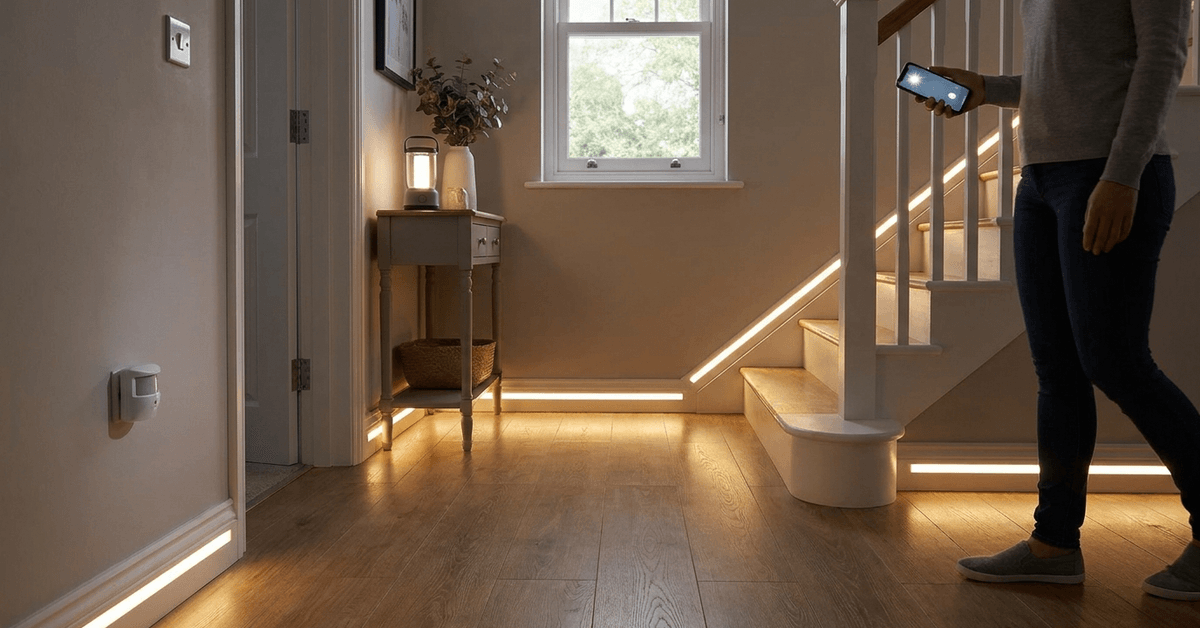
They help prevent trips and allow for safe evacuation or access to vital areas. In smart homes, these paths often combine battery-backed lights with sensor or automation protocols for instant response.
Key Components of Emergency Lighting Systems
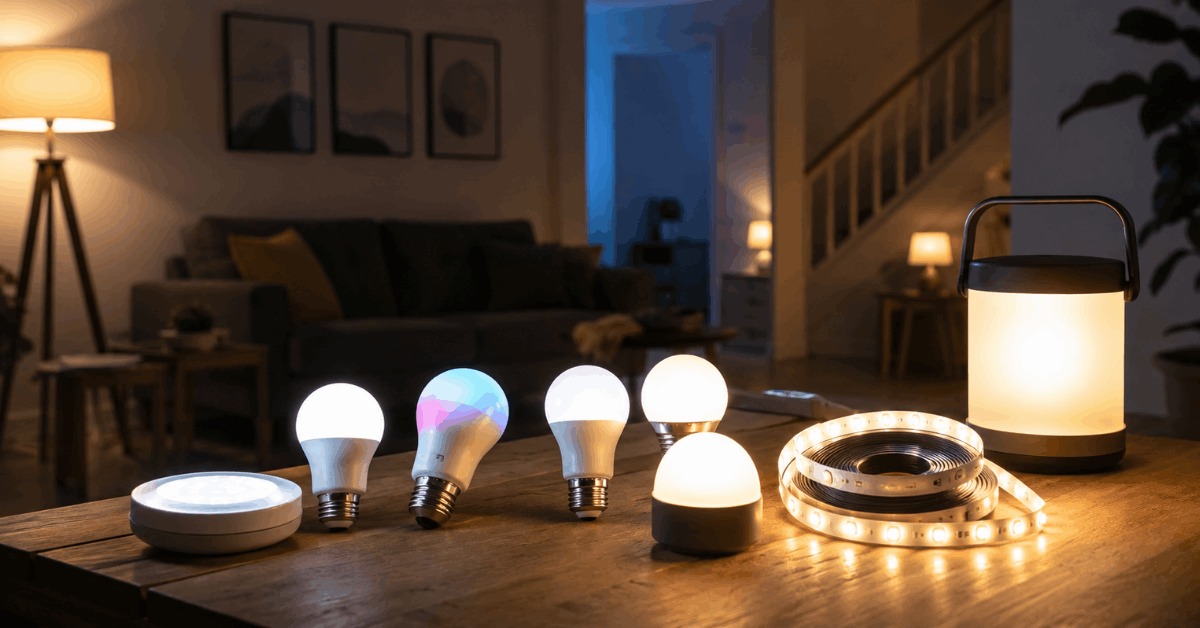
- LED strip lights: Compact, energy-efficient, and suitable for marking hallways or stairs
- Battery-backed smart bulbs: Fit into existing fixtures and turn on when mains power fails
- Portable lanterns: Rechargeable units positioned at key points for manual access
- Motion sensors: Trigger automatic lighting only when needed
- Smart hubs: Manage switching logic and app-based controls
Planning Your Lighting Path Layout
Effective emergency lighting starts with mapping out your home’s high-traffic and escape routes. Focus on connecting bedrooms, bathrooms, hallways, kitchens, and all main exits.
Some homeowners use floor sketches to visualize optimal locations. It can help to walk through your home after dark to find tricky spots or potential obstacles.
Checklist for Path Planning
- Mark every doorway and stairway leading to exit points
- Highlight corridors used most at night
- Identify spaces where clutter may become hazardous
- Consider sightlines that allow one light source to illuminate multiple areas
Choosing the Right Emergency Lighting Devices
Several smart lighting options are specifically designed for power outages. These often incorporate both standard operation and battery backup modes for seamless transition during an outage.
Recommended Device Types
- Philips Hue Smart Bulbs with built-in battery modules
- Wyze Bulb Color with Outage Response
- Eufy Emergency LED Strip Lights
- LIFX Candle White, which supports battery operation
Some residents find hybrid approaches practical. Plug-in nightlights with built-in batteries provide both normal night navigation and backup illumination in emergencies.
Comparing Features
| Device Name | Power Source | Smart Integration | Backup Duration |
|---|---|---|---|
| Philips Hue Emergency Bulb | Mains + Battery | Yes (Hue App) | Up to 5 hours |
| Wyze Outage Bulb | Mains + Battery | Yes (Wyze App) | Up to 4 hours |
| Eufy LED Strip | USB Rechargeable | Yes (Eufy App) | 3-6 hours |
| LIFX Candle White | Mains + Battery | Yes (LIFX App) | 4 hours |
Integrating Smart Controls and Automation
Automation ensures your emergency lighting activates instantly and efficiently. Wireless smart hubs act as central coordinators for these systems.
Popular Automation Protocols
- Zigbee for mesh device connectivity and reliability
- Wi-Fi-based controls for remote monitoring and alerts
- Home Assistant setups for extensive rule creation
- IFTTT automation to connect different brands and sensors
Smartphone apps from brands like Philips Hue or Wyze provide control over brightness, schedules, and emergency triggers. Many platforms even allow users to receive notifications if emergency routes are activated.
Step-by-Step Path Setup Guide
- Identify primary pathways from bedrooms to all exits
- Choose low-profile, battery-backed lighting for wall, baseboard, or ceiling placement
- Install smart bulbs or LED strips in fixtures along these routes
- Set up motion sensors at hallway entrances or bottom/top of stairs
- Connect all devices to a smart hub or app
- Program automation rules, such as triggering all lights if mains power fails
- Test each segment of your path during a simulated outage
- Review for shadows or blind spots and reposition lights as needed
- Schedule regular checks of battery charge levels and update firmware through apps
Maintaining and Testing Emergency Lighting
Ongoing reliability requires routine checks and some basic upkeep. Batteries can degrade over time and firmware updates occasionally fix automation bugs.
Maintenance Checklist
- Test all lights and sensors monthly—nighttime walkthroughs work best
- Replace or recharge batteries at the manufacturer’s suggested intervals
- Update your device firmware through associated apps
- Inspect physical mounting for loose fixtures or signs of wear
Safety Considerations and Smart Features
Proper installation is critical for safety and function. Position lights to minimize glare yet maximize visibility, considering possible smoke or obstacles during emergencies.
Smart monitors can be added to alert phones or central panels if any device fails. Some homeowners use text or app notifications to check system health remotely.
Best Practices for Safety
- Mount lights near, not underneath, stair treads
- Keep emergency paths free of tripping hazards like shoes or cords
- Review fire escape plans with other residents regularly
- Store backup flashlights where people can easily access them
Recommended Software and Apps for Central Control
User-friendly apps can simplify management and troubleshooting. A few programs are frequently mentioned in smart home forums.
- Philips Hue App: Central control, scenes, scheduling
- Wyze App: Outage triggers and real-time alerts
- Eufy Security App: Battery status monitoring
- Home Assistant: Custom automations and advanced logging
- IFTTT: Integration across different brands or platforms
Having a single dashboard to review all devices makes regular testing and upgrades more manageable. Many apps offer event histories to understand how your system responds to outages.
Conclusion
Setting up emergency lighting paths can truly transform your home’s resilience to sudden power outages. Combining smart lighting with automated controls offers reliable, hands-free safety when you need it most.
Prioritizing routine checks and maintenance ensures your system is always ready. For many, these investments help to create a safer, more secure living environment—especially in areas where power disruptions are unpredictable.