Power surges may not seem like a major hazard at first glance. Yet for homeowners with smart home hubs and sensitive equipment, they represent a real risk to security, investment, and convenience.
Anyone with a smart hub—whether it’s a Google Nest, Amazon Echo, Samsung SmartThings, or Apple HomeKit—is vulnerable. Power issues can cause data loss, system failures, and even hardware replacements.
Understanding effective strategies for protecting your smart home hub helps maintain automation, safety, and peace of mind.
Why Smart Home Hubs Are Sensitive to Power Surges?
Smart hubs often contain delicate circuits and critical software. Power spikes from lightning, grid switching, or faulty wiring may interrupt devices instantly.
Uninterrupted operation is essential. Losing a hub disrupts connected locks, sensors, cameras, and alarms. Recovery is not always as fast or simple as rebooting.
Common Power Surge Triggers
- Lightning storms near your area
- Grid supply changes or maintenance activity
- Large appliances cycling on and off (like air conditioners or washing machines)
- Outdated or poorly installed home wiring
These events rarely occur on a set schedule. Some homeowners notice a pattern, others experience a sudden failure without warning.
What Actual Power Surges Do to Smart Hubs?
Surge energy seeks the fastest path to ground. In doing so, it may burn out circuit boards or memory chips inside a smart hub.
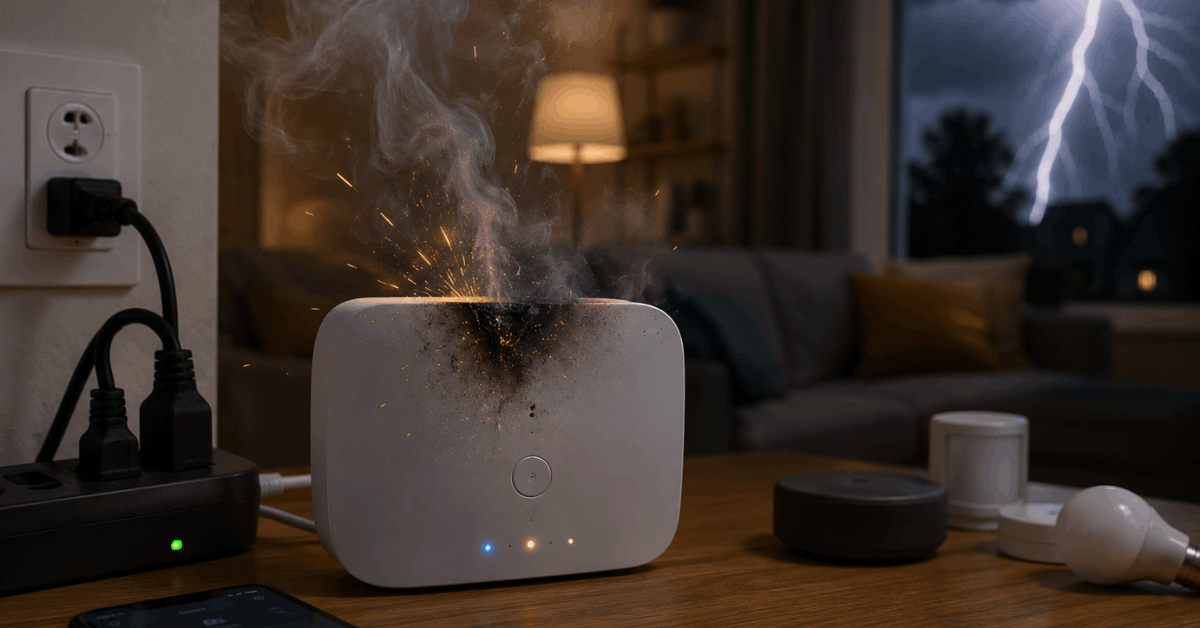
Results range from random software glitches to total hardware failure. Corrupted settings could require a complete system reconfiguration.
Sometimes, a hub will restart but lose all its automation rules. That means re-pairing dozens of devices.
Signs of Surge Damage in Smart Hubs
- Hub not powering up at all
- Random restarts during operation
- Sensors or devices vanishing from the app
- Loss of Wi-Fi, Bluetooth, or Zigbee/Z-Wave connectivity
Occasionally, the effects are subtle—perhaps requiring days or weeks before the full problem appears.
Practical Ways to Protect Your Smart Home Hub
There are several well-proven methods for preventing surge damage in connected homes. Homeowners often layer them for greater peace of mind.
Install a Surge Protector
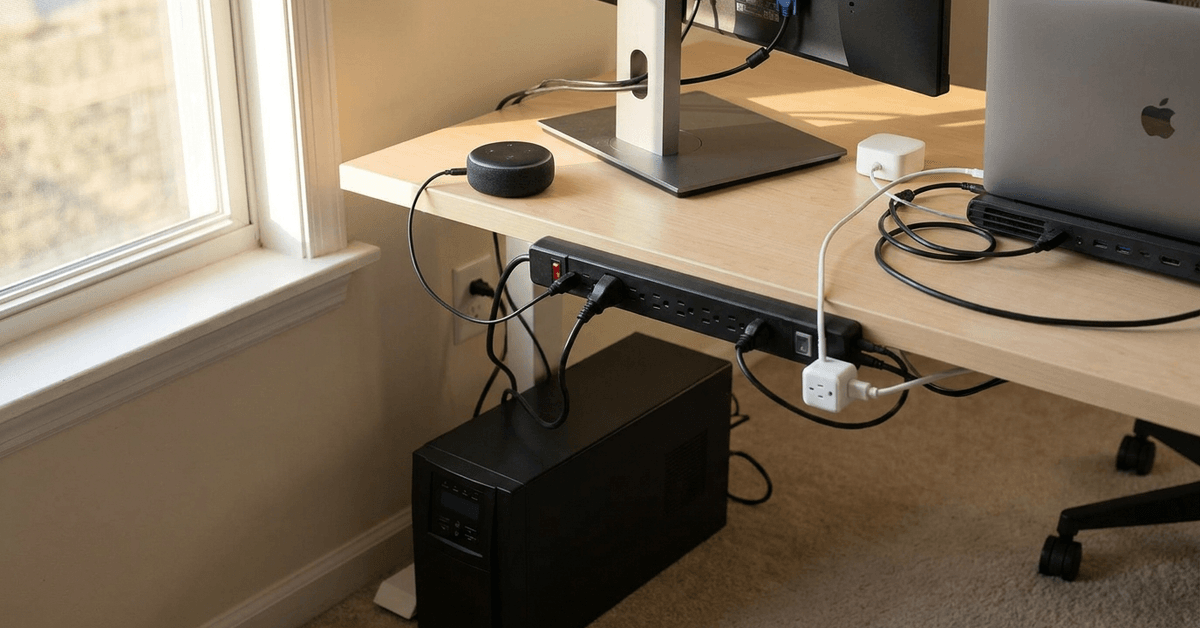
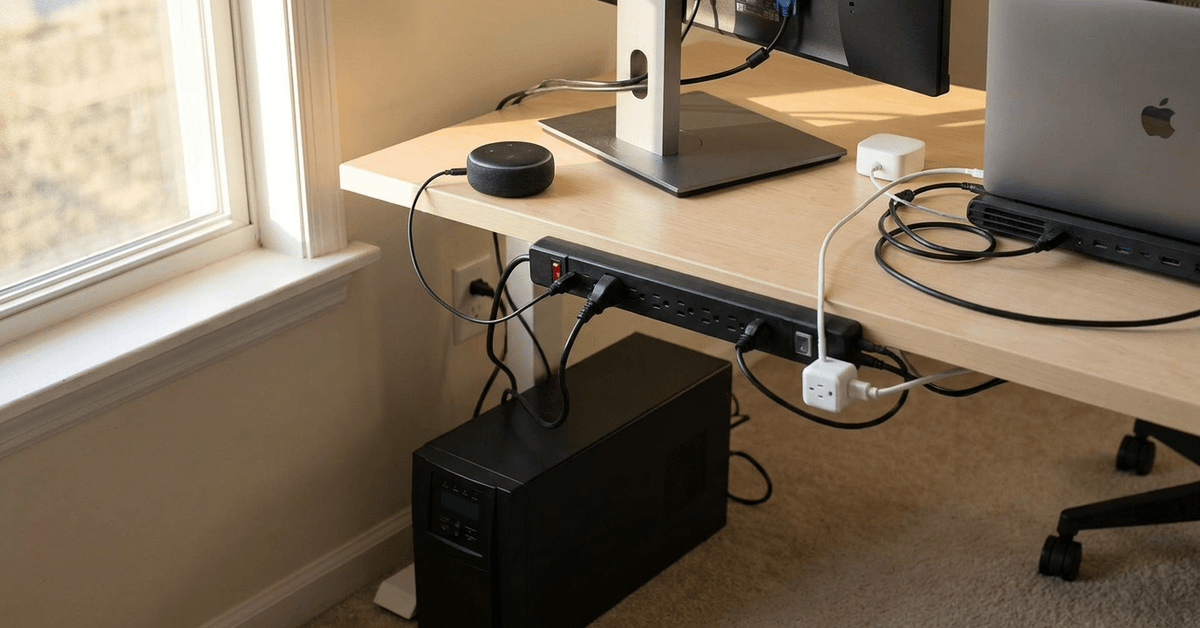
A basic but essential step: plug the hub into a high-quality surge protector. Buried inside these devices are components that divert high voltage away from electronics.
- Look for units rated at least 2,000 joules
- Choose models with indicator lights to confirm protection is active
- Replace units after any known surge or every five years
Many people are surprised by how affordable basic surge protectors are. Yet spending a bit more on a trusted brand is usually wise for mission-critical gear.
Consider a Uninterruptible Power Supply (UPS)
A UPS provides both surge filtering and backup battery power. This helps stabilize power during both spikes and brief outages.
APC and CyberPower offer models suited for smart hubs or routers. Features to watch for include:
- At least 300W output for most standard hubs
- Automatic voltage regulation (AVR) to smooth small fluctuations
- User-replaceable batteries
Many find a UPS keeps both the hub and modem/router alive long enough to shut down or ride out short blackouts.
Whole-House Surge Protection
Homes with several connected devices might consider installing a whole-house surge protector. Electricians typically mount these at the main electrical panel.
- Protects all outlets and large appliances
- Reduces risks from direct lightning strikes or grid issues
- Requires professional installation
This approach may be more common in areas prone to storms, or in houses with expensive home automation setups.
Use Dedicated Smart Plugs with Surge Filtering
Increasingly, brands like Kasa Smart Plug or TP-Link HS300 power strips build surge protection and Wi-Fi control into one device.
- Allows remote rebooting after an outage
- Monitors current and power usage for excess draw
- Integration with routines for added redundancy
These can be useful for smaller setups, or as a backup to larger surge protectors.
Configuration Settings to Minimize Damage
Some software-based settings can help reduce risks or simplify recovery. Not everyone realizes smart hubs often include backup or auto-restore options.
Enable Cloud Backups
Most major hub platforms—such as Samsung SmartThings or Apple HomeKit—offer cloud-based backup and sync capabilities.
- Regularly backing up automation and device lists prevents manual reconfiguration
- Set automatic backup frequency weekly for more complex systems
This simple action often makes a big difference if a hub motherboard must be replaced.
Check for Auto Recovery Features
Firmware updates might add surge-recovery options or self-repair routines. Sometimes these are found deep within the app settings menu.
Many users never explore these areas until after something fails. Reviewing settings now is usually worthwhile, even if you never need them.
Proven Maintenance Tips for Surge Safety
Regular inspection and a few mindful habits can reinforce your home’s surge defense. Consistency is key.
Inspect Cords and Protectors Frequently
Wear and tear, plus build-up of dust or corrosion, may reduce protection. Unplugging and checking connections every three to six months is a good habit.
If any smell of burning plastic or visible damage appears, replace immediately.
Update Device Firmware
Updated firmware in hubs or smart plugs might contain new surge-handling or fault-recovery features.
Automated update settings help, but sometimes manual checks reveal pending critical patches. Staying current can prevent future headaches.
Document Automation Routines
Cloud backups are not always foolproof. Writing down or screenshotting critical automation flows helps if you must rebuild after surge-related resets.
This is especially true for complex rules involving multiple brands or protocols.
Legal and Insurance Considerations
Smart home owners sometimes forget home insurance may cover surge damage. Reviewing policy terms before an incident occurs is wise.
Whole-house surge protection might entitle users to lower insurance premiums. Some providers require professional proof of installation.
Whenever possible, keeping receipts and documentation of protections can speed up damage claims.
Conclusion: Securing Your Smart Home’s Nerve Center
Smart home hubs are the gateway to modern secure living. Their vulnerability to unpredictable power surges is an often-overlooked threat.
Combining layered surge protection, regular backup routines, and diligent inspection creates robust, practical security. These steps don’t just guard your hub—they safeguard your comfort, automation, and investment.
A thoughtful approach today means fewer surprises tomorrow, and a smart home truly worthy of the name.