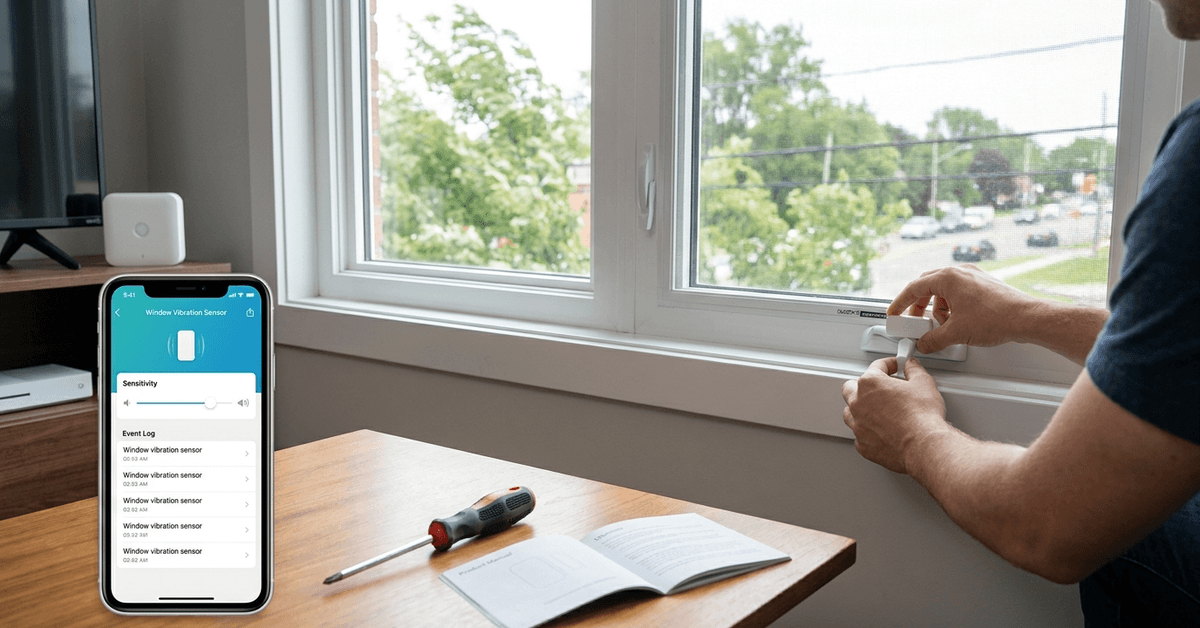
False alarms are a common headache for anyone using window vibration sensors in a smart home setup. These incidents often undermine trust in your security system.
This article offers practical ways for homeowners and tech enthusiasts to make window vibration sensors far less prone to unnecessary triggers. Improvements can save time, prevent stress, and keep your smart alarm system running optimally.
Understanding Why Window Vibration Sensors Trigger False Alarms
Window vibration sensors work by detecting movement or pressure changes on glass surfaces. Sensitivity is necessary, but too much sensitivity can cause problems.
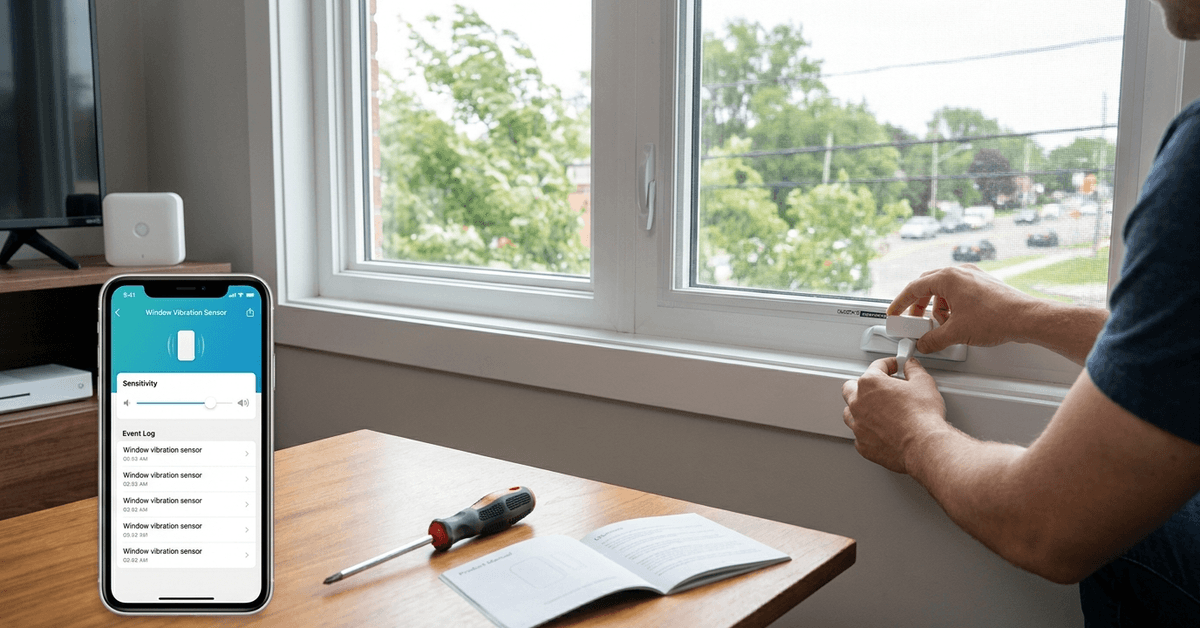
Common Causes of False Alarms
- Environmental noise: Strong wind, traffic, or loud outdoor sounds may trigger sensors.
- Poor installation positioning: Minor misplacement on the window can make vibrations more prominent.
- Structural factors: Loose window frames or rattling glass panes add to unnecessary activations.
- Electrical interference: Home appliances and Wi-Fi routers nearby may disrupt sensor signals.
Knowing these causes is key to troubleshooting issues effectively.
How to Properly Install Window Vibration Sensors?
Many false alarms arise from rushed or careless installation. Taking time with proper placement improves reliability.
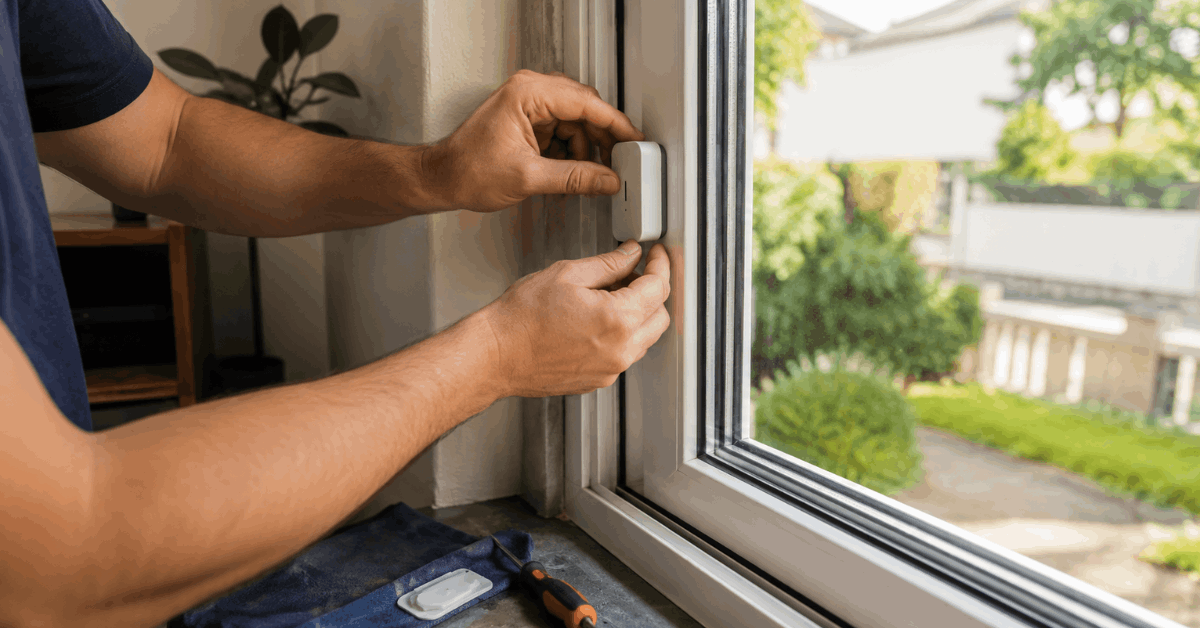
Choosing the Right Mounting Spot
- Mount sensors at the center or lower third of the window. This position often provides the best sensitivity balance.
- Avoid placing directly on thin, single-pane windows. Heavier glass is usually less prone to mistaken readings.
A little patience during installation often makes a big difference down the line.
Using the Correct Mounting Hardware
- Adhesive pads are generally recommended for smooth bonding with glass or PVC frames.
- Avoid screws unless specified by the manufacturer, as excess vibration may result.
Always check for surface dust or residue before application.
Optimizing Sensitivity Settings
Most modern smart sensors offer adjustable settings for vibration sensitivity. This is one area where careful fine-tuning directly impacts the rate of false alarms.
Accessing Sensitivity Controls
- Refer to the official product manual for your specific brand. Many models, like Samsung SmartThings Multipurpose Sensor, provide sliders or toggles in their app interface.
- If using a central hub system, sensitivity may be managed from within the main dashboard (e.g., SmartThings, Home Assistant, or Zigbee2MQTT consoles).
Start with the default level, then gradually lower sensitivity if accidental triggers persist.
Testing and Adjusting Sensitivity
- Arm your alarm system, then perform mild taps near the sensor to observe its response.
- Increase or decrease sensitivity by one level, wait a few minutes, then retest.
- Repeat the process until you find a balance between responsiveness and stability.
Most users do this every few months as seasons or external noise levels change.
Leveraging Smart Home Integrations
Some ecosystems let users minimize false alarms through automation rules. Integrating window vibration sensors with broader smart home systems can make them smarter.
Geofencing and Scheduling Automation
- Platforms like Home Assistant or Apple HomeKit allow scheduling: The sensor only activates during absence or at night.
- Geofencing disables or softens alerts when residents are detected at home, preventing harmless routine triggers.
This kind of smart integration is a strong deterrent against false notifications.
Custom Notification Rules
- Using IFTTT, SmartThings, or Eufy Security, create custom actions. For example, ignore a single vibration event, but alert if two occur within thirty seconds.
- IFTTT applets can filter repeated signals or bundle notifications, making alarms truly meaningful.
This gives peace of mind that every alert really deserves attention.
Regular Maintenance and Environmental Checks
Routine upkeep and attention to your home environment help minimize error triggers.
Schedule Maintenance Routines
- Gently clean sensor contacts and window surfaces with a soft cloth at least once a month.
- Periodically check and tighten window frames and glass panes if needed.
- Replace batteries in battery-powered models twice per year, unless your system sends low-battery alerts sooner.
Small regular tasks go a long way in supporting accurate performance.
Monitor Weather and Structural Changes
- Extreme temperature swings or ongoing construction nearby may temporarily increase false alarm rates.
- Seasonal adjustments to insulation and sealing around windows help maintain optimal sensor function.
Awareness of these factors means fewer surprises from your smart system.
Recommended Sensor Brands and Useful Apps
Users may find that investing in proven hardware and trusted apps lowers the need to troubleshoot frequent issues.
Top-Rated Window Vibration Sensors
- Samsung SmartThings Multipurpose Sensor: Known for reliable calibration and easy smart home integration.
- Eve Window Guard: Compatible with Apple HomeKit, offers smart sensitivity tuning features.
- Aqara Vibration Sensor: Works with Zigbee platforms, widely reported as accurate and customizable.
Choosing robust products is often the simplest way to reduce false alarms long term.
Apps for Enhanced Control
- SmartThings: Gives users detailed status logs and sensitivity tweaks.
- Home Assistant: Permits advanced automations and historical event tracking.
- Google Home: Offers basic controls and can link various brands for coordinated security actions.
These apps allow for better visibility and faster adjustments if false alarms persist.
Table: Quick Comparison of Sensor Features
| Sensor Model | Compatibility | Adjustable Sensitivity | Battery Powered |
|---|---|---|---|
| Samsung SmartThings | SmartThings, Zigbee | Yes | Yes |
| Aqara Vibration | Zigbee, Home Assistant | Yes | Yes |
| Eve Window Guard | HomeKit | Yes | Yes |
Best Practices for Reliable Performance
Adopting several strategies together tends to produce the most satisfying results over time.
- Use specialized mounting adhesives, not general-purpose household glue, for sensor attachment.
- Keep all nearby electronics free of loose wires or poorly shielded power supplies, as this reduces interference.
- Configure your automation to require multiple events before sending notifications, if the system supports it.
Combining these methods leads to fewer false alarms and a smoother smart home experience.
Conclusion: Making Window Vibration Sensors Accurate and Trustworthy
Window vibration sensors play a key role in home security, but they can falter without the right setup. Understanding why false alarms happen is the first step to stopping them.
Careful installation, regular maintenance, and using advanced app features all work together to keep alerts reliable and meaningful.
Sensors are there to help you feel safe, not anxious. Small improvements and an attentive approach will make your smart home security system much more dependable. Reliable results are within reach for anyone willing to adjust settings, integrate smart routines, and keep an eye on environmental changes.