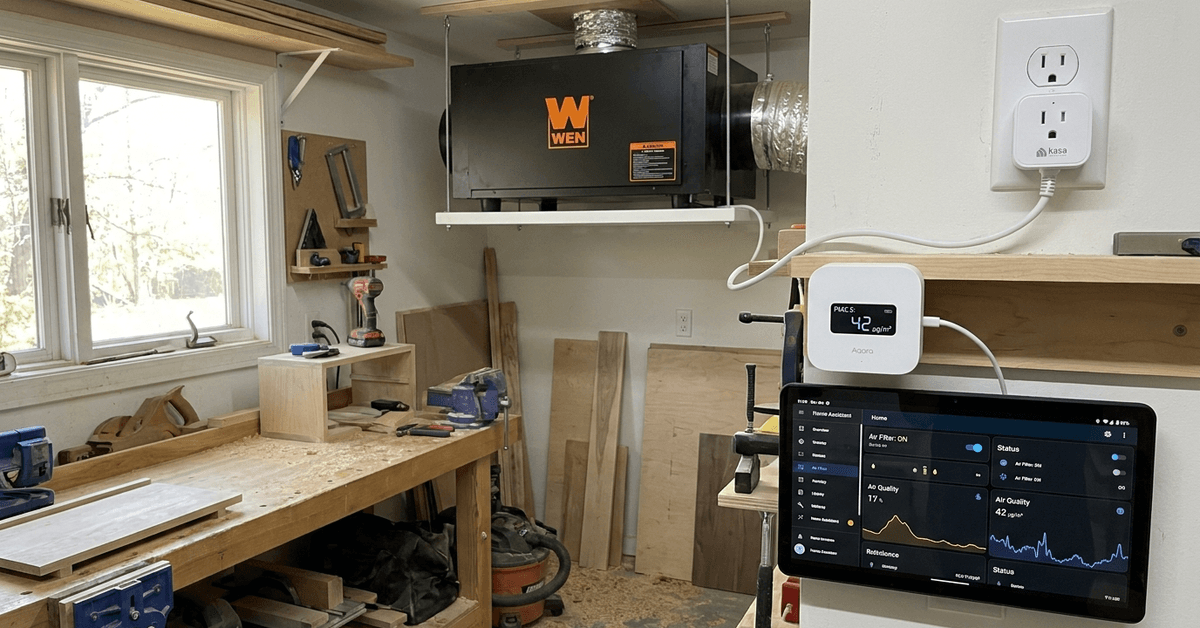
Clean air is essential for any home workshop, but managing that air quality on your own can be tedious. Smart air filtration automation brings consistent results without constant attention.
This guide offers a straightforward approach, ideal for DIYers, hobbyists, or anyone wanting to avoid airborne dust and fumes.
Why Automate Workshop Air Filtration?
Wood dust, fumes, and fine particles build up fast. Manual filter control might be easy at first, but it often leads to gaps or wasted energy.
Automating air management ensures that filtration responds precisely to activity and air quality. This small investment pays off by improving both safety and comfort.
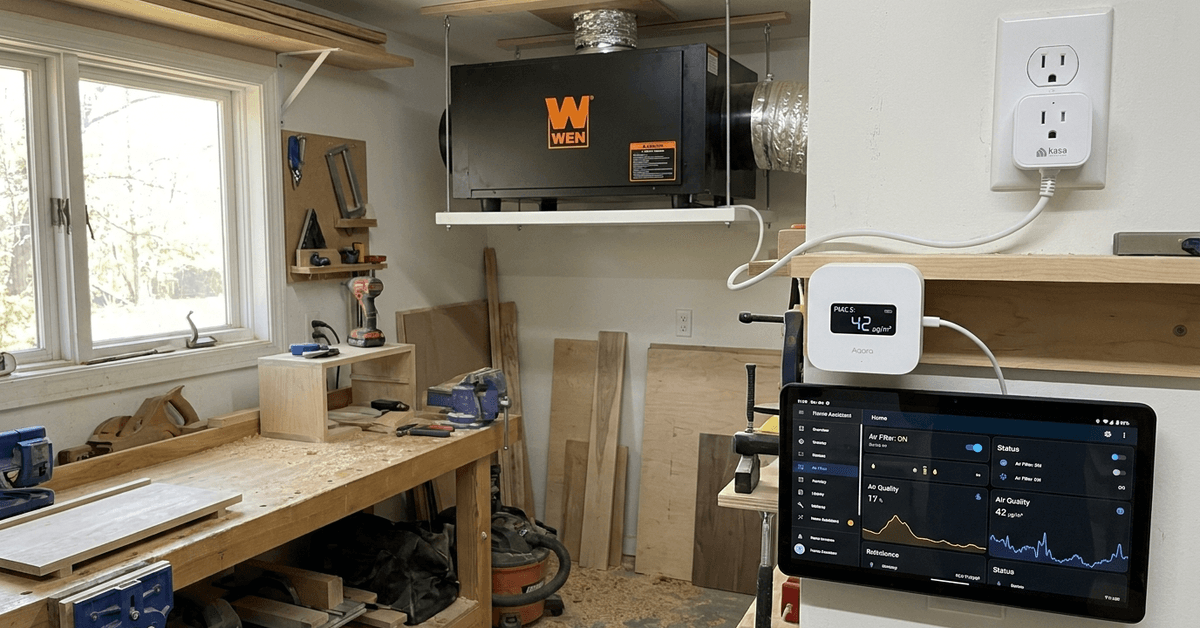
Key Components for Smart Workshop Air Filtration
Smart Air Quality Sensors
Aqara TVOC Air Quality Sensor is a compact, reliable pick for real-time monitoring. It tracks particulates, VOCs, and even humidity—critical for adjusting to changing workshop needs.
Wi-Fi-Enabled Smart Plugs
Many off-the-shelf air filtration units can be plugged into a Kasa Smart Plug or TP-Link Tapo device. This simple addition helps control power based on sensor readings or routines.
Compatible Air Filtration Units
Popular workshop air filters from brands like WEN or Shop Fox generally use standard plugs. Most models respond well to smart plug control, but check wattage to avoid incompatibility.
Home Automation Controller or Hub
A hub like Home Assistant or Samsung SmartThings enables seamless coordination. With these, you can create rules and automations that respond instantly to air quality changes.
Basic Workflow: How the Automation Operates
- The air quality sensor continuously measures particulate levels or VOCs.
- If pollutants rise above a set limit, an automation triggers the smart plug to power on the filter.
- Once the air is back within healthy limits, the plug powers off automatically.
- Some setups allow for notifications or manual overrides using a smartphone app.
Step-By-Step: Setting Up Basic Hardware
1. Choose and Place an Air Quality Sensor
- Most DIYers find wall-mounted placement about head height works well for broad detection.
- Keep the sensor away from direct airflow from the filter for more accurate readings.
- The Aqara TVOC links to Zigbee or Wi-Fi hubs with minimal setup time.
2. Integrate a Smart Plug with Your Filtration Unit
- Ensure your filter’s power rating matches the smart plug’s capacity, especially with larger models.
- The Kasa Smart Plug app walks users through linking Wi-Fi and setting up device routines.
- Plug the filter into the smart plug, then into the outlet—done in under two minutes for most models.
3. Connect Devices to Your Automation Hub
- Platforms like Home Assistant support unified dashboards for easy monitoring and control.
- Samsung SmartThings or Aqara Home App both offer pre-made routines for popular workshop scenarios.
- Picking one central hub helps reduce configuration headaches later on.
Configuring Automation Rules and Schedules
Defining Air Quality Thresholds
Many users opt for a PM2.5 threshold of roughly 35 µg/m³ as a balance between safety and filter lifespan. Settings can be tweaked in the app as needed.
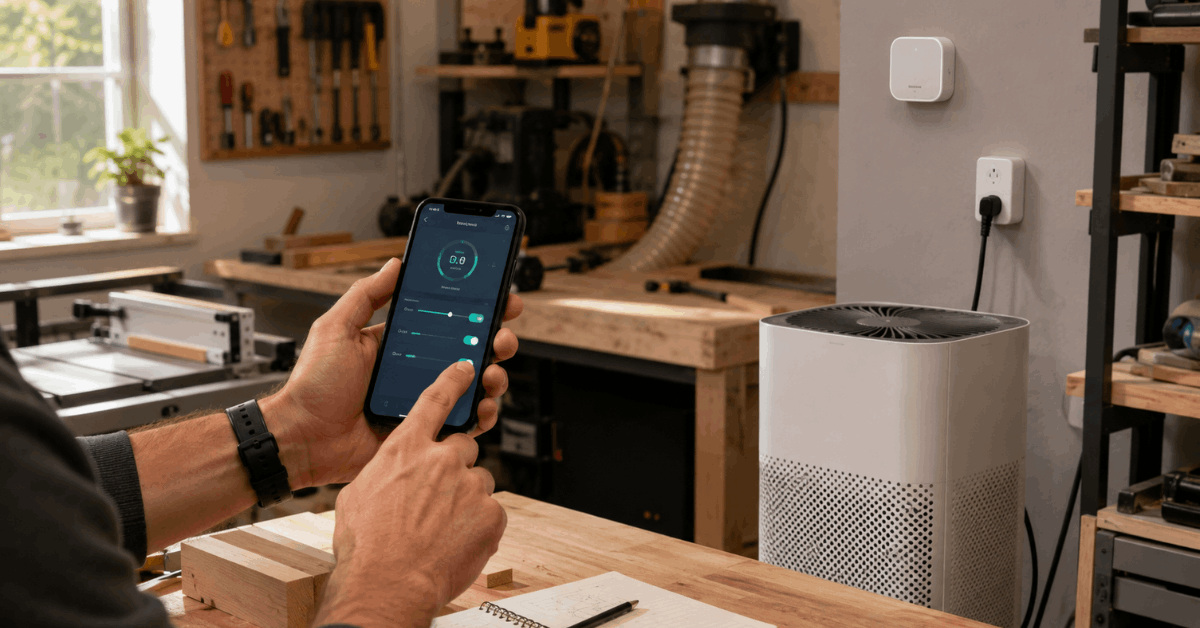
Creating Basic Automations
- Set an automation so the smart plug activates the filter when particulate levels hit your upper limit.
- Program a rule to deactivate the filter once readings fall well below your set threshold.
- Optional: send push notifications if levels spike or linger above target.
Testing and Adjusting Routines
- Run manual tests by producing dust or fumes during light projects (like sanding scrap wood).
- Observe sensor response and app notifications to confirm automations work as intended.
- If the filter cycles on or off too frequently, consider widening thresholds slightly.
Recommended Automation Apps and Integration Tools
Home Assistant (home-assistant.io)
The open-source Home Assistant platform supports almost all smart sensors, plugs, and major filtration brands. Extensive documentation and active forums help with troubleshooting in real-world setups.
Samsung SmartThings
SmartThings is a friendly choice for more casual users. Its app allows quick automation creation, remote control, and straightforward device linking without steep learning curves.
Kasa Smart App
Those using Kasa plugs will appreciate the Kasa Smart App for rapid device onboarding, scheduling, and simple automations for workshop use. While more basic, it does the essentials smoothly.
Wireless Protocols: Zigbee, Z-Wave, or Wi-Fi?
Zigbee
Many sensors, especially from Aqara and Sonoff, depend on Zigbee for reliable, mesh-style networking. Zigbee excels in environments with many smart devices due to its interference resistance.
Z-Wave
Some high-end air sensors and plugs use Z-Wave. It offers robust security and local control, though finding compatible products might be trickier for general-purpose workshops.
Wi-Fi
Wi-Fi-based devices are the simplest for most beginners. They connect straight to your router and often need no hub. However, in Wi-Fi-congested homes, reliability sometimes dips a bit.
Safety, Power, and Maintenance Guidance
Power Handling Considerations
- Check the filter’s amp and voltage requirements before using it with a smart plug.
- A surge-protected strip can offer a layer of peace of mind for sensitive equipment.
Maintaining Reliable Performance
- Replace or clean air filters regularly—most manufacturers suggest every 3–6 months of consistent use.
- Smart plugs may need occasional resetting if communication with the hub fails, especially after power outages.
General Safety Practices
- Never override manufacturer safety features or bypass device relays.
- Confirm all wiring and plug connections are secure before leaving automation unattended.
Advanced Upgrades and Customization Ideas
- Voice control: Some users integrate Amazon Alexa or Google Home for hands-free filter activation commands.
- Multi-zone filtration: Larger workshops can use several sensors and plugs to create zone-based automations for targeted cleaning.
- Energy monitoring: Smart plugs with built-in meters offer insights on power usage and help optimize filter runtimes.
Tips for Smarter Workshop Air Filtration
These quick practices can keep the system accurate, safe, and efficient.
- Place sensors away from vents.
- Set separate start and stop limits.
- Check smart plug wattage.
- Run filters after projects.
- Clean sensors and filters regularly.
Conclusion
Smart automation of workshop air filtration combines safety, comfort, and efficiency in a practical, manageable way. By linking a trusted air quality sensor, a reliable smart plug, and an intelligent automation hub, homeowners can maintain consistently clean air without constant worry.
Real-world setups are flexible and adapt to any workshop, whether for professional projects or casual tinkering. Simple upgrades like voice integration or multi-zone monitoring keep the system relevant as your needs grow.
Setting up this automation brings lasting health benefits and frees up time, letting you focus on what you enjoy about your workshop.