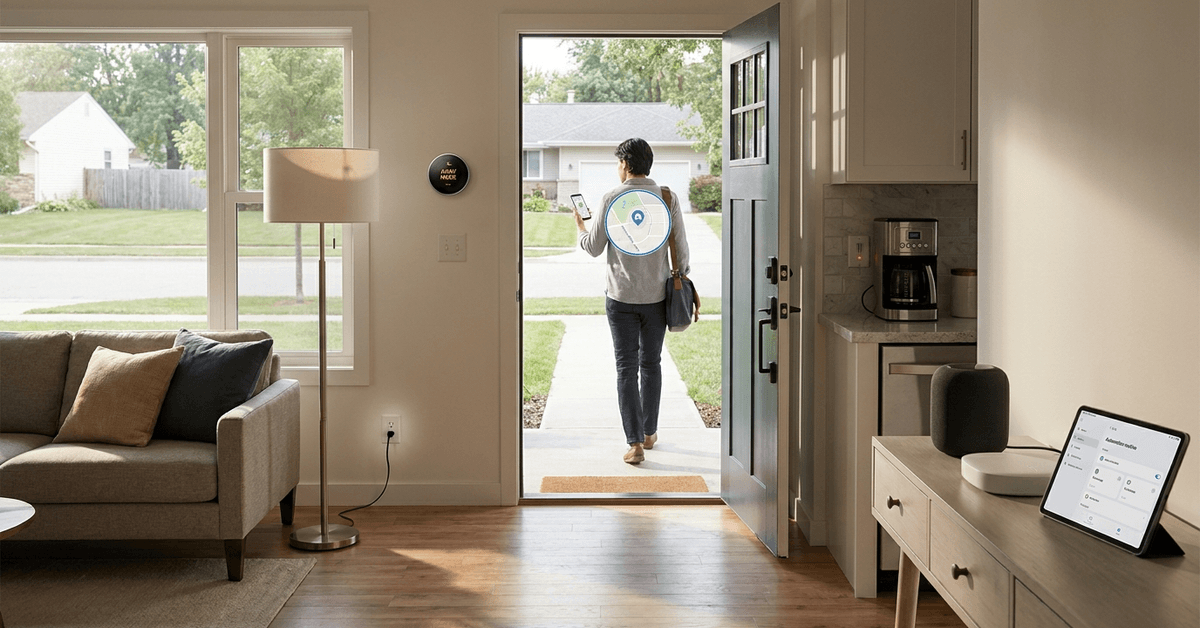
Many homeowners look for easier ways to save energy and boost home security. Smart geofencing can help by turning off appliances automatically when nobody’s home.
This setup is practical for busy families, frequent travelers, and anyone wanting a safer, smarter house. With the right tools, geofencing becomes seamless.
Understanding Smart Geofencing in Home Automation
Geofencing uses your phone’s location to trigger automation events as you enter or leave a defined area. This tech runs on GPS, Wi-Fi, and mobile data systems.
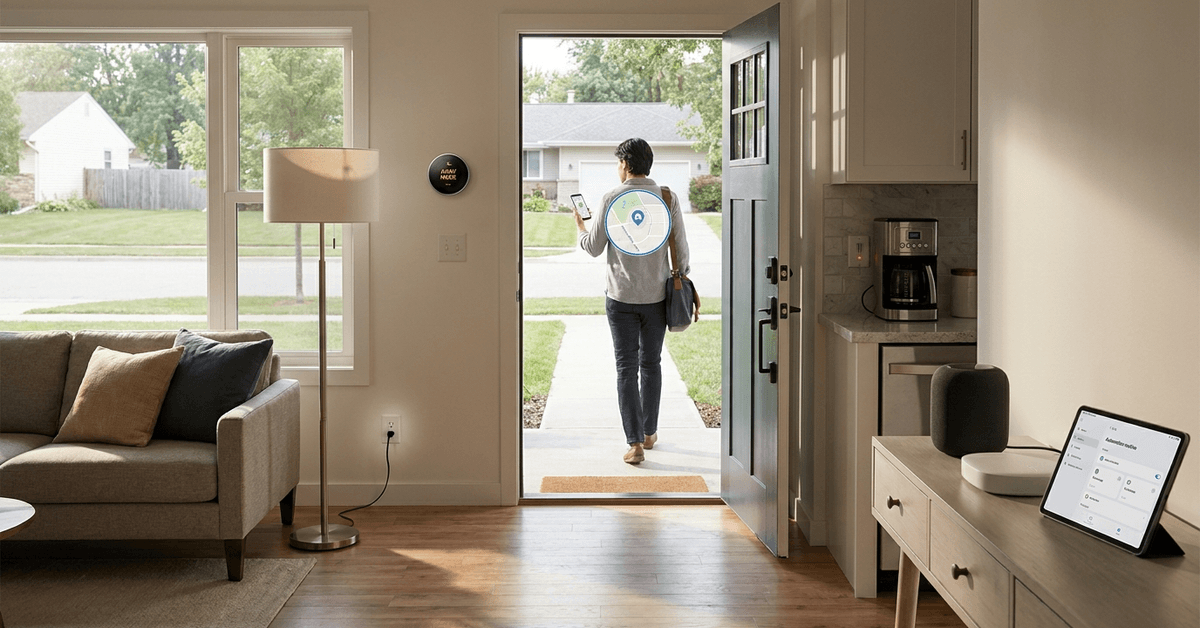
Most modern smart home platforms, like SmartThings and Home Assistant, offer built-in geofencing. They connect with your phone to detect real-world presence at home.
How Geofencing Works with Home Devices?
Smart apps set a virtual boundary around your house. When the last person leaves, a preset routine can power off devices or systems.
Lights, plugs, and climate control can all respond, provided they are compatible with the platform and automation rules.
Why Turn Off Appliances Automatically?
Leaving appliances running needlessly can waste energy or even pose risks. Turning them off remotely is one way to tackle this problem.
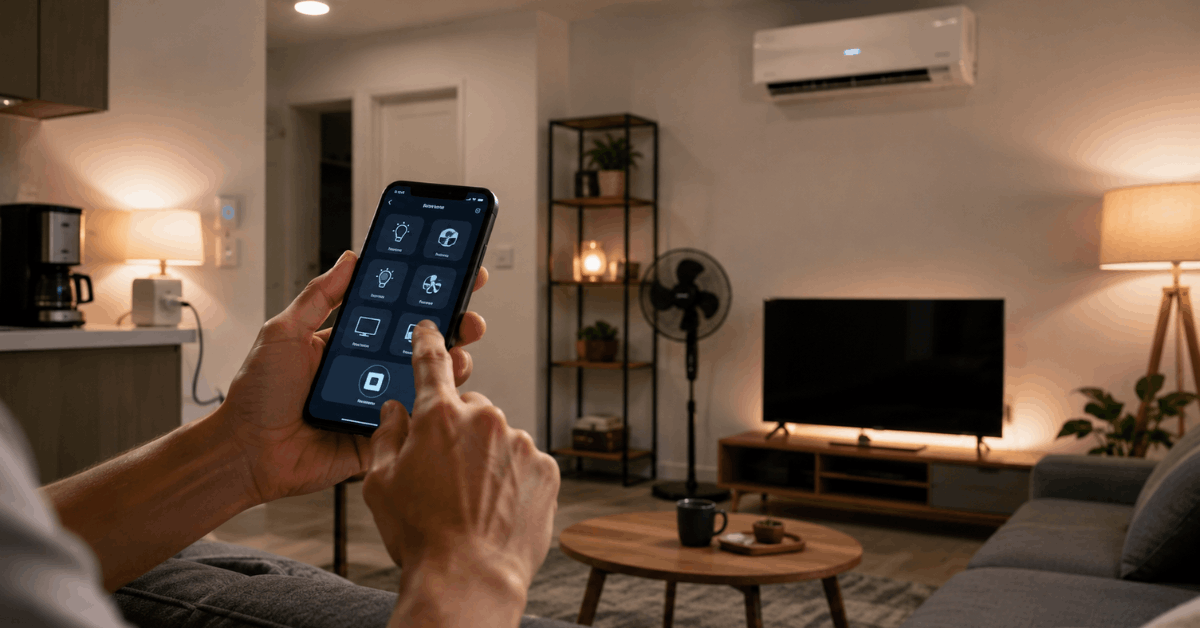
Some of the main benefits include lower power bills, reduced fire hazards, and improved peace of mind.
Key Appliances That Can Be Managed
- Smart plugs for lamps and fans
- Wi-Fi-enabled air conditioners
- Connected coffee makers
- Entertainment systems
- Electric heaters
Each device needs smart connectivity to be controlled by automation.
Requirements and Compatible Hardware for Geofencing
Reliable geofencing needs a few essentials: a compatible smart hub, a smartphone with location services, and smart plugs or switches.
SmartThings Hub is a popular choice, but Home Assistant and Apple HomeKit work just as well for connected homes.
Common Supported Devices
- TP-Link Kasa smart plugs
- Philips Hue smart lights
- Ecobee or Nest smart thermostats
- Any device with IFTTT or Alexa/Google Home integration
Not every plug or outlet is compatible. Always check device specs before purchasing new hardware.
Recommended Software Platforms With Geofencing Automation
Smart home platforms serve as the backbone for location-based control. Their mobile apps use your location to automate routines and scenes.
Some leading apps include Samsung SmartThings , Apple Home, and Home Assistant. Third-party apps like IFTTT and Life360 add even more flexibility.
Platform Highlights
- SmartThings: High reliability, wide device support
- Home Assistant: Powerful, privacy-friendly, open-source
- Apple Home: Tight ecosystem for iPhone/iPad users
- Google Home: Good device compatibility and routine options
Setting Up Smart Geofencing Step-by-Step
A basic setup uses your phone, a compatible outlet or switch, and the app’s automation tools. Below is a simple guide using SmartThings as an example.
Initial Steps
- Install the SmartThings mobile app on your phone.
- Sign in and ensure location permissions are enabled.
Connecting Devices
- Plug appliances into a smart plug (like Kasa or TP-Link models).
- Add each plug to your SmartThings account.
Configuring Geofence Automations
- Navigate to the Automations section in the app.
- Select “Add Automation.”
- Pick the “When everyone leaves” trigger.
- Set your home location by adjusting the on-screen map.
- Choose which devices to power off when the last person leaves.
- Save and test the routine by leaving and returning with your phone.
Troubleshooting Common Issues
- Location not updating: Keep GPS and Wi-Fi active for accuracy.
- Devices not responding: Confirm plugs or bulbs are online and linked.
- Routine not triggering: Review automation timing settings and phone permissions.
Tips to Optimize Reliability and Security
To avoid false triggers or lapses, consider these proven adjustments. Practical fine-tuning can save time and stress later.
Improving Accuracy
- Expand the geofence radius to avoid missed exits if GPS drifts.
- Use Wi-Fi assist features in your home app for extra precision.
- Add multiple family phones so everyone is included in routines.
Enhancing Safety
- Combine geofencing with motion detectors for layered security.
- Set a short delay on automations to prevent turning off devices if someone returns quickly.
Smart Home Privacy Concerns
Privacy matters when using phone location for automation. Reputable platforms, like Home Assistant, often process data locally for better control.
Review app permissions regularly and stay updated with security fixes. Most platforms let you turn off features that feel too intrusive.
Legal and Safety Considerations
Disabling vital appliances automatically is not always safe. Avoid connecting critical systems like medical devices to automated shutoffs.
Review warranty terms for all smart devices used. Well-known brands like Philips, TP-Link, or Ecobee offer clear usage guidelines.
Conclusion: Achieve Seamless Home Automation With Geofencing
Smart geofencing brings true convenience to energy savings and safety. By blending the right apps, devices, and practical knowledge, homeowners gain control and comfort when stepping out the door.
Routine use helps maximize both security and peace of mind. With careful planning, the risks are low and the long-term gains are rewarding for almost any connected household.