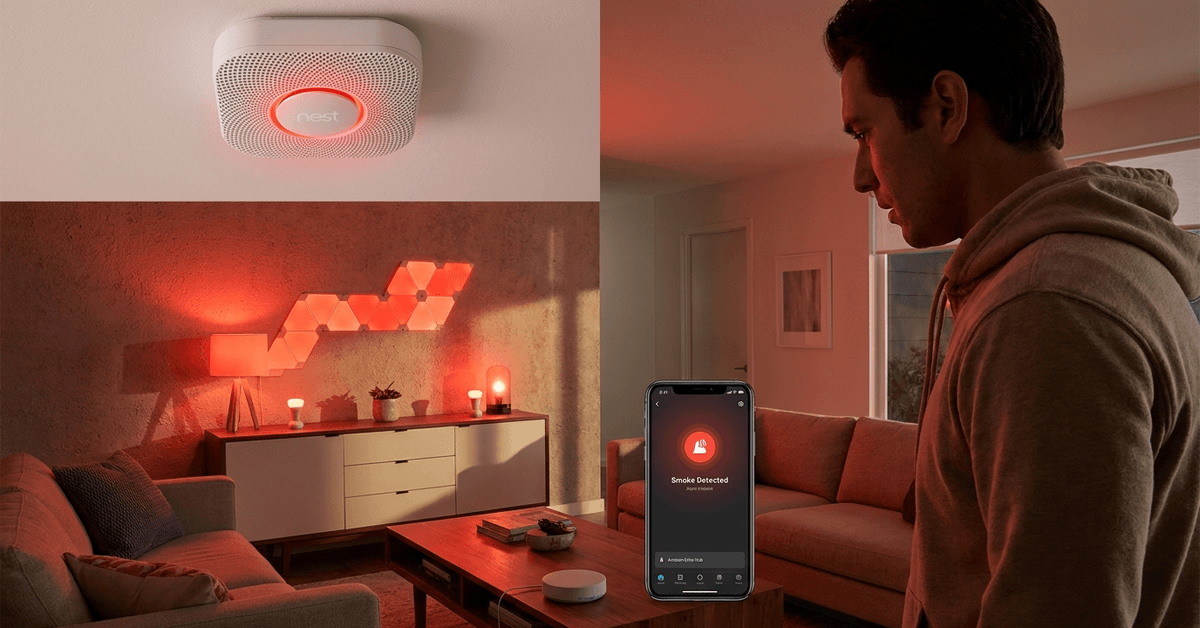
Combining smart smoke alarms with indoor lighting systems creates safer, more intuitive homes. This approach gives everyone in the house quicker visual alerts during emergencies.
Anyone building a modern smart home or improving existing setups will benefit. It is practical for homeowners, renters, and even property managers interested in reliable alarm responses.
Below is a structured guide covering protocols, tools, and setup steps. Each point considers your safety, system compatibility, and ongoing reliability.
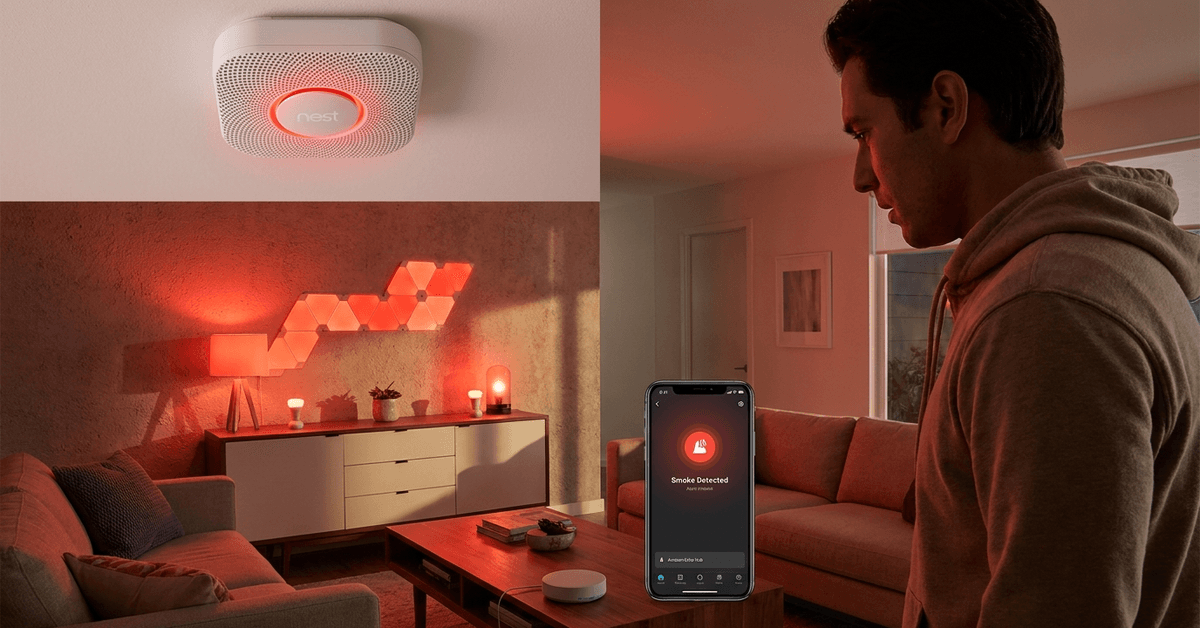
Why Integrate Smoke Alarms with Indoor Lighting?
Smart integration helps smoke alerts reach you faster. Visual cues from lights can wake heavy sleepers and help those with hearing impairments. It is also useful in large or multi-story homes.
Key Benefits
- Faster Awareness: Even if alarms are distant, lights alert everyone immediately.
- Increased Accessibility: Helps those who might not hear alarms well, such as seniors or children.
- Automation Potential: Lights can guide safe evacuation paths.
Choosing Compatible Smart Smoke Alarms
Begin by confirming your smoke alarm is compatible with automation protocols. Common ones include Zigbee, Z-Wave, Wi-Fi, and Thread. Not every alarm supports every platform.
- Nest Protect: Integrates well with Google products.
- First Alert Onelink: Supports HomeKit and Alexa routines.
- Abode Smoke Monitor: Works via Z-Wave networks.
Protocol Considerations
Zigbee and Z-Wave usually require a smart hub. Wi-Fi models connect directly to routers and often to cloud accounts. Thread is newer but offers faster, mesh-based responsiveness.
Selecting Compatible Indoor Lighting
To sync with alarms, light bulbs or fixtures must be smart-enabled. Brightness control and color-changing features can boost alerting power.
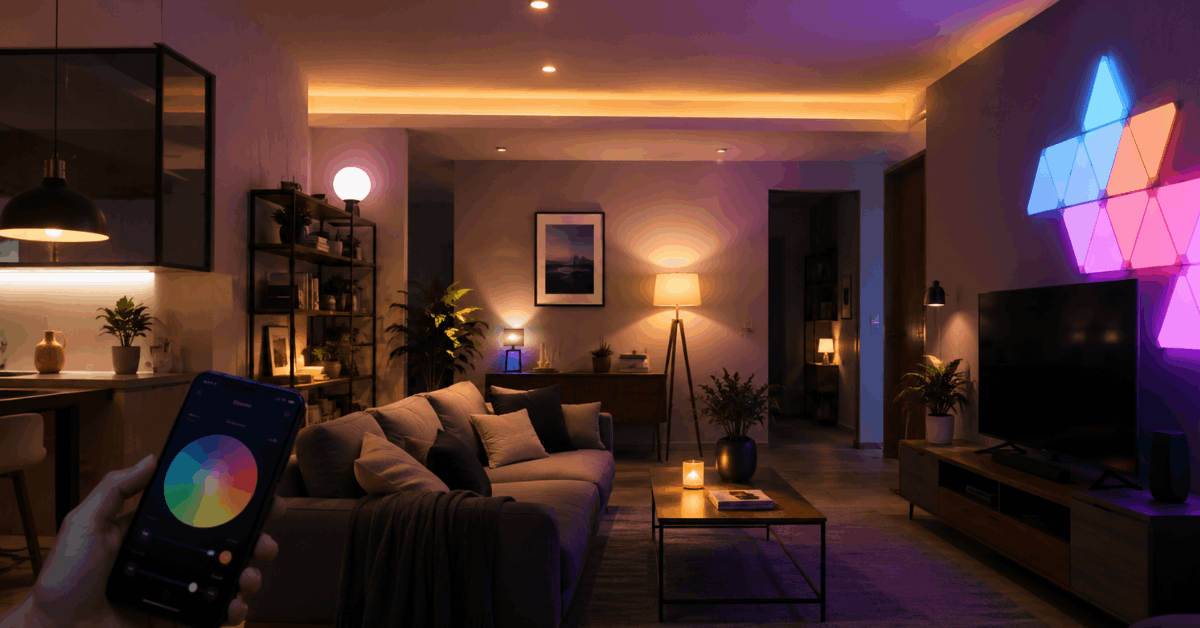
- Philips Hue: Robust automation support and broad compatibility.
- LIFX Bulbs: Work independently on Wi-Fi, easy app-based routines.
- Nanoleaf Panels: Creative lighting for visible alerts in large spaces.
Important Lighting Features
Color variety allows for red warning flashes. Dimmable functions help prevent glare. Also, a fast response time is desirable for synchronizing with alarm triggers.
Essential Smart Home Hubs and Platforms
Central control hubs make integration smoother. Some platforms act as bridges between different brands and protocols. This flexibility is great for combining smoke alarms and lights from separate makers.
- SmartThings Hub: Supports Zigbee and Z-Wave, easy automations.
- Apple HomeKit: Useful for full Apple-centric environments.
- Amazon Alexa + Echo Hub: Works with many third-party lights and sensors.
Automation Apps & Services
- IFTTT: Connects services using “if-this-then-that” logic.
- Home Assistant: Advanced, open source, runs powerful routines locally.
- Google Home Routines: Simplifies automation for Nest and compatible lights.
Step-by-Step Guide: Linking Smoke Alarms and Lighting
Preparation and System Checks
- Check that both devices (smoke alarm, lights) appear in your chosen platform or app.
- Update firmware for stable connectivity.
- Confirm Wi-Fi or mesh network coverage in all rooms.
Create Device Groupings
- Add all smart lights into a single room or “group” in your automation app.
- Add the smoke alarm to the same ecosystem.
Setting Automations
- In your hub or automation app, find the option labeled “Automations” or “Scenes.”
- Add a new automation with the smoke alarm as the “trigger.”
- Choose actions such as “turn on lights,” “set to red,” or “flash repeatedly.”
- Test the routine with a manual alert (using test buttons is safest).
Example: Integration Using SmartThings
- Add smoke alarm and lights to your SmartThings account.
- Select “Automations.” Click “Add Routine.”
- Set up: If “smoke detected” (trigger), then “turn all lights on and flash red.”
Example: Routines via Google Home
- Pair Nest Protect and compatible lights in the Google Home app.
- Create a “Routine” with the trigger as “smoke alarm sounds.”
- Set the action: Lights on, color red, brightness 100%.
Common Protocols: What Actually Works?
Interoperability is vital. Some protocols are more flexible in a mixed-brand environment.
- Zigbee : Fast, mesh-based, good for whole-home coverage.
- Wi-Fi: Easy to control, but depends on cloud reliability.
- Z-Wave: Secure, often used for alarms and security sensors.
- Thread: Low-latency, expanding rapidly, but fewer products.
Third-Party Bridges and Services
IFTTT often links brands that would not natively connect. Home Assistant can also bridge Zigbee, Z-Wave, Wi-Fi, or even legacy brands in a unified dashboard.
Practical Setup Scenarios
Apartment-Friendly Solutions
Wi-Fi bulbs and smoke alarms (like LIFX and Nest Protect) are useful since they require no special wiring or hub installations. This makes them suitable for renters and small apartments.
Large Home or Office Configurations
Mesh networks such as Zigbee or Thread help maintain stable automation across different floors. SmartThings and Home Assistant are strong options for bigger layouts.
Testing and Safety Considerations
Regular Routine Testing
Test automations monthly to ensure lights respond to the smoke alarm event. Always use test buttons, not actual smoke, for verification. This keeps things safe and regulated.
Maintaining System Reliability
- Keep firmware and apps up to date.
- Back up automation routines for complex setups.
- Consider battery backups for Wi-Fi routers, especially in outage-prone regions.
Troubleshooting Common Integration Issues
Devices Not Detecting Each Other
- Check that both are connected to the same platform.
- Restart the hub or the app controlling your routines.
- Verify that all permissions (like microphone or notifications) are enabled.
Automations Delayed or Failing
- Investigate local versus cloud-based automations. Local routines are faster and more reliable.
- Look for software conflicts if two apps attempt to control the same device.
False Alarms or Lights Triggering Unnecessarily
- Fine-tune sensitivity settings on your smoke detector.
- Update device placement to reduce nuisance alarms, such as away from kitchens or bathrooms.
Advanced Features and Future Trends
Multi-Sensor Integration
Many homeowners add additional sensors like carbon monoxide detectors or leak sensors into their automations. This creates a layered, proactive safety ecosystem.
AI-Based Alert Filtering
Some platforms (notably Home Assistant with advanced plugins) use algorithms to filter out false positives. This can reduce unwanted lighting activations.
Upcoming Protocols
The Matter standard aims to unify device compatibility across brands. Once mature, it should simplify these integrations significantly for everyone.
Conclusion
Integrating smart smoke alarms with indoor lighting strengthens home security, provides faster, more noticeable alerts, and makes every home more accessible.
With careful device selection and structured automations, homeowners can achieve safer environments, whether for families, guests, or even rental properties.
Ongoing testing and embracing modern platforms ensure your safety routines perform when they matter most. The right combination can bring genuine peace of mind in day-to-day living.