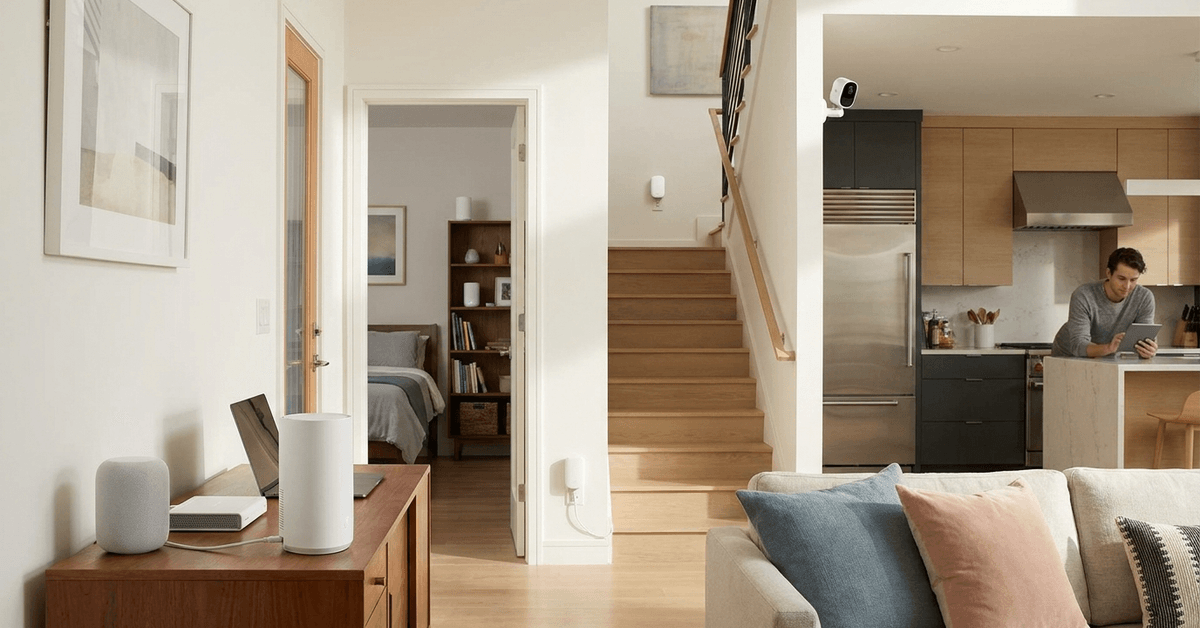
Living with smart home devices usually means relying on a strong internet connection. Many homes struggle with Wi-Fi dead zones.
Wi-Fi mesh networks aim to solve this common issue. These systems can be especially helpful for smart home setups with lots of connected gadgets. The article below explores how they work and whether investing in one makes sense.
What is a Wi-Fi Mesh Network?
Traditional Wi-Fi routers broadcast a signal from a single point. This can leave areas of the house with weak connectivity.
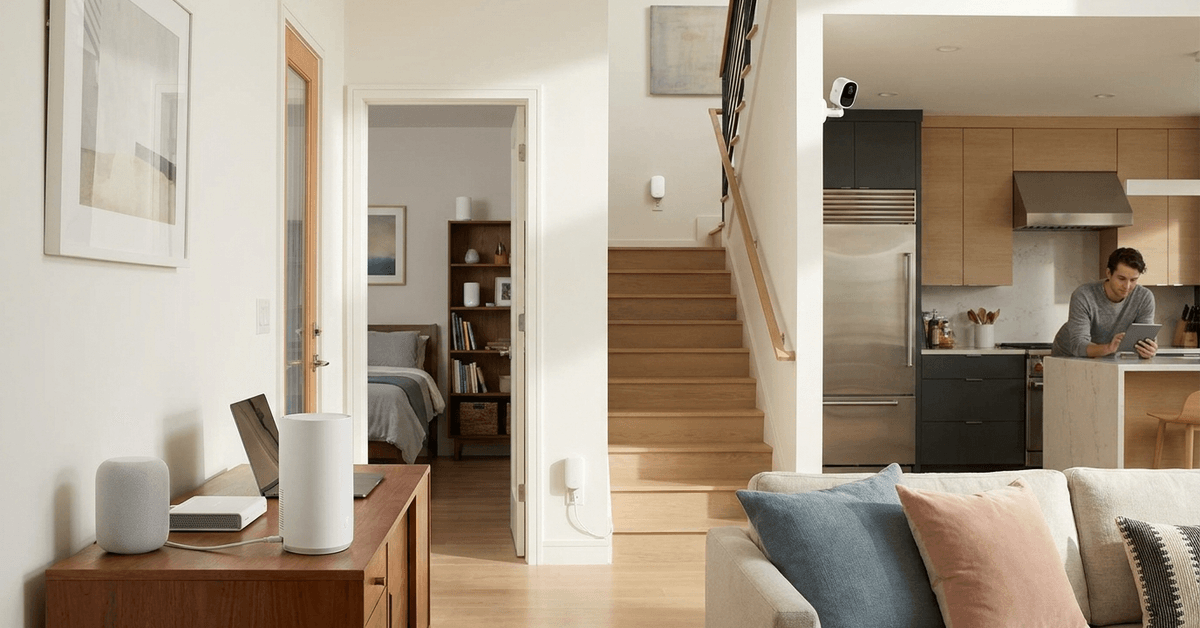
A mesh network uses several devices, called nodes, placed around your home. These nodes work together to blanket every corner in Wi-Fi.
How Mesh Networks Differ from Routers and Extenders
- Wi-Fi Mesh System: Several nodes automatically communicate for seamless coverage.
- Router Only: Covers a single area, and signal gets weaker further away.
- Range Extender: Repeats the existing Wi-Fi but often halves your speed in the process.
Mesh nodes hand off devices between themselves. There’s typically only one network name. This means your smartphone or camera doesn’t need to reconnect when you walk through your house.
Why Smart Homes Benefit from Mesh Wi-Fi?
Most smart home devices need a stable, constant connection. Appliances like security cameras, smart locks, and voice assistants all rely on Wi-Fi.
A mesh network helps ensure reliability in any room, including out-of-the-way places like basements or attics.
Eliminating Dead Zones
Placing mesh nodes in hard-to-reach areas helps keep connectivity stable. This is useful for devices like door sensors in garages or smart bulbs in patios.

Consistent Performance
Devices rarely drop offline when a mesh network is present. This stability is crucial for security systems and real-time notifications.
Flexibility for Growth
Mesh systems are scalable. Adding a new smart device is simple because you can add another node if needed.
Core Components of a Mesh Network
- Main Node: The hub connected to your modem. It shares your internet across all nodes.
- Satellite Nodes: Additional devices plug into power elsewhere in your home.
- App or Web Dashboard: Allows network management and monitoring from any phone or PC.
Popular Mesh Wi-Fi Brands
- Google Nest Wifi
- Netgear Orbi
- Eero by Amazon
- TP-Link Deco
Each of these options has its own app for easy setup and troubleshooting.
Setting Up a Wi-Fi Mesh System: A Real-World Walkthrough
Installation typically takes 15 to 30 minutes. Most companies offer intuitive setup processes.
- Download the Brand App: This is where setup starts. Examples include Google Home for Nest Wifi or the Eero app for Amazon’s system.
- Connect the Main Node: Plug this node into your modem with an Ethernet cable. Power it up.
- Position Satellite Nodes: Place other nodes in different rooms, starting with areas where you notice weak Wi-Fi.
- Follow Prompts: Use the app to link each node to the system, name your network, and set a password.
- Optimize Placement: If a node shows weak signal (usually color-coded in the app), try moving it closer to another node or to a different room.
Smart Home Security Concerns and Mesh Wi-Fi
Security should be a priority in any connected home. Mesh networks add several protection tools.
- Automatic Firmware Updates : Most mesh brands keep themselves updated to patch vulnerabilities.
- Guest Networks: You can set up a separate network for visitors or smart home appliances, keeping them isolated from personal data.
- Parental Controls: Some systems let users restrict access to specific sites or limit usage times for certain devices.
Extra Tip: WPA3 Protocol
Many new mesh systems support WPA3. This is currently the most secure Wi-Fi standard for home use. It protects against brute-force attacks and keeps smart devices safe.
When Is a Mesh Network the Right Choice?
Not every home requires a mesh setup. Certain conditions make mesh the more practical route.
- Larger Homes: Buildings with multiple levels or extended layouts see the most benefit.
- Smart Device Density: If there are many smart gadgets spread out, better coverage matters.
- Dead Zone Frustrations: Homeowners who constantly lose signal in specific rooms will find a mesh system a relief.
- No Central Router Location: If your home’s internet must connect at one end, nodes fill in the coverage elsewhere.
Things to Consider Before Upgrading
- Monthly Internet Speed: Mesh can’t make a slow plan faster but helps distribute it evenly.
- Hardware Cost: Starter mesh kits range from $150–$400 depending on the features and number of nodes.
- App Ecosystem: Features, like remote management, compatibility with Amazon Alexa, or Google Assistant, can differ by brand.
Mesh Wi-Fi and Smart Device Compatibility
Most smart home setups mix devices from several brands. Appliances often use 2.4GHz Wi-Fi while phones, TVs, and laptops use both 2.4GHz and 5GHz bands.
Mesh systems generally offer both frequencies on a single network. This allows simple device management.
Potential Issues with Older Devices
Some legacy smart home gadgets struggle to connect to mesh networks. This is rare but can happen, especially with older 2.4GHz-only equipment.
Many mesh brands allow the user to temporarily separate frequencies during setup or provide a guest network that only uses 2.4GHz for compatibility.
Useful Apps and Mesh Network Tools
- Fing: A network scanner that finds out which devices connect to your mesh network.
- NetSpot: For checking signal strength and identifying optimal node locations.
- Speedtest by Ookla: Confirms your actual download and upload performance throughout your house.
Managing Devices for Smart Home Efficiency
Mesh network apps usually let users group and name devices. This detail helps organize automations or quickly spot unusual activity.
This is useful for parents who want to check which child’s phone or which TV is on the network late at night.
Conclusion: Should You Get a Mesh Network for Your Smart Home?
Mesh Wi-Fi can make a big difference in homes with many connected devices. Homes with thick walls, long layouts, or numerous smart sensors experience fewer disruptions and more seamless automations once mesh is installed.
For urban apartments or one-level homes with just a few devices, a mesh network may not be a big improvement over a strong single router. Yet, for growing smart home ecosystems, mesh provides reliability, flexibility, and security.
Making the switch helps solidify the backbone of a secure, smooth smart home.