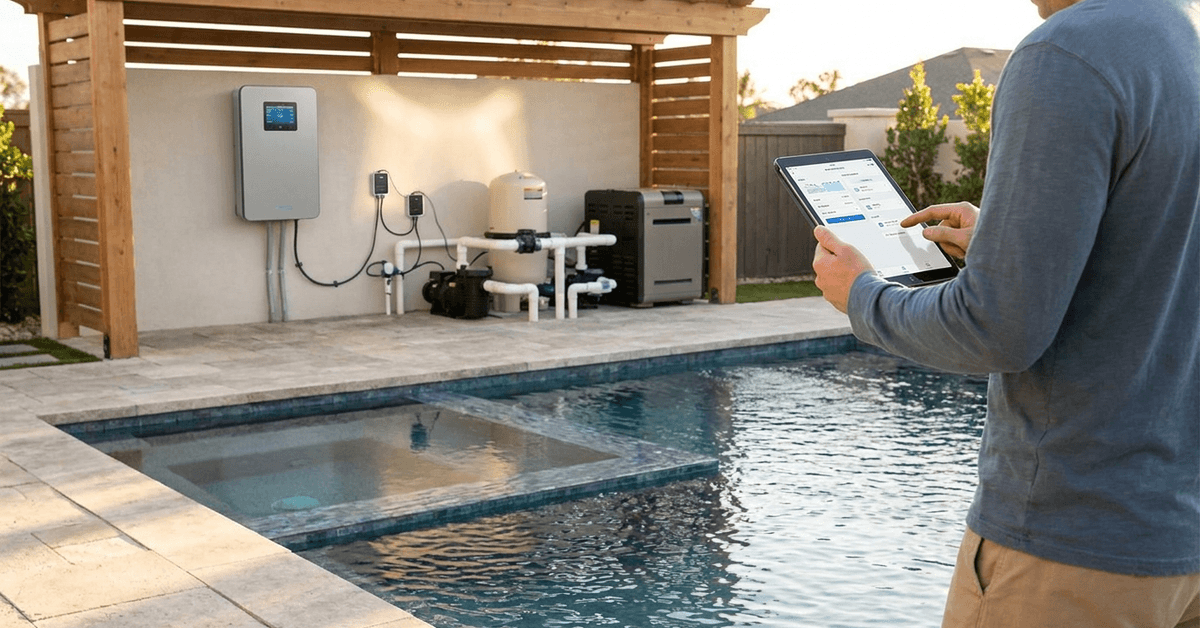
Maintaining the ideal pool or hot tub temperature improves comfort and lengthens the swimming season. Smart automation technology now makes it practical to control heating efficiently without manually adjusting settings every day.
This guide explores how modern homeowners and gadget fans can manage water temperatures with precision. The focus is efficient control, integration, and safety—suiting both tech enthusiasts and beginners.
Why Automate Your Pool or Hot Tub Temperature?
Automation makes sense for owners seeking consistent comfort while avoiding wasted energy. Traditionally, heaters cycle on and off without much logic.
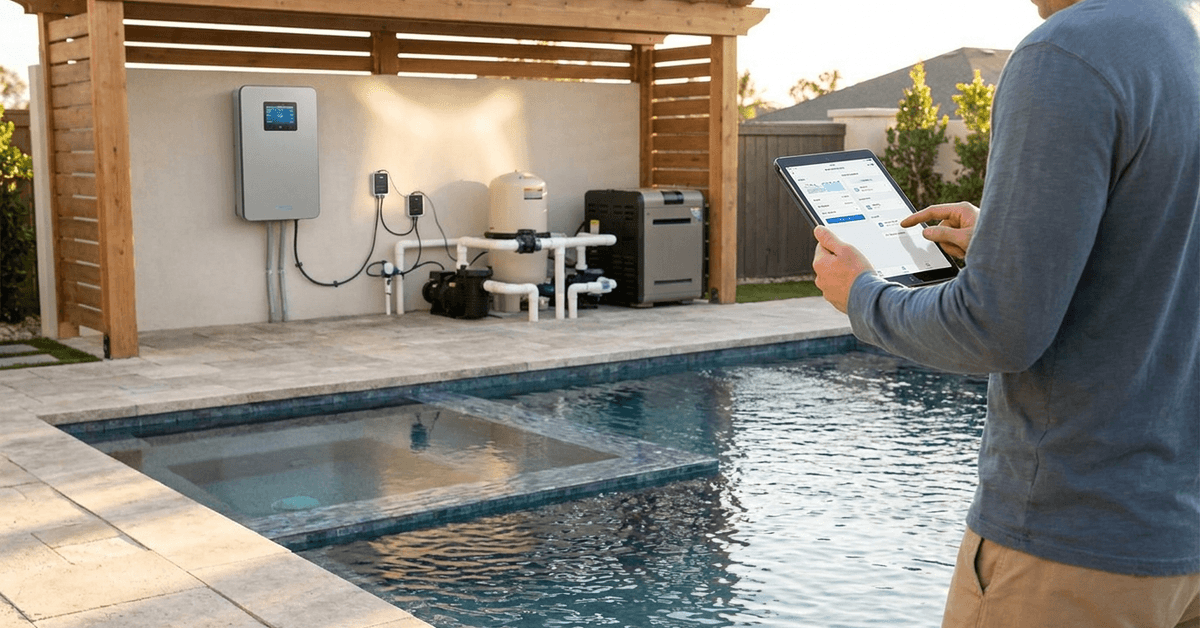
Smart control systems solve this problem. They monitor, adjust, and learn usage patterns over time. Results include real savings and fewer frustrating surprises.
Energy Conservation
Energy costs usually spike when heaters run longer than needed. Automated temperature management uses sensors to reduce unnecessary heating cycles throughout the day.
Consistent Water Comfort
With automation, the water stays ready at your preferred temperature. There is less risk of jumping in only to find your pool cold or your hot tub overheating.
Convenience and Remote Access
Mobile apps and voice controlled assistants make it possible to check and change temperatures from anywhere. This suits owners who travel or juggle busy routines.
Choosing the Right Automation Equipment
The ideal solution blends well with your home ecosystem and existing pool or tub setup. A smart controller, thermostatic sensors, and network integration form the core components.
Popular Smart Controllers
- Pentair IntelliCenter
- Hayward OmniLogic
- Jandy iAquaLink
Each option syncs with mobile apps and allows precise scheduling. They interface with pumps, heaters, and variable speed motors.
Sensors and Remote Thermostats
Accurate sensors are essential. Most smart controllers come with built-in support for digital water temperature probes.
Wireless sensors extend your reach. Models from Honeywell and AquaCal are popular in residential pools.
Integration Protocols
- Z-Wave and Zigbee for broad smart home system compatibility
- Wi-Fi for direct internet connectivity
- Proprietary protocols unique to certain manufacturers
Many premium kits are compatible with Alexa, Google Home, and Apple HomeKit. This opens voice activation and automations triggered by routines.
Key Steps for Smart Temperature Automation
Efficient automation requires careful planning and precise installation. Homeowners often find it useful to approach this as a phased project rather than all at once.
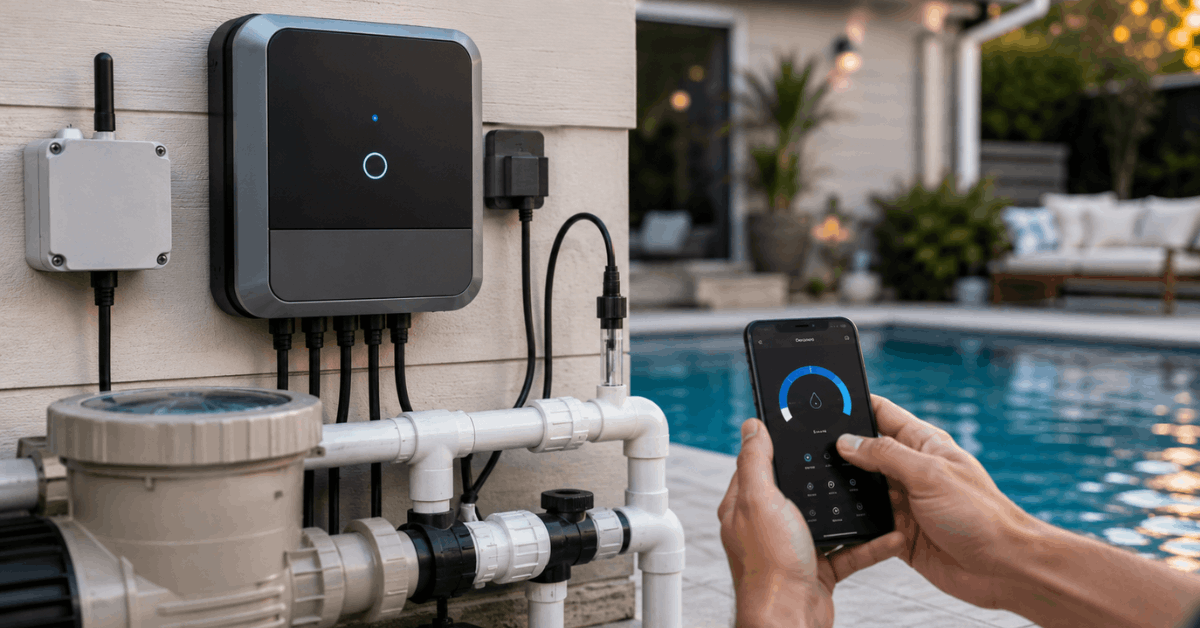
Step 1: Assess Your Existing Equipment
Inventory your heater, filtration, and existing wiring. If your heater supports digital inputs or relay control, integration is simpler.
Step 2: Select a Compatible Smart Controller
- Research compatibility with your heater brand
- Confirm the number of circuit relays needed
- Look for app support for both iOS and Android
Step 3: Install Water Temperature Sensors
- Probe style sensors are inserted in return lines or dedicated wells
- Wireless sensors should have reliable signal strength in your pool area
Step 4: Configure the Controller
- Connect to home Wi-Fi or hub
- Create an automation rule for target temperature
- Set thresholds for heating and cooling triggers
Step 5: Sync With Mobile Apps
- Download the manufacturer’s app (e.g., Pentair Home )
- Enable smart notifications and alerts
- Allow remote or geofenced control
Best Smart Devices and Apps for Pool Automation
Reliable hardware and thoughtfully designed mobile apps make automation productive, not frustrating. Well-established manufacturers have the best support.
Pentair IntelliCenter
This system is popular for full-featured smart home pools. The mobile app provides granular schedules and alerts.
Hayward OmniLogic
OmniLogic integrates with Alexa and Google Home. Favorite routines include timer-based warmups before anticipated swims.
Jandy iAquaLink
iAquaLink suits mixed equipment brands and complex outdoor setups. The app allows device grouping for multi-pool estates.
Advanced Automation Techniques
Users looking for more than simple temperature on-off cycles can experiment with layered automation. The following approaches often yield above-average energy savings and comfort.
Weather-Based Scheduling
Some systems can be linked to weather API data. This helps anticipate cold fronts, preventing wasted energy on unnecessary heating.
Occupancy and Proximity Sensors
Presence sensors, such as those from Zooz or Fibaro, signal the controller to pre-heat water only if someone is nearby. This minimizes idle running.
Multi-Zone Control
Owners with both a pool and a connected standalone hot tub often configure separate zones. Each maintains its own temperature schedule for maximum efficiency.
Tips for Efficient Temperature Management
- Select a realistic target temperature based on season: 78-82°F for pools, 100-104°F for hot tubs
- Schedule heat “ramps” only during anticipated usage times
- Use covers routinely to prevent heat loss overnight
- Monitor heater run times in your app dashboard
- Limit remote adjustments to avoid accidental overuse
Automation works best when paired with basic insulation and maintenance habits. Neglected covers or poor circulation often defeat even the smartest controller.
Safety, Security, and Privacy Considerations
Smart systems sometimes require users to register cloud accounts or expose devices to the internet. This introduces privacy considerations.
Choose automation brands with a track record of prompt security updates. Using unique, strong passwords for your pool controller apps is a good idea.
Physical Hardware Safety
Professional installation is recommended for high-voltage equipment. Rooms with high humidity, such as pool pump sheds, need GFCI protection and corrosion-resistant hardware.
Data Security
Check for local control options, where temperature schedules stay within your home network and do not rely on cloud relays.
Maintenance and Troubleshooting
Smart gear needs occasional attention. Firmware updates should be completed via the official manufacturer’s app.
- Test temperature sensors every few months for accuracy
- Inspect physical wiring for corrosion or animal damage
- Reboot controllers if apps disconnect frequently
Major brands usually offer robust support forums or knowledge bases for self-help guides.
Conclusion
Automating pool or hot tub temperature offers a blend of comfort, efficiency, and peace of mind. The latest smart controllers now make it accessible for most homeowners—even those with modest tech skills.
Equipment selection and careful setup are crucial. Brands such as Pentair IntelliCenter and similarly established names deliver reliable results with minimal daily oversight.
Layering automations with weather-triggered routines or occupancy sensors further cuts costs and enhances convenience. Ensuring strong security and solid maintenance keeps your connected sanctuary safe and trouble-free.
With the right tech, tedious temperature adjustments can become a thing of the past. Your pool or hot tub will always welcome you with perfect warmth, on demand and energy-smart.