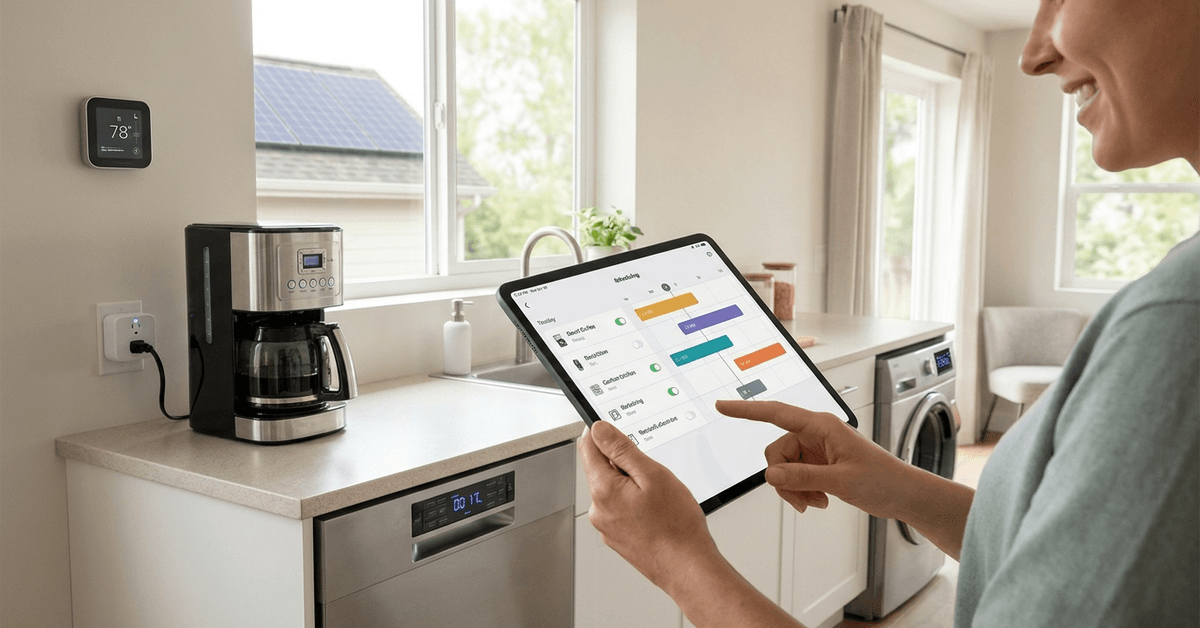
Managing appliance longevity is a common concern for homeowners. Regular wear, unnoticed overuse, and fluctuating routines can cut short the life of even modern devices.
“Smart scheduling” blends automation, energy control, and deliberate timing for significantly longer appliance lifespans.
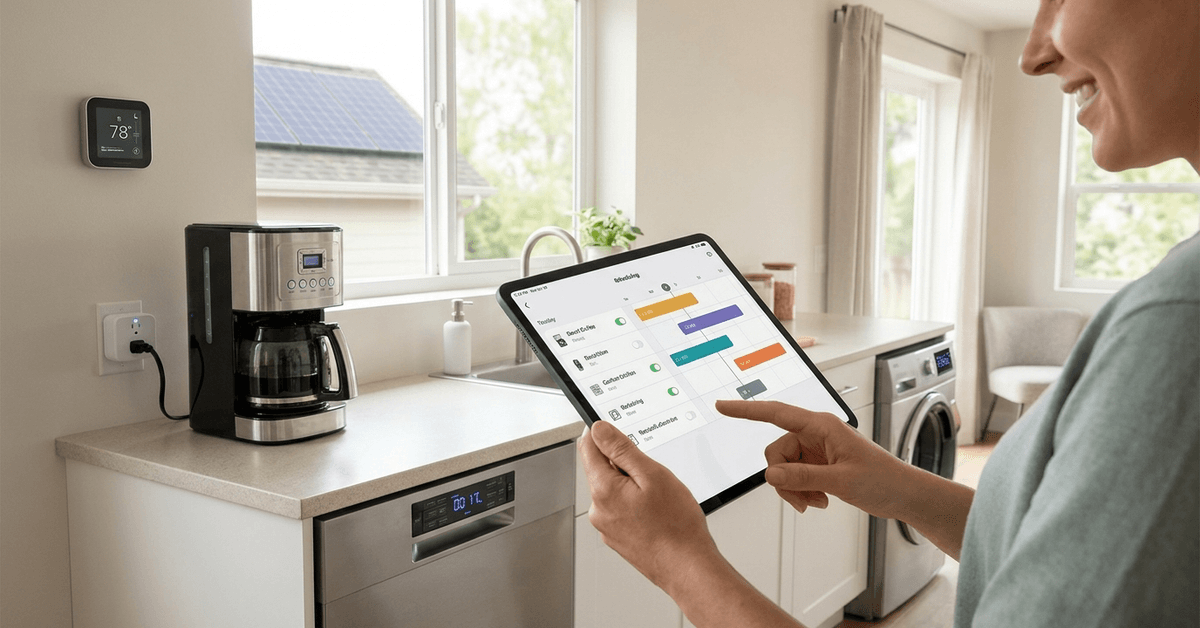
Why Smart Scheduling Preserves Appliances?
Appliances fail sooner if they run excessively or at odd hours. Scheduling prevents that by enforcing operating windows and avoiding harmful usage patterns.
Stress Reduction on Components
Frequent on-off cycling and uncontrolled late-night runs can strain key parts. Scheduling lessens these risks, reducing wear and tear.
Lower Heat and Electrical Overexposure
Shorter, managed sessions mean less time under stress. Electronics, motors, and relays often fail when overstressed from lengthy, unscheduled operation.
Popular Appliance Types Suited for Smart Scheduling
- HVAC systems
- Washing machines
- Dishwashers
- Water heaters
- Electric ovens
- Smart plugs controlling lamps or coffee makers
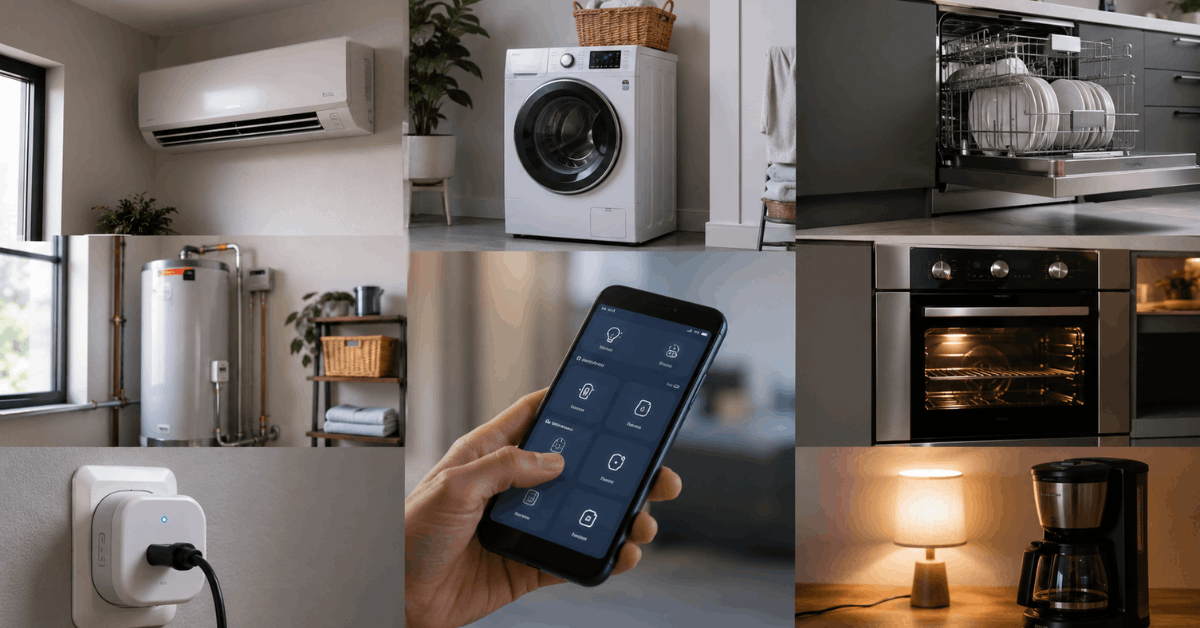
Focusing scheduling on these devices usually provides the greatest benefit in home longevity and efficiency.
Core Technologies Behind Smart Scheduling
Most smart scheduling relies on protocols like Zigbee, Z-Wave, or Wi-Fi connections.
These allow devices to “listen” for schedule instructions and execute routines automatically.
Smart Hubs and Controllers
Hubs act as brains of the system, delivering schedules directly. Common examples include Samsung SmartThings, Hubitat Elevation, and Home Assistant.
Plug-and-Play Smart Plugs
Smart plugs with built-in timers can upgrade older appliances. Brands such as TP-Link Kasa and Amazon Smart Plug offer reliable app-based scheduling.
Setting Up Effective Appliance Schedules
It often helps to begin with foundational tools most homeowners already have access to, such as Google Home or Alexa.
Step-by-Step: Household Appliance Scheduling
- Install the appliance app or connect the device to a hub (e.g., SmartThings or Home Assistant).
- Ensure the device firmware is current to support latest scheduling features.
- Open the hub or cloud app and select your target appliance.
- Navigate to its scheduling or automation menu.
- Set start and stop times for daily or weekly routines.
- Confirm with a manual run, making sure the schedule triggers as expected.
Small home appliances often need only daily basic schedules. Larger systems (like HVAC) may benefit from more complex, seasonal schedules that adjust over time.
Real-World Example: TP-Link Kasa Plug Setup
- Plug appliance into the TP-Link Kasa Smart Plug.
- Download and open the Kasa app on your phone.
- Add the device in-app and connect to your Wi-Fi.
- Tap “Schedule” and set your desired times (example: 8:00 am on – 11:00 am off).
- Save the schedule and test the function with a quick “manual” on-off cycle to verify control.
This user-friendly approach fits common kitchen or entertainment gadgets.
Optimizing Schedules for Maximum Lifespan Gains
It’s not just about turning devices on or off. The real benefit lies in tuning runtimes to match appliance recommendations.
Following Manufacturer Guidelines
Manufacturers typically share ideal runtime limits and maintenance cycles in the manual. Incorporating those figures into schedules prevents lingering operation, helping maintain performance.
Staggered Loads and Peak Avoidance
Scheduling laundry or dishwashers outside peak utility windows can ease system strain. This also often lowers utility bills while supporting wider home longevity.
Routine Review and Seasonal Tweaks
Home energy use shifts by season and schedule. Homeowners might revisit automation every few months to adjust for daylight, habits, or appliance aging.
Top Smart Scheduling Apps to Consider
Among the wide array, the most reputable for robust scheduling include Home Assistant, Google Home, and Samsung SmartThings.
- Home Assistant: Versatile, supports custom automations, ideal for tech-savvy homes.
- Google Home: User-friendly, integrates tightly with Nest devices, easy for beginners.
- Samsung SmartThings: Multi-protocol support, reliable for both new and legacy gadgets.
Each of these offers energy tracking, schedule automation, and compatibility with many common appliances.
Common Scheduling Mistakes to Avoid
Overly Rigid or Aggressive Timetables
Locking appliances into too short or overly frequent sessions can hamper performance or frustrate users. Balanced scheduling encourages better results—occasional flexibility helps respond to unexpected needs.
Ignoring Firmware Updates or Integration Warnings
Outdated hub or app software may not handle newer appliances well. Staying up to date ensures reliable schedules and fewer disconnects.
Neglecting Maintenance Reminders
Scheduling does not replace the need for regular filter cleaning, part replacement, or basic upkeep. Adding “maintenance check” events into your scheduler can help extend device life even further.
Smart Scheduling and Home Security
Smart scheduling doesn’t just benefit appliances—it has a distinct role in security setups. Routinely operating lights or cameras based on occupancy schedules can deter unwanted attention.
Platforms like Fortressmate.com often discuss how timed lighting can mimic lived-in appearances when away.
Best Practices for Smart Scheduling Success
- Pair schedules with energy monitoring data for optimization.
- Review device logs monthly to spot abnormal patterns.
- Prioritize updating hub firmware to add scheduling features as released.
- Document all schedules and share info with the whole household.
- Include downtime or “rest” periods between schedules for sensitive appliances.
These small steps collectively support years of reliable service from your investment.
Tips for Effective Appliance Scheduling
A balanced schedule can reduce wear while keeping appliances convenient to use.
- Avoid unnecessary operating hours.
- Space out heavy appliance use.
- Add maintenance reminders.
- Review activity logs.
- Update schedules seasonally.
How Smart Scheduling Promotes a Resilient Smart Home?
Smart scheduling is at the heart of modern home automation. It quietly protects your gadgets, lets them work at their best, and may even help notice trouble early.
You might find initial setup takes a little extra time, but the rewards — longer appliance life and fewer headaches — are proven by countless homeowners.
Conclusion
Integrating smart scheduling into your routine extends appliance lifespans, lowers household costs, and minimizes avoidable breakdowns.
Leaning on trusted platforms like Home Assistant or Samsung SmartThings simplifies the process while making ongoing tweaks effortless.
For those serious about both smart automation and long-term savings, proper scheduling is one of the wisest investments for any tech-ready household.