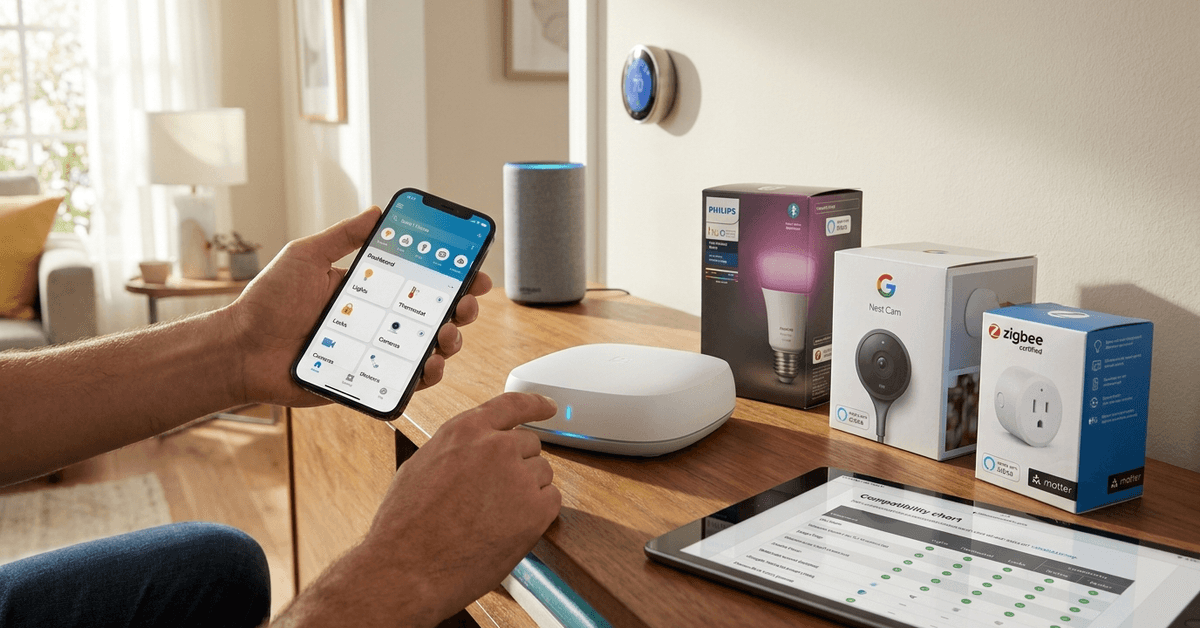
Choosing a smart hub is an important step in building a secure and cohesive smart home. Getting compatibility right will save time, money, and future hassles.
This guide explains exactly what to check, how to check it, and key terms every homeowner should know.
What Is Smart Hub Compatibility?
Smart hubs act as a central command for multiple devices. Compatibility means your devices can communicate smoothly through the hub.
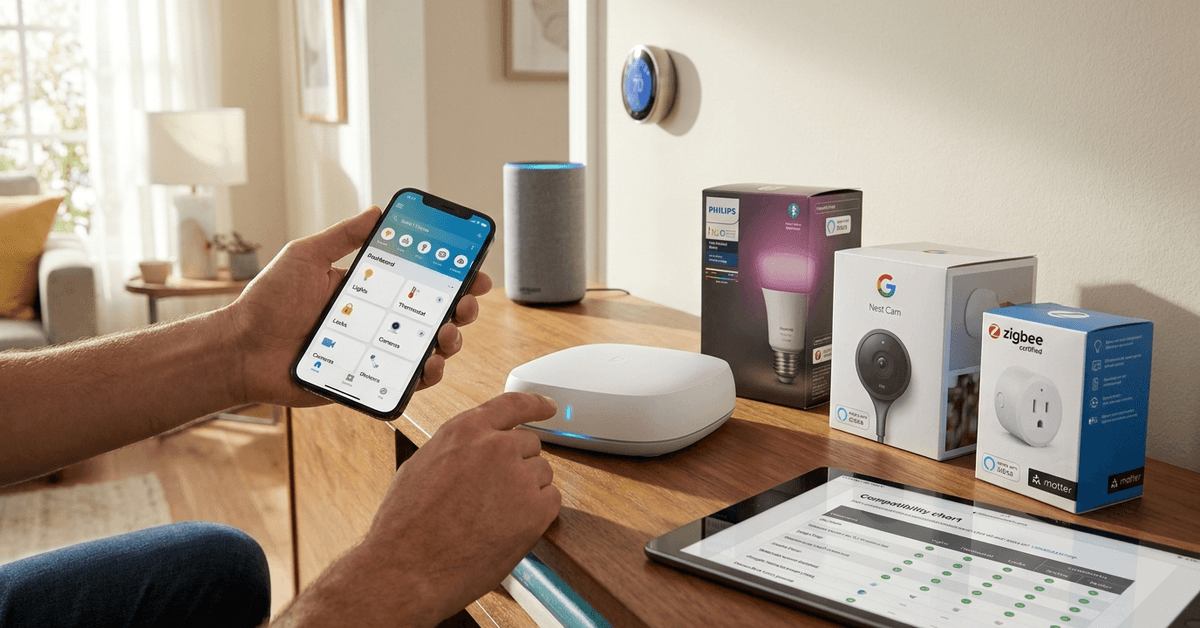
This requires matching protocols, supported brands, and integration software. It’s rarely one-size-fits-all in real life.
Why Compatibility Matters for Smart Homes?
Incompatible systems can cause lost features, lag, or even complete failure to connect.
Homeowners often overlook small details, leading to expensive mistakes or limited options down the road.
Common Troubles With Incompatibility
- Devices not appearing in your hub app
- Certain automations fail to trigger
- Updates disable previously working devices
Examining compatibility at the start helps avoid these problems.
Key Protocols and Standards to Check
To connect devices, focus on the transmission protocols that each device and hub supports. Three groups stand out.
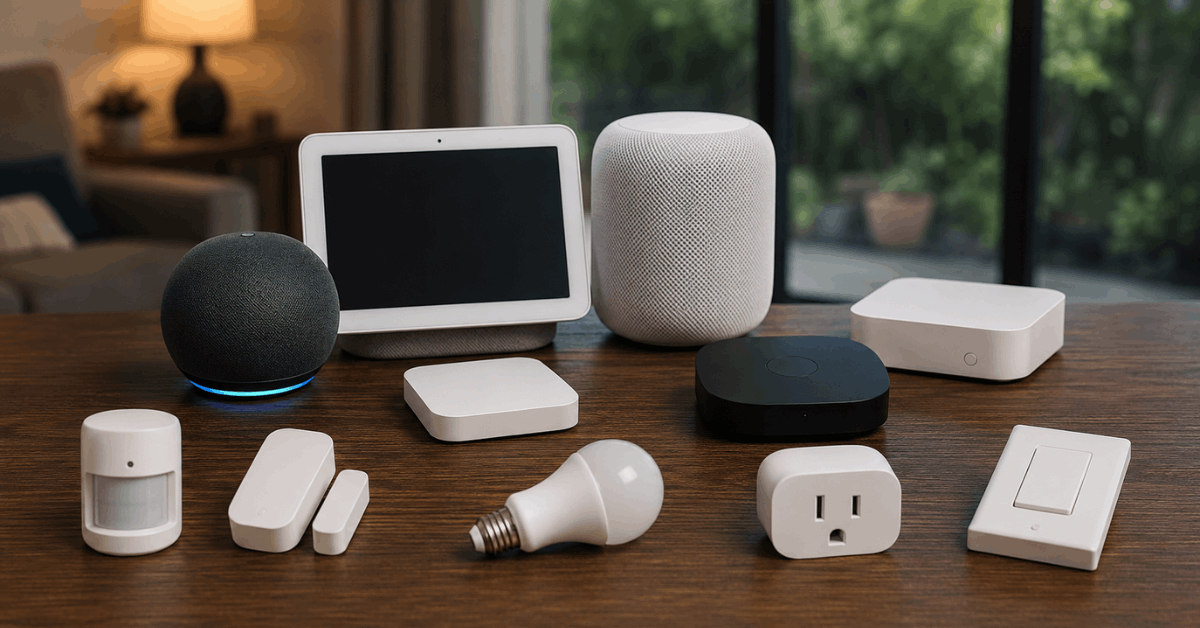
Wi-Fi-Based Devices
Many new devices use Wi-Fi for easy setup and quick communication.
Hubs like Google Nest Hub, Amazon Echo, and Apple HomePod rely heavily on Wi-Fi for many functions.
Zigbee and Z-Wave
Some sensors and switches use Zigbee or Z-Wave. These low-energy mesh protocols offer strong reliability for security devices.
Popular hubs supporting Zigbee include Samsung SmartThings and Philips Hue Bridge.
Thread and Matter
Matter is a newer alliance aiming for universal compatibility across ecosystems. Matter runs over Thread, Wi-Fi, and Ethernet.
Expect broader device cooperation as Matter is rolled out in late-model hubs.
How to Identify Your Devices’ Requirements?
Device packaging will usually state if the product is compatible with certain hubs or standards.
If the box or manual says “Works with Alexa” or “Zigbee Certified,” it points to supported protocols.
- Check product specs for protocol details
- Look for recent firmware updates in the app
- Search the manufacturer’s FAQ for compatibility lists
Step-by-Step: Verifying Hub and Device Compatibility
- Identify the smart hub’s official supported list from its website or mobile app support section.
- Find your device’s protocol in documentation or manufacturer’s site.
- Compare both lists. If both mention Zigbee, for example, integration is likely straightforward.
- Read real-world reviews as some devices work better in practice than on paper.
Essential Apps and Tools for Compatibility Checking
Certain apps and online tools streamline the compatibility research process.
The SmartThings App
SmartThings app includes a device catalog and can sometimes detect nearby compatible devices automatically during setup.
The Home Assistant Community
Online forums like Home Assistant’s documentation and Reddit’s r/smarthome offer updated lists and troubleshooting from real users.
Manufacturer Compatibility Tools
Larger brands provide official lists. For example, Philips Hue and Amazon Alexa have searchable “Works With” directories online.
Common Gotchas and Real-World Nuances
- Brand updates may change compatibility after purchase
- Geo-locked features limit some integrations regionally
- “Works with” sometimes omits advanced device functions
It’s often wise to research before major purchases, especially for devices with firmware or regional restrictions.
Integrations: Voice Assistants and Third-Party Services
Voice assistants like Google Assistant , Alexa, and Siri connect with hubs for added convenience.
Integration depends on the hub’s support for the chosen assistant and the assistant’s own compatibility layers.
Common Integration Scenarios
- Alexa-compatible outlets via Zigbee hubs
- Apple HomeKit secure video features with compatible cameras
- Google Assistant controlling scene automations with Wi-Fi bulbs
How to Future-Proof Your Smart Home Setup
Try to select hubs and devices using open standards like Matter and Thread for wider compatibility in the future.
- Prioritize firmware updates for security and new features
- Avoid locking into proprietary-only brands unless required
- Stay informed via trusted smart home news sources
Comparison Table: Popular Hubs and Supported Protocols
| Smart Hub | Wi-Fi | Zigbee | Z-Wave | Matter/Thread |
|---|---|---|---|---|
| Samsung SmartThings | Yes | Yes | Yes | Matter (with updates) |
| Amazon Echo (4th Gen) | Yes | Yes | No | Thread |
| Apple HomePod Mini | Yes | No | No | Matter/Thread |
| Google Nest Hub Max | Yes | No | No | Matter (with updates) |
Conclusion
Smart hub compatibility forms the backbone of any dependable smart home. By considering real-world device support, paying attention to current standards, and researching in advance, homeowners can build systems that work reliably today and remain flexible for the future.
There’s no single formula, but careful planning and a bit of patience reduce stress and keep your home secure and connected for years ahead.