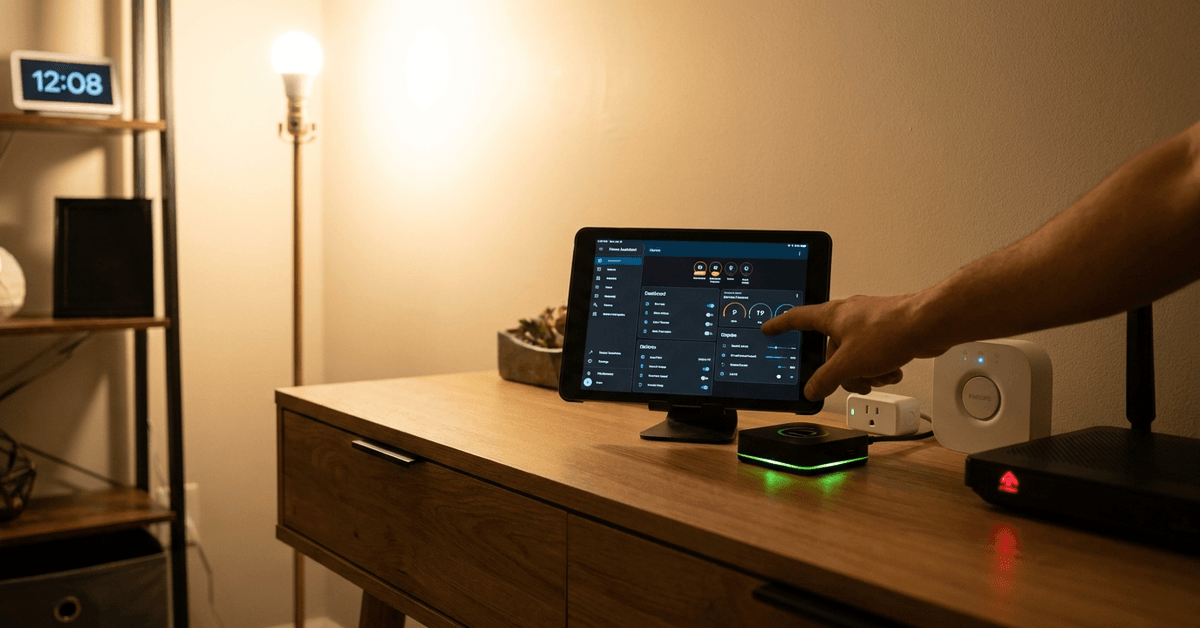
Setting accurate offline schedules helps smart devices run as planned, even when the internet drops out. For many smart home owners, a reliable routine is crucial.
Devices like smart lights, plugs, and thermostats often need to follow consistent patterns. Offline schedules maintain comfort and security without depending on cloud services.
Understanding Offline Scheduling for Smart Devices
When a smart device is set with offline schedules, its automation continues based on internal timers or local hub instructions.
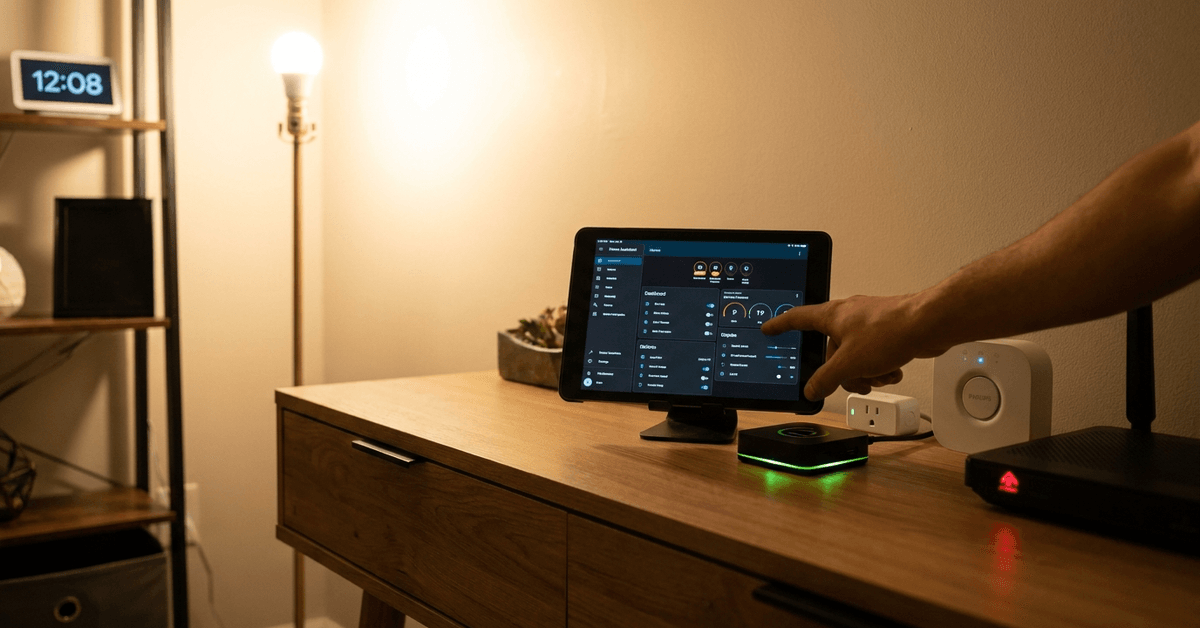
This is essential for users seeking uninterrupted automation regardless of Wi-Fi connectivity or cloud outages. Routines continue as usual, enhancing trust in your home systems.
Key Benefits of Offline Scheduling
- Reliability for daily routines, even during network outages
- Increased privacy since routines run locally
- Reduced risk of missed events, like turning lights on when you are away
Typical Devices Supporting Offline Schedules
- Smart plugs (TP-Link Kasa, Meross)
- Smart bulbs (Philips Hue, LIFX with bridge)
- Thermostats (Ecobee, certain Honeywell models)
- Zigbee or Z-Wave devices with compatible hubs
Choosing Devices and Platforms for Local Automations
Local platform selection is critical in offline scheduling. Many devices only support local schedules when paired with a compatible hub or bridge.
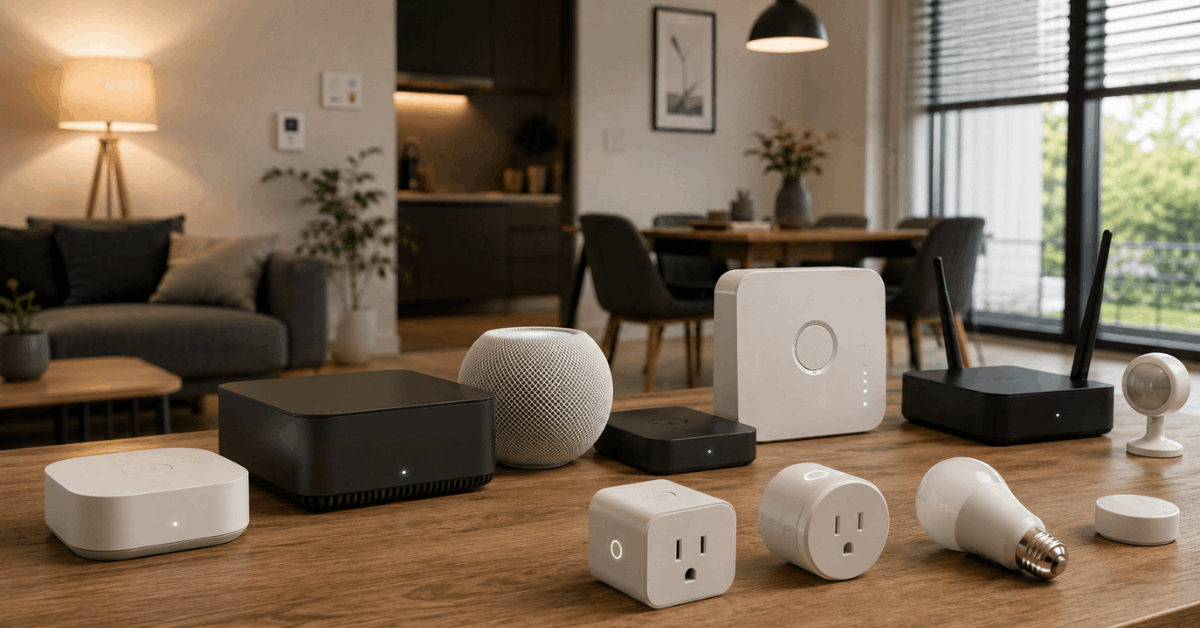
Popular Hubs Allowing Offline Control
- Home Assistant
- SmartThings (with local device handler)
- Apple HomeKit (especially via HomePod Mini or Apple TV)
- Hubitat Elevation
A smart home hub orchestrates local schedules, issuing commands across Zigbee, Z-Wave, or Wi-Fi whenever the wider internet is unavailable.
Direct Device Scheduling vs. Hub Scheduling
- Some devices, like certain TP-Link plugs, store schedules on the device itself.
- Other setups require centralized scheduling through a hub, such as Home Assistant or Hubitat.
Step-by-Step: Configuring Offline Schedules via Device Apps
Most leading smart devices allow basic offline scheduling through their own mobile apps, without a third-party hub.
Example: Configuring a TP-Link Kasa Smart Plug
- Connect your phone to the same Wi-Fi network as the plug.
- Open the Kasa Smart app and add the device if it’s new.
- Go to ‘Schedule’ in the app menu for the plug.
- Set on/off times, repeating patterns, or sunrise/sunset triggers.
- The plug saves these schedules internally, so routines continue even if the app is offline.
This approach often works for other brands like Meross or Gosund, but feature sets may vary.
Phillips Hue via Bridge: Reliable Light Schedules
- Set up your Hue Bridge and bulbs within the Philips Hue app.
- Choose ‘Routines’ in the menu, add a new schedule, and select time and behavior.
- Save the routine. The Hue Bridge stores these schedules locally, enabling bulbs to act out routines regardless of internet status.
Using Home Hubs for Advanced Offline Automation
Some smart home owners need deeper control or want to connect many devices offline. Platforms like Home Assistant offer broader local automation.
Scheduling with Home Assistant
- Choose compatible hardware (Raspberry Pi, Odroid, or server) and install Home Assistant OS.
- Connect devices using Zigbee, Z-Wave, or supported integrations.
- Create automations within the Home Assistant UI using the ‘Automations & Scenes’ dashboard.
- Set triggers, schedule times, and actions. These rules run locally, executing even if external access fails.
Hubitat Elevation and SmartThings (with local handler) offer similar offline scheduling using their automation dashboards.
Protocols That Enable Offline Schedules
Device compatibility with local automation depends largely on the communication protocol used. Some protocols are more reliable for offline operation.
Zigbee and Z-Wave
- Zigbee and Z-Wave devices, paired with a capable hub, transmit commands and schedules over local radio signals, independent of Wi-Fi.
- This maintains automations, even through lengthy internet outages.
Wi-Fi Devices with Local Storage
- Certain Wi-Fi devices (like TP-Link, Meross) can store schedule data directly on-board. This is less common but very effective for simple routines.
Thread and Matter
- Emerging smart home standards, Thread and Matter, are focusing on robust local control. These allow devices to communicate directly across the home network, opening more reliable local scheduling options.
Common Limitations and Pitfalls
Not all devices truly support offline schedules. Sometimes, routines appear local but rely on cloud sync for accurate timekeeping.
Typical Problems
- Loss or drift of schedule timing after power outages
- Mobile app control unavailable without internet, even if automations work
- Limited to basic on/off actions, not advanced automation sequences
Reviewing the manufacturer’s documentation or community forums can clarify potential gaps in local scheduling support.
Tips to Maintain Reliable Offline Schedules
Several strategies help increase the dependability of your automations running locally.
- Regular device updates can improve schedule accuracy and security.
- Protect hubs and key devices with an uninterruptible power supply to prevent schedule resets after power loss.
- Set system clocks accurately when internet sync is lost, so time-based routines do not fall out of sync.
- Consider testing routines by temporarily disconnecting the internet and confirming devices perform as expected.
Recommended Apps and Tools
Not every control app supports solid offline schedules. Prioritizing the most reliable tools builds confidence in your home system.
- Home Assistant (for advanced automation and integration)
- Hubitat Elevation (for plug-and-play offline automations)
- Philips Hue app (when used with Hue Bridge)
- Kasa Smart app (for TP-Link devices with local schedule storage)
Best Practices for Home Security and Privacy
Using offline schedules can actually boost privacy, as fewer commands pass through the cloud.
Locally-controlled devices are less susceptible to internet outages and reduce your reliance on third-party servers for personal routines.
- Review device privacy settings, especially when mixing local and cloud routines.
- Opt for hardware with local scheduling, minimizing exposure to cloud dependency and related risks.
Conclusion: Achieving Smart, Independent Home Automation
Offline scheduling provides a unique layer of reliability for smart homes. It keeps daily life smooth even if your ISP is down or if a cloud server stalls.
Choosing trusted protocols like Zigbee, Z-Wave, Thread, and Matter ensures that automation routines continue on their own. Devices such as TP-Link plugs and Philips Hue, especially when used with a bridge or hub, give a strong foundation for local scheduling.
For those seeking flexible, scalable offline routines, robust platforms like Home Assistant or Hubitat Elevation stand out. They grant substantial control without giving up independence or peace of mind.
Ultimately, configuring offline schedules for smart devices aligns technology with real-world needs. It is one of the strongest steps toward a resilient, secure, and always-ready home environment.