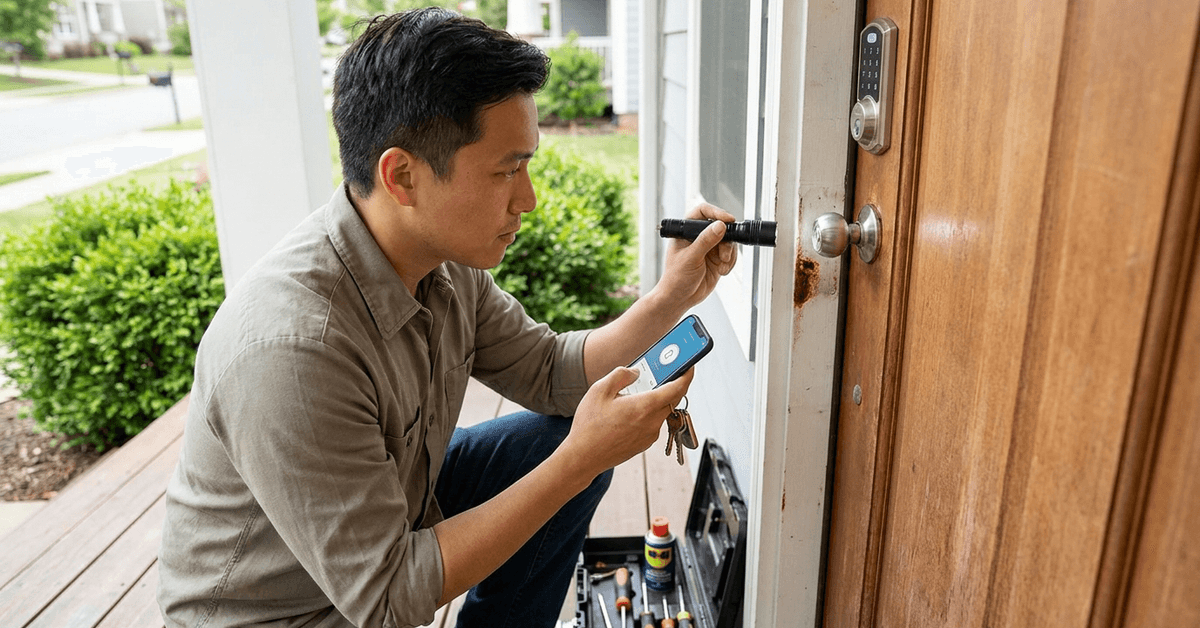
Reliable door locks are central to any home’s safety. When overlooked, small faults can lead to bigger risks. Well-maintained locks greatly enhance peace of mind for homeowners and renters alike.
This article is tailored for smart home enthusiasts and those keen on proactive home maintenance. Recognizing signs of wear helps safeguard both traditional and smart locks. Here is a straightforward guide for testing your locks effectively and safely.
Why Checking Door Locks Matters
Damaged or worn locks compromise security. Over time, regular usage leads to internal fatigue. Minor wear is often ignored but can become a serious concern.
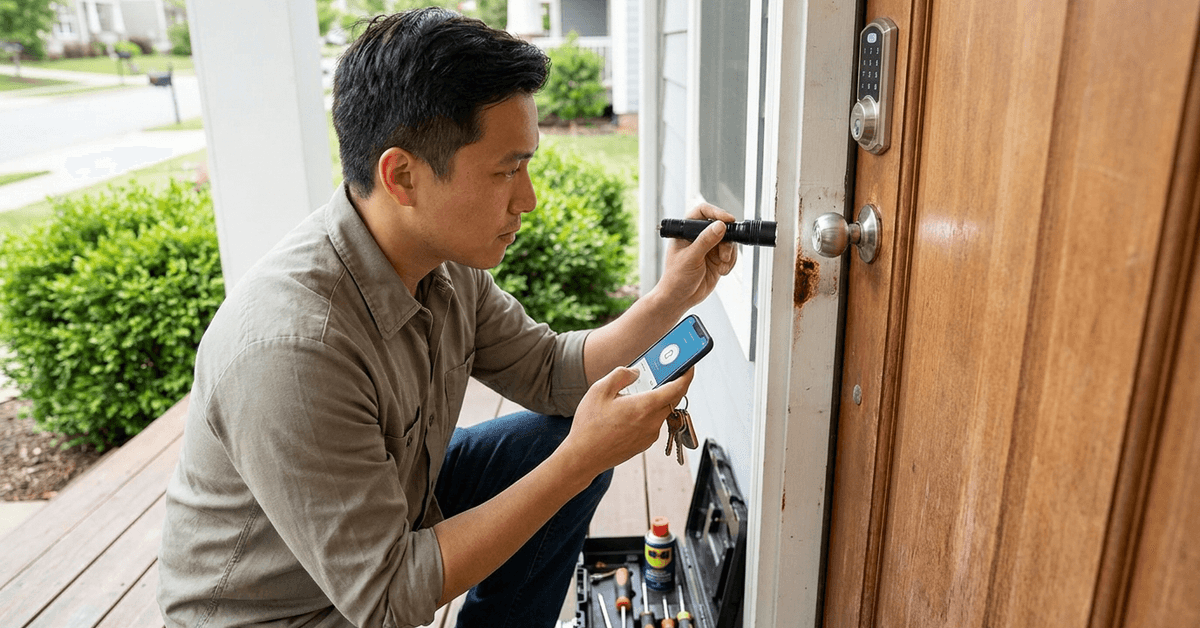
Common Causes of Door Lock Wear
- Frequent key usage.
- Lack of routine cleaning and lubrication.
- Exposure to harsh weather.
- Improper installation.
Potential Risks of Ignoring Lock Wear
- Locks become hard to turn or jam.
- Increased chance of accidental lockouts.
- Compromised break-in resistance.
How to Conduct a Visual Lock Inspection?
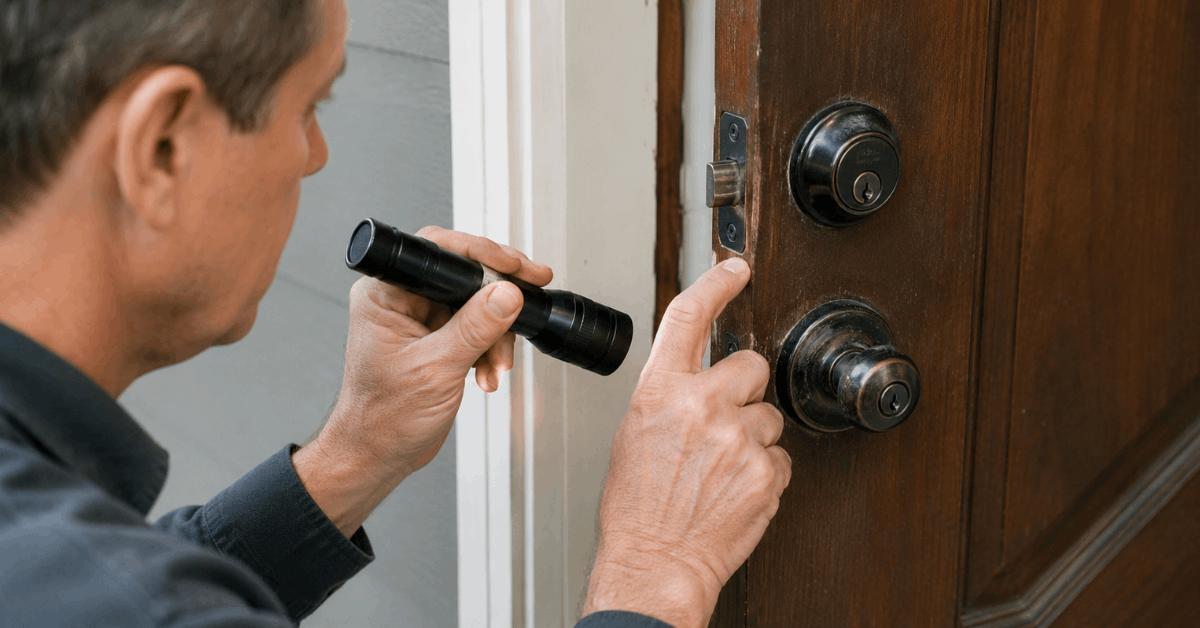
A regular visual inspection identifies many problems. Observing your hardware closely reveals clues before functionality fails. Most issues are visible to the naked eye.
Exterior Signs of Damage
- Corrosion near the keyhole or strike plate.
- Scratches or dents on visible hardware.
- Loose screws around the lockset.
Internal Wear Signals
- Sticky operation when inserting or removing the key.
- Grinding or rough turning action.
Homeowners may even hear unusual clicking or friction.
Testing Functionality of Mechanical Door Locks
Mechanical locks need hands-on testing. The most essential check is to operate the lock as usual several times, observing for hesitation or resistance.
Step-by-Step Function Test
- Insert the main key fully.
- Turn the key while noting any catching or stiffness.
- Remove and reinsert the key, checking for snag points.
- Lock and unlock the door from both sides if possible.
- Examine the latch travel: it should retract and extend smoothly.
Additional Mechanical Testing Tips
- Testing at night, when temperatures drop, highlights metal contraction issues.
- Checking with alternative keys can reveal worn cuts or burrs inside the lock.
Testing Smart Locks for Wear and Failure Risks
Smart locks require both physical and digital checks. Regular app-based diagnostics are a strong safeguard against undetected faults.
Physical Smart Lock Health Check
- Lightly press and pull the lock body for looseness.
- Watch for battery indicator warnings on the lock or accompanying app.
- Test backup key or override access in addition to app unlock.
Digital/Systematic Health Scan
- Use the manufacturer’s official app (such as August, Yale Access, or Schlage Home) to check for firmware updates.
- Run built-in diagnostics where available.
- Check for intermittent Bluetooth or Wi-Fi connectivity.
Common Smart Lock Failure Indicators
- Slow motor movement when locking or unlocking.
- Frequent disconnections from the home network.
- Random lock resets or error beeps.
Using Diagnostic Tools and Apps
Integrated health features in smart lock ecosystems simplify maintenance. These tools help track usage patterns and battery life efficiently.
Recommended Diagnostic Features
- Automated activity logs for tracking successful and failed entry attempts.
- Push alerts for hardware or firmware updates.
- Remote lock/unlock status monitoring.
Manual Diagnostic Best Practices
- Comparing manual operation to app triggers can expose hardware lag.
- Reviewing monthly lock usage reports helps reveal declining performance.
Maintenance Routines to Prolong Lock Life
Good routines keep door locks functioning smoothly. Scheduled maintenance also reduces unexpected lock failures and extends hardware life.
Physical Lock Maintenance Actions
- Applying graphite powder or a silicone-based lubricant once every six months.
- Tightening mounting screws.
- Cleaning keyholes with compressed air.
Smart Lock-Specific Tips
- Replacing batteries generously before full depletion.
- Applying firmware updates promptly using the lock’s app.
When to Replace Instead of Repair?
Some signs mean repairs are unlikely to help: excessive rust, bent internal parts, or repeated smart unlock failures. Safety is a priority, so proactively replacing hardware is wise.
Replacement Triggers
- Keys not turning even after cleaning or lubrication.
- Cracked housing or severely worn key faces.
- Smart lock app persistently reports errors after resets.
DIY vs Professional Evaluation
Basic tests cover most residential needs. But, persistent problems or advanced smart lock issues often call for expert support, especially when warranty coverage is at stake.
When Professional Help Adds Value?
- Identifying hidden mechanical failures invisible to the eye.
- Updating complex smart locks where advanced tools are needed.
- Ensuring compliance with insurance or smart home integration requirements.
Conclusion
Regular lock testing is foundational for home security. Spotting wear early reduces the risk of lockouts and unauthorized access. Smart home setups benefit from both physical checks and smart diagnostics.
Adopting these practical checklists goes a long way in making every entry point safer, more reliable, and future-ready.