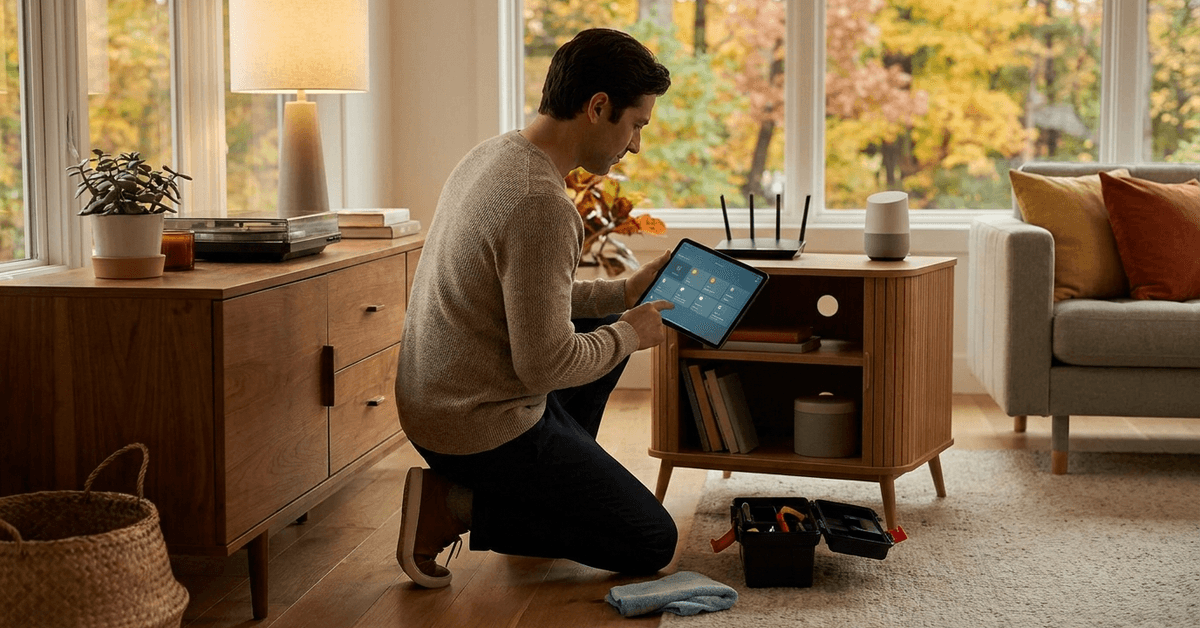
Staying ahead of the seasons helps homeowners maintain a comfortable, safe, and efficient home.
Each change in weather brings new requirements for smart devices, security protocols, and connected gadgets. This guide covers everything needed for seasonal home tech updates.
Why Seasonal Tech Updates Matter?
Many smart home devices thrive on regular care. Overlooking maintenance may shorten device lifespan or cause unexpected malfunctions.
Small adjustments, timed seasonally, protect against security vulnerabilities. A neglected firmware update, for example, can leave the door open to threats.
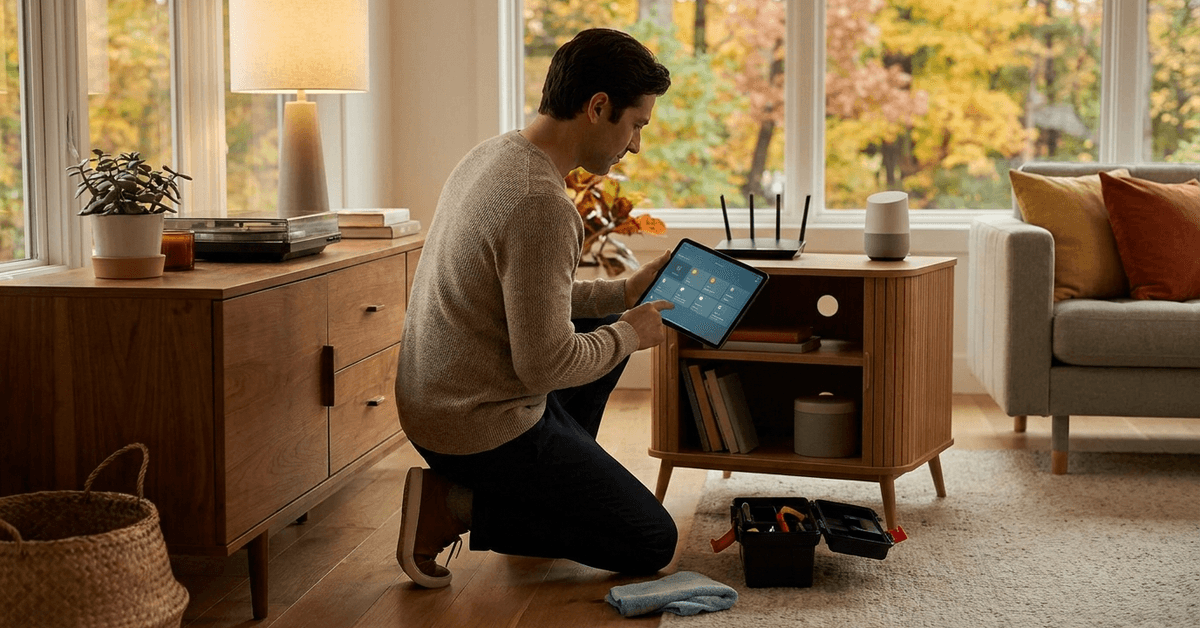
Spring: Refresh and Reconnect
Spring cleaning should include technology. Devices often need network refreshes and physical attention after winter.
Check Network Device Health
- Restart or power cycle the Wi-Fi router and mesh points.
- Inspect signal strength in key rooms. Tools like NetSpot or WiFi Analyzer may help map coverage.
- Remove dust from ventilation points on routers, hubs, and extenders.
Update Smart Home Hubs & Apps
- Open home automation apps (Home Assistant, SmartThings, Apple Home).
- Search for software updates and review changelogs before applying.
- Reconnect any devices that lost pairing during power cuts.
Test Battery Devices
- Replace batteries in smart door locks, window sensors, and thermostats. Brands like Duracell or Energizer offer reliable replacements.
- Review device dashboards for low battery warnings.
Outdoor Device Inspection
- Examine outdoor cameras and motion sensors for winter debris.
- A soft, damp cloth removes dirt from camera housings without damaging seals.
- Check for incorrect alignment or loose mounting brackets.
Summer: Optimize for Heat and Security
Summer introduces higher temperatures and more outdoor activities. Homeowners might discover unexpected issues affecting performance or safety.
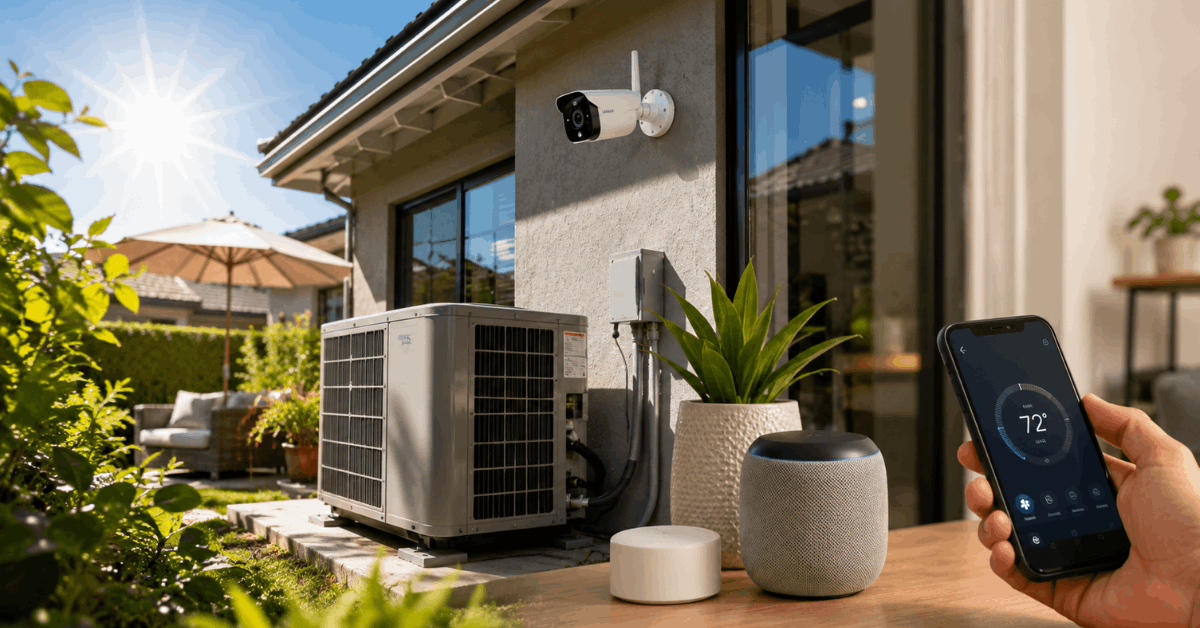
Smart HVAC System Calibration
- Review climate control routines in apps like Nest or ecobee.
- Update cooling schedules for higher efficiency.
- Inspect thermostat placement to keep away from direct sunlight.
Camera and Sensor Heat Checks
- Verify that outdoor cameras (such as Ring or Arlo) are not overheating by feeling exterior casings during mid-day sun.
- If needed, add shade or reposition cameras to prevent sun glare.
Network Security Review
- Update all network passwords. Mix uppercase, lowercase, numbers, and unique phrases.
- Enable two-factor authentication on your router control panel if supported by brands like ASUS or TP-Link.
- Audit connected devices for any that are unfamiliar and disconnect as needed.
Voice Assistant Privacy Settings
- Open privacy controls in Alexa, Google Home, or Apple HomePod apps.
- Review voice recording logs and adjust permissions to only essential features.
Fall: Prepare for Weather and Increased Usage
Changing weather and the start of holiday season add strain to smart devices. Preparing now prevents trouble later on.
Backup System Automations
- Export automation routines in platforms like Home Assistant or SmartThings.
- Store backups in secure, offline folders to prevent data loss during outages.
- Check third-party integration status, particularly for services such as IFTTT or Philips Hue.
Firmware and Software Review
- Schedule a full scan for firmware updates on all major devices: security cameras, smart thermostats, alarm panels, and video doorbells.
- Apply updates individually after reading any update notes.
Physical Checks for Window and Door Sensors
- Inspect for water intrusion around mounted sensors.
- If adhesive is weakening, replace strips with brands like Command or 3M.
- Test open-close notifications to confirm real-time alerts are working.
Winter: Secure, Protect, and Conserve Energy
Colder months limit outdoor access and put more pressure on heating, surveillance, and leak detection systems. Robust preparation here is key.
Surveillance System Test
- Review video camera feeds for lag or signal drop.
- Check storage capacity in connected NVR/DVR units (e.g., Synology or Lorex).
- Enable motion-triggered alerts for night hours.
Smart Leak Detector Check
- Manually trigger sensors from brands such as LeakSmart or Honeywell Home to confirm proper alerting.
- Inspect under sinks, near hot water heaters, and in basement corners.
Smart Light and Outlet Routine Adjustment
- Update schedules for smart lighting (e.g., Philips Hue, LIFX).
- Reduce run times during low-use hours to preserve energy.
- Review any always-on outlets and unplug nonessential holiday devices.
Home Security System Battery Check
- Replace or recharge batteries for backup security sensors and alarm panels.
- Test system sirens and panic buttons for audible clarity and speed.
Annual Deep-Dive Checklist
Beyond the seasons, an annual review ensures nothing critical is overlooked. Many problems are caught here before ever reaching crisis.
- Inventory all smart devices by room and device type (use a digital spreadsheet for tracking).
- Evaluate app permissions for every connected platform, focusing on administrator accounts.
- Search for newly available device features and integrations. Sometimes, firmware updates include hidden upgrades worth exploring.
- Wipe old logs and recordings from smart cameras, voice assistants, and security systems, where local data retention is not required.
Platform Tools and Handy Apps
Certain tools streamline the whole process, saving time and minimizing error.
- Fing app scans your network for unknown or suspicious devices.
- Home Assistant is ideal for custom backup routines and device auditing.
- Apple Home’s HomeKit Secure Video allows rapid review and deletion of old video segments.
Conclusion
Consistent maintenance keeps a smart home ecosystem stable, efficient, and genuinely secure. Each season presents unique demands, but following a routine checklist prevents surprises and extends the life of valuable tech.
Homeowners who regularly update, inspect, and refresh their smart devices enjoy greater peace of mind. In practical terms, this approach also cuts long-term costs and makes troubleshooting much simpler.
In the fast-moving world of connected homes, discipline and planning are truly the keys to enjoying every benefit that modern smart technology brings.