Smart home automation remains most reliable and private when local control is in place. Many users want a setup that does not depend on cloud services for their lights, locks, or sensors to function.
This guide is for homeowners, renters, and DIY tech enthusiasts who want more security, low-latency responses, and fewer worries when the internet drops.
Setting up local control for automated tasks can seem complex at first. However, today’s tech tools and platforms simplify many parts of the process.
What Is Local Control in Smart Home Automation?
Local control means your devices communicate directly on your home network. No commands are sent to a remote server for processing.
This typically leads to better privacy, faster response times, and functionality even in internet outages. Many people value that their data never leaves the home.
Benefits of Local Control for Automation Tasks
- Devices still work if the Wi-Fi or external internet fails.
- Lower latency creates faster reaction for things like lighting, alarms, and scene triggers.
- Personal data stays on your network, reducing cloud exposure.
- More independence from third-party services that might change terms or become unavailable.
Common Protocols That Support Local Control
Device compatibility is critical. Not all brands truly support local automation. Several popular communication standards do enable local function:
- Zigbee: A mesh protocol used by many sensors, switches, and lights for quick, local interaction.
- Z-Wave: Similar aim with solid device interoperability and range, using a different radio frequency.
- Wi-Fi (with local APIs): Some devices allow local API control, bypassing company cloud servers entirely.
- Thread: Newer, IP-based mesh protocol gaining ground for reliable device-to-device messaging.
One brand, often found in local set-ups, is Philips Hue. While Hue can use the cloud, its Bridge also supports direct LAN commands.
Choosing Smart Home Devices That Work Locally
When shopping, it can be confusing to know what truly works offline. Homeowners often find it useful to look for these identifiers:
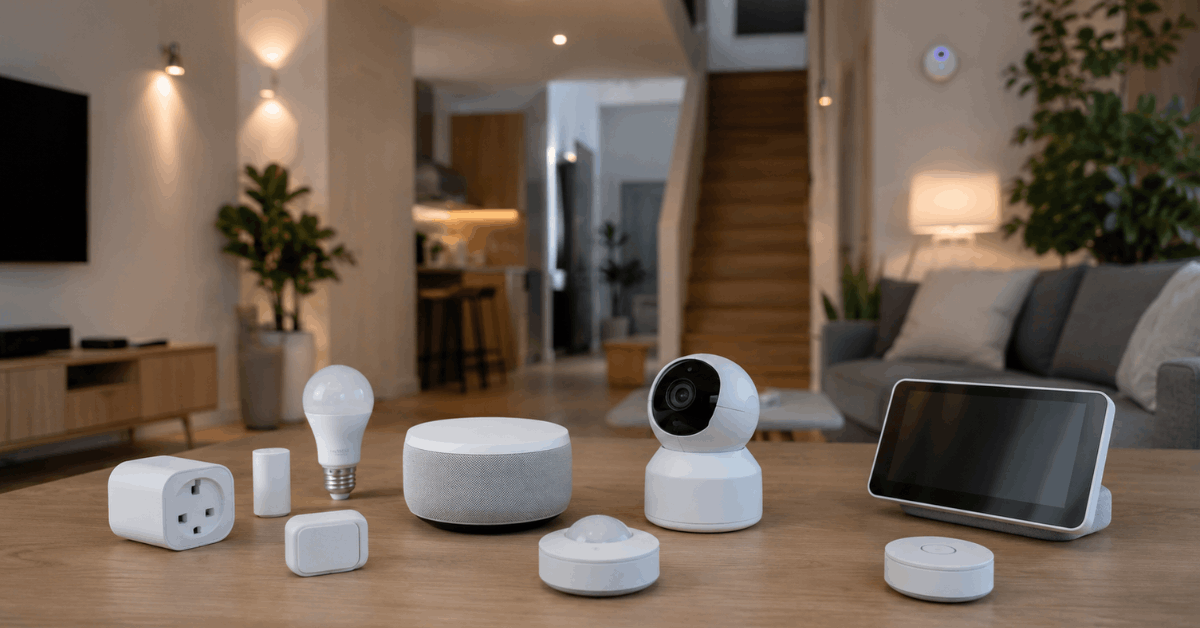
- Product listings or tech specs mentioning “local API,” “does not require internet,” or “LAN control.”
- Open standards like Zigbee, Z-Wave, and Thread are commonly associated with local automation support.
- Community feedback or technical forums can help gauge whether a device is trustworthy for your privacy and reliability needs.
Popular Platforms and Hubs for Local Smart Home Automation
Most local automation requires a hub or software platform acting as a central “brain.” The following options are recognized for local-first design:
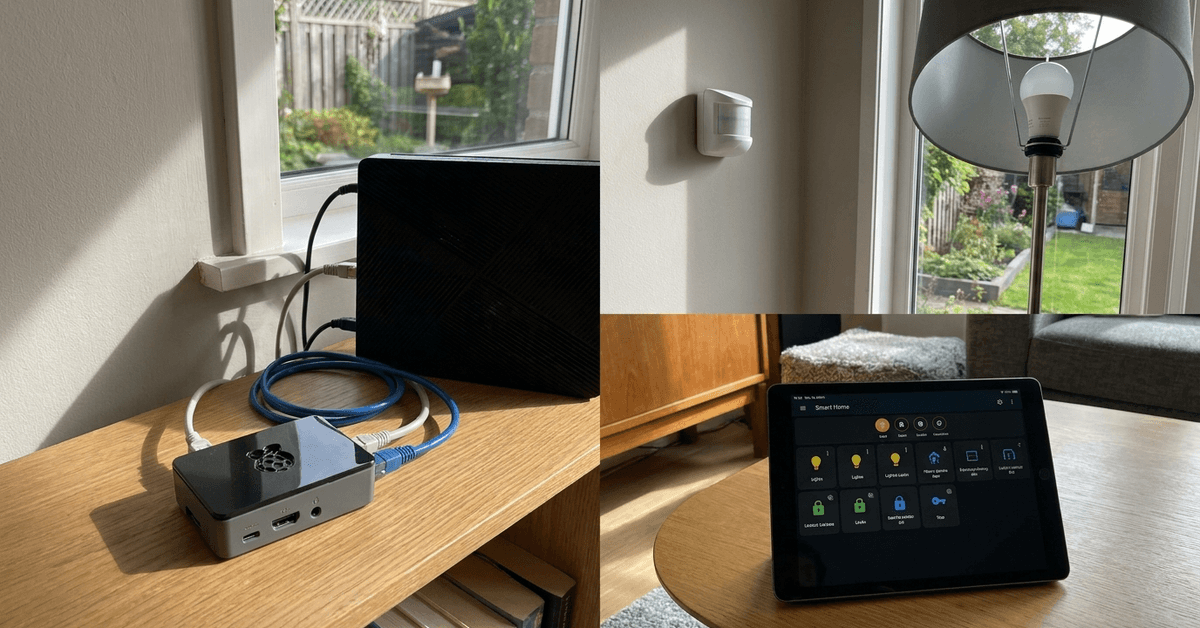
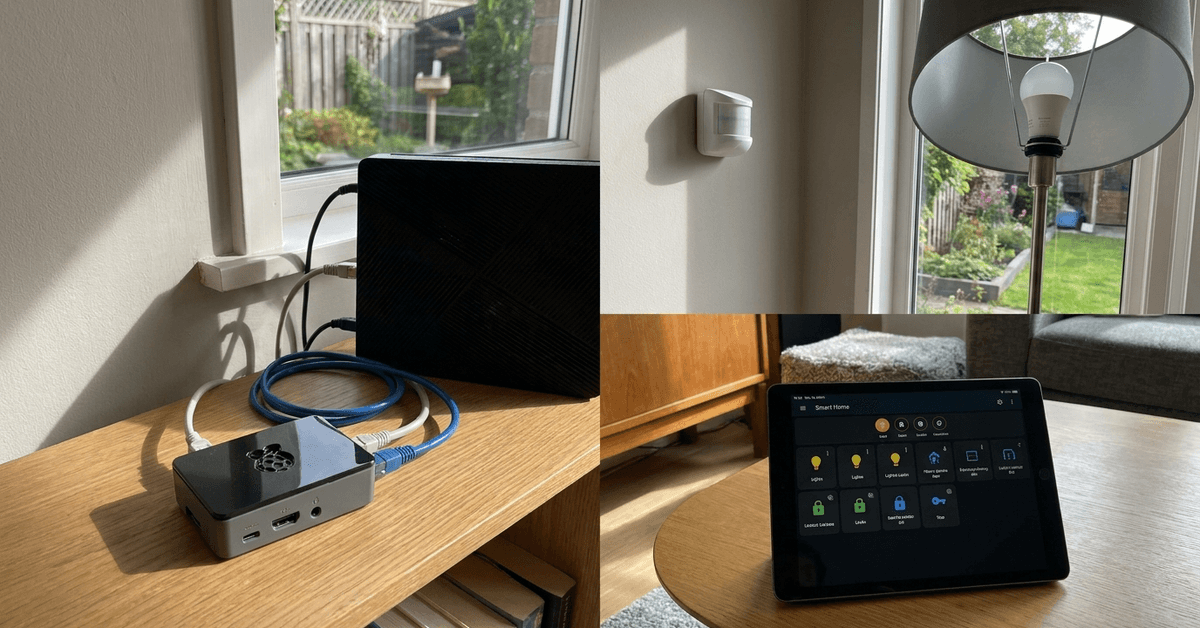
- Home Assistant: A robust, open-source platform installable on Raspberry Pi or similar hardware.
- Hubitat Elevation: Dedicated hardware hub built for offline logic and rule processing.
- OpenHAB: Flexible, open integration software with strong local control for many device types.
- Apple HomeKit: Allows local automation if devices support it and are added to a HomePod, Apple TV, or iPad used as a home hub.
Each platform has varied learning curves and strengths. For many users, Home Assistant stands out due to wide integration, flexibility, and strong community resources.
Preparing Your Home Network for Local Control
Stable, secure home networking is the foundation for reliable automation. Homeowners should consider:
- Investing in a quality router that supports reliable LAN speeds.
- Segmenting smart home devices onto a guest VLAN for added security.
- Turning off remote (cloud) access in device settings whenever possible.
Security-minded users sometimes assign static IP addresses to their hubs and core devices. This helps prevent network confusion and ensures your automations always reach the right endpoints.
Step-by-Step: Setting Up Home Assistant for Local Automation
Home Assistant provides one of the broadest, most trusted paths to local smart home control. Here is a common setup sequence:
- Install Home Assistant on a Raspberry Pi, Intel NUC, or compatible PC.
- Connect your device to the same local network as your smart devices (via Ethernet for reliability).
- Walk through the Home Assistant onboarding process, creating a user account and securing access with a strong password.
- Add integrations for devices like Zigbee (using a Zigbee USB stick), Z-Wave dongle, or direct LAN products.
- Disable or block cloud integrations if privacy is a primary concern.
- Configure automations using the visual editor or YAML—examples include light routines, security alerts, or complex triggers based on sensor data.
Many integrations, such as Philips Hue or Shelly relays, run fully on the local network once set up. Always check your specific device documentation for any additional local setup steps required.
Designing Automated Tasks with Local Control
Local automation can cover nearly any scenario, from lighting to presence-based routines. Some ideas that work especially well:
- Turning on hallway lights when a motion sensor is triggered late at night.
- Locking doors automatically at a certain time or when everyone has left the house.
- Notifying your phone via local LAN when doors or windows are left open for too long.
Some users experiment and discover that locally processed automations react noticeably faster than cloud-based scripts, especially for time-sensitive responses.
Troubleshooting Common Issues in Local Setups
Although local control avoids many of the pitfalls of cloud setups, a few issues can still arise:
- Device firmware updates may re-enable cloud communication by default, so review settings after updates.
- Some smartphone apps require brief internet access for initial setup, then allow full LAN-only operation.
- Intermittent device offline problems are often resolved by rebooting routers and hubs, or reserving IP addresses.
Enhancing Security and Reliability in Local Automations
Smart home experts generally agree on several best practices:
- Regularly update firmware for both the hub and each device to patch vulnerabilities.
- Avoid exposing smart home ports to the wider internet unless using secure VPN access.
- Back up automation rules and configuration files in case hardware needs to be reset or replaced.
For peace of mind, consider a backup power option for your hub. This keeps local automations functional for a time during power interruptions.
Maintenance and Monitoring of Your Local Smart Home
Maintaining performance means occasionally checking device logs, reviewing automation triggers, and verifying that all key routines still run as expected.
- Many platforms, like Home Assistant, provide dashboards for real-time device status at a glance.
- Creating user accounts for family members allows for tailored automation experiences and access control.
Conclusion: Achieving Resilient Smart Home Automation
Setting up local control for automated tasks creates a smart home that is private, responsive, and less dependent on outside factors. While the process involves research and planning, the payoff is significant: actions happen instantly and your data remains yours.
Choosing local-first devices, maintaining network hygiene, and keeping platforms like Home Assistant up to date help ensure smooth operation. Owners often gain a deeper sense of confidence, knowing that their lights, alarms, and other routines remain reliable regardless of cloud service changes or connectivity hiccups.
For anyone serious about smart home reliability and privacy, local control stands out as a practical and future-proof approach.