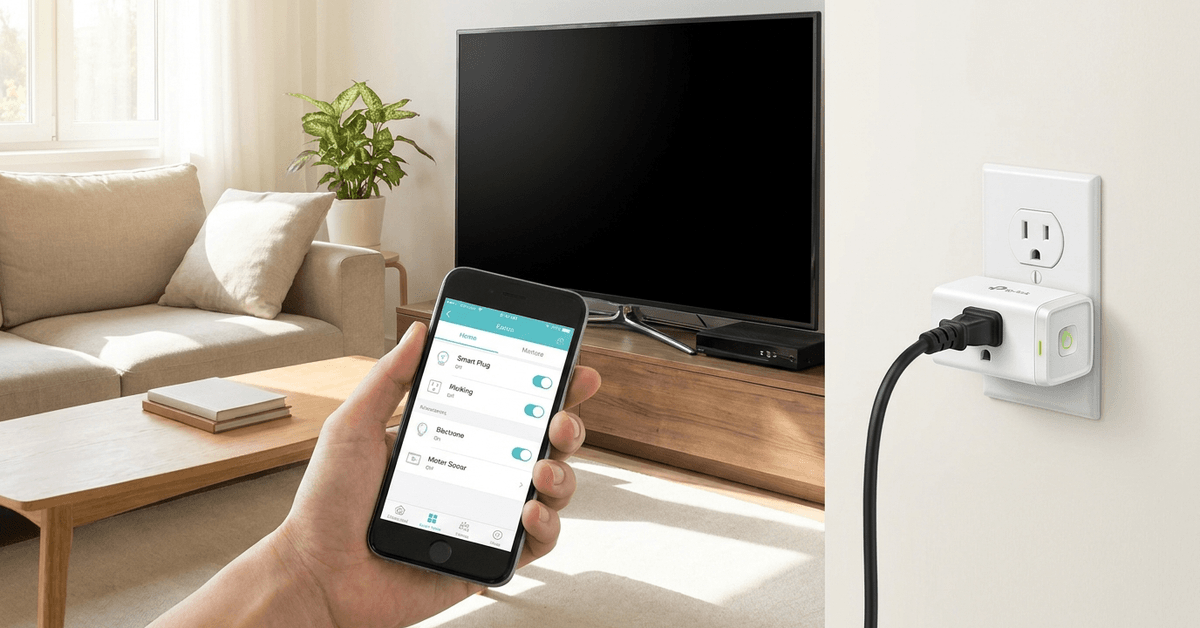
Phantom energy loss can quietly add to electricity bills in ways people rarely notice. Devices left plugged in often draw power even when turned off.
This energy waste, sometimes called standby or vampire power, affects most modern homes.
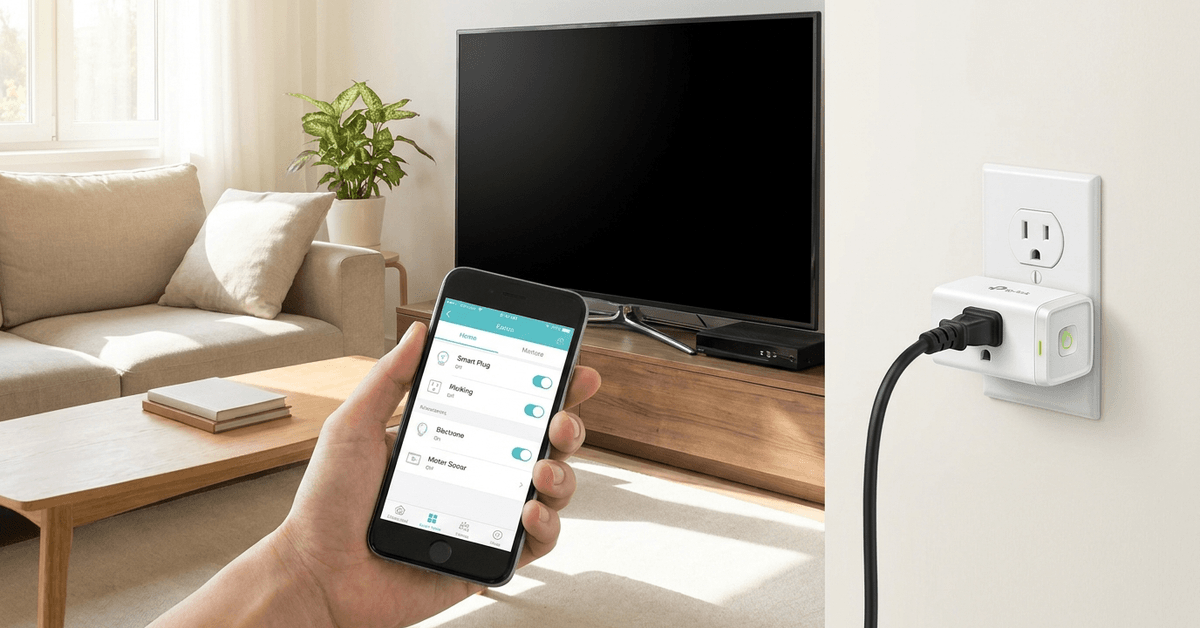
Smart plugs offer a practical tool for controlling these phantom drains.
Understanding Phantom Energy Consumption in Your Home
Many appliances keep consuming power if left plugged into a wall outlet. The biggest sources usually include TVs, chargers, cable boxes, and gaming consoles.
Each device on standby may use only a few watts, but over time, this adds up. According to the Department of Energy, standby power can account for up to 10% of household electricity use.
How Smart Plugs Work to Stop Energy Waste?
Smart plugs are small devices plugged into a typical outlet. Once plugged in, these outlets are connected to home Wi-Fi or Zigbee networks.
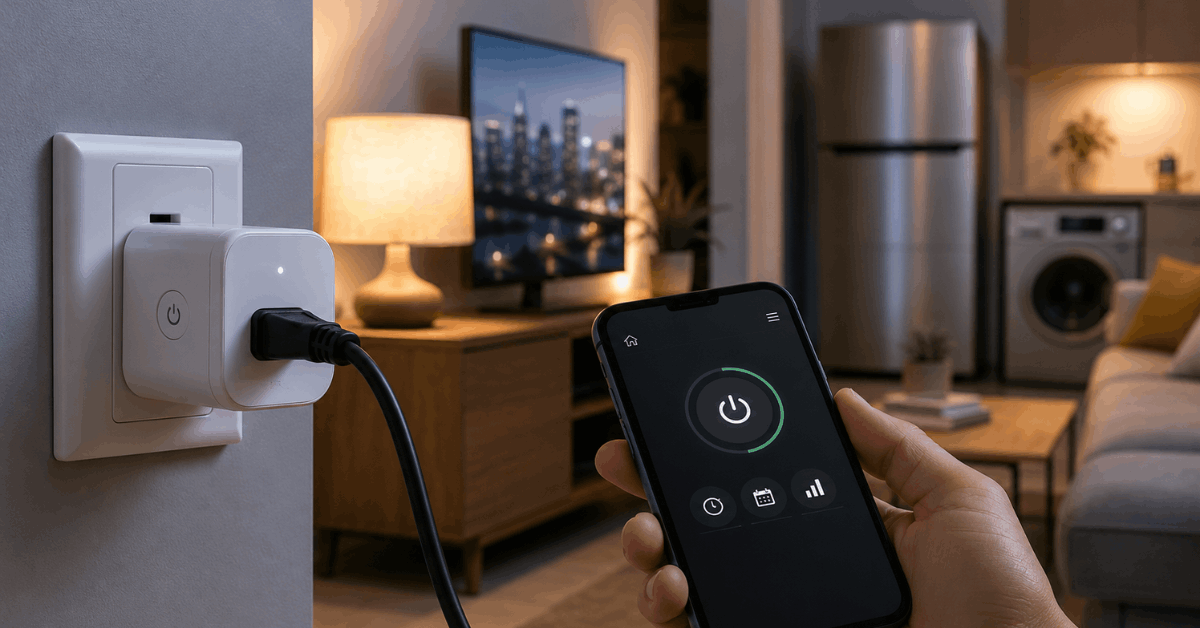
A connected device, like a lamp or TV, can be remotely turned on or off. The most notable feature is remote or scheduled control through smartphone apps or voice assistants.
Key protocols and compatibility
The most popular smart plugs use Wi-Fi, Zigbee, or Z-Wave. Wi-Fi smart plugs (such as TP-Link’s Kasa or Wemo Mini) are easy for most users.
Zigbee-based smart plugs, including the Amazon Smart Plug, connect directly with many smart hubs. A homeowner may prefer a protocol that matches their chosen smart home system for best results.
Choosing the Right Smart Plug for Your Setup
Device compatibility is the first consideration. Many smart plugs handle up to 15 amps, suitable for most devices except high-power items. The plug should support your Wi-Fi bandwidth (2.4GHz is most common).
If smart speakers or home assistants are part of your network, check for Alexa or Google Assistant integration.
The TP-Link Kasa Smart Plug HS103 is one of the most widely supported options. Other reliable brands include Wemo, Meross, and Eve Energy.
Step-by-Step Guide: Installing and Configuring a Smart Plug
Unpacking and pairing the smart plug
- Plug the device into a wall outlet.
- Check for a blinking LED, which usually signals pairing mode.
- Install the manufacturer’s app, such as Kasa Smart, Wemo, or Meross (available on iOS and Android).
- Follow the on-screen directions to connect the plug to your home Wi-Fi network.
- Some platforms may require scanning a QR code on the plug itself.
Adding devices to your smart plug
- Connect a target device (like a game console, printer, or toaster) to the smart plug.
- Name the plug in your app for easy tracking, e.g., “Living Room TV.”
- Assign the smart plug to a room if your smart home app organizes devices by location.
Setting schedules and automations
- From your app, select automation or schedule settings.
- Configure the device to turn off after certain hours (for example, automatically power down gaming consoles after midnight).
- Use the app’s timer feature for typical standby culprits, such as coffee makers or fans.
- The energy monitoring feature (found in advanced models like the Kasa HS110) allows real-time tracking of consumption.
Practical Ways to Reduce Phantom Energy With Smart Plugs
Targeting the worst offenders
- Entertainment systems (TVs, audio receivers, streaming boxes)
- Office electronics (desktop monitors, printers, routers)
- Kitchen gadgets (microwaves, coffee machines, toasters)
- Mobile device chargers and gaming consoles
These devices rarely need to stay powered all night or while away.
Grouping several gadgets on a power strip paired with a smart plug can streamline whole-system shutdowns.
Automation for routines
- Consider setting schedules that align with usual routines (such as off during work hours and on before dinner).
- Use geofencing features, where the plug turns off devices when a user leaves home.
- Some plugs, like Kasa, offer built-in vacation or away modes for added security and convenience.
App Features to Help You Save More Energy
Most manufacturer apps provide energy usage reports. The Kasa Smart and Eve apps display daily, weekly, and monthly consumption data.
This information makes it easier to spot patterns or identify unexpected energy draws. Notifications can inform you if a device has been left on for too long.
Integrating Smart Plugs Into a Wider Smart Home Security System
Many homeowners combine plugs with home security systems. Devices connected to plugs can mimic regular activity when away, discouraging unwelcome visitors.
Integration with platforms such as Google Home or Apple HomeKit unlocks routines triggered by sensors or alarms.
Scripting in software like IFTTT gives even more granular control, for example, shutting everything down when arming a security system.
Best Practices and Real-World Tips for Reliable Savings
- Test each smart plug for Wi-Fi reliability in different outlets throughout the home.
- Regularly review energy data to assess which devices should be unplugged altogether.
- Some cheaper plugs lack surge protection: avoid attaching sensitive electronics to these models.
- Assign clear, unique names in your smart home app to prevent confusion over which plug controls which appliance.
- Check firmware updates regularly via the app to ensure stable security and the latest features.
- Be cautious with electric heaters or high-power appliances; most smart plugs are not rated for these loads.
Conclusion
Smart plugs offer a simple yet effective defense against phantom energy consumption. Choosing the right device, following a careful installation, and setting thoughtful routines can help homeowners reduce waste and save money.
Integrating energy monitoring, aligning with home security systems, and using reliable brands ensures maximum benefit and peace of mind.
Long term, smart home automation continues to offer significant promise for both energy efficiency and household convenience.