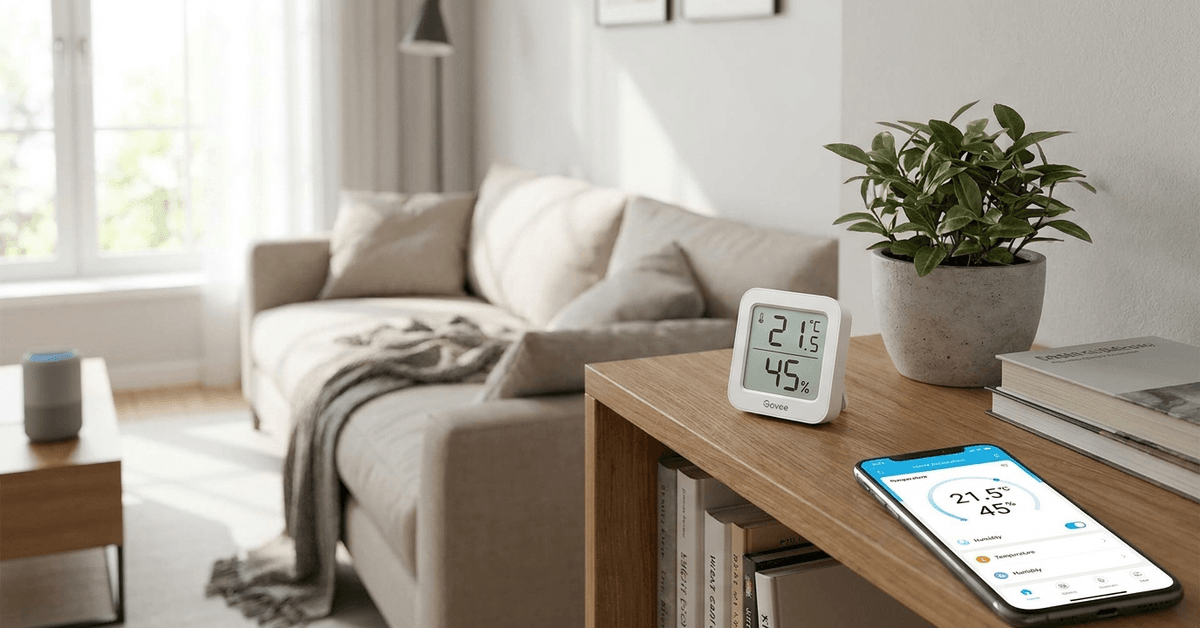
Smart ambient temperature monitors are practical additions to any modern home. These small devices help track and manage indoor climate.
For homeowners interested in smart automation, understanding how these devices function can lead to more comfortable, energy-efficient living.
This guide is aimed at beginners who want a clear, step-by-step understanding of smart ambient temperature monitoring. Knowing what to look for, how to choose, and how to connect these monitors can make a real difference in home comfort.
What Are Smart Ambient Temperature Monitors?
Smart ambient temperature monitors are devices that detect, log, and often automate temperature responses in real time.
They frequently include humidity sensors as well. Usual forms are compact units that sit discreetly on walls, shelves, or furniture.
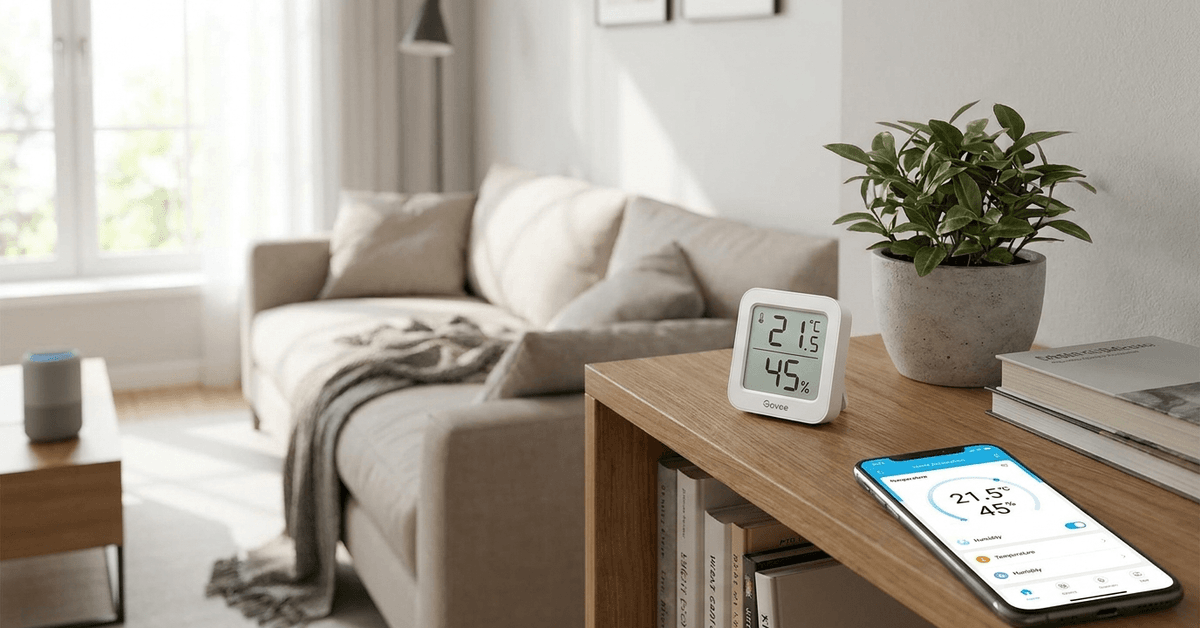
Many monitors connect wirelessly to smart home hubs or IoT platforms. Once integrated, these devices can trigger heating, cooling, or fan systems, depending on readings and your chosen preferences.
Why Does Ambient Temperature Monitoring Matter?
Accurate ambient temperature data has real benefits. It increases personal comfort and can extend the life of sensitive household items, like musical instruments or electronics.
Room temperature impacts sleep, energy bills, and even indoor air quality. For homes with infants, elderly residents, or pets, maintaining consistent ambient conditions is especially important.
Key Features to Consider When Choosing a Monitor
Sensor Precision and Range
Accuracy is a top priority. The most reliable monitors keep readings within ±0.5°C. Models with a broad range (typically -20°C to 50°C) are well-suited to most conditions.
Connectivity Options
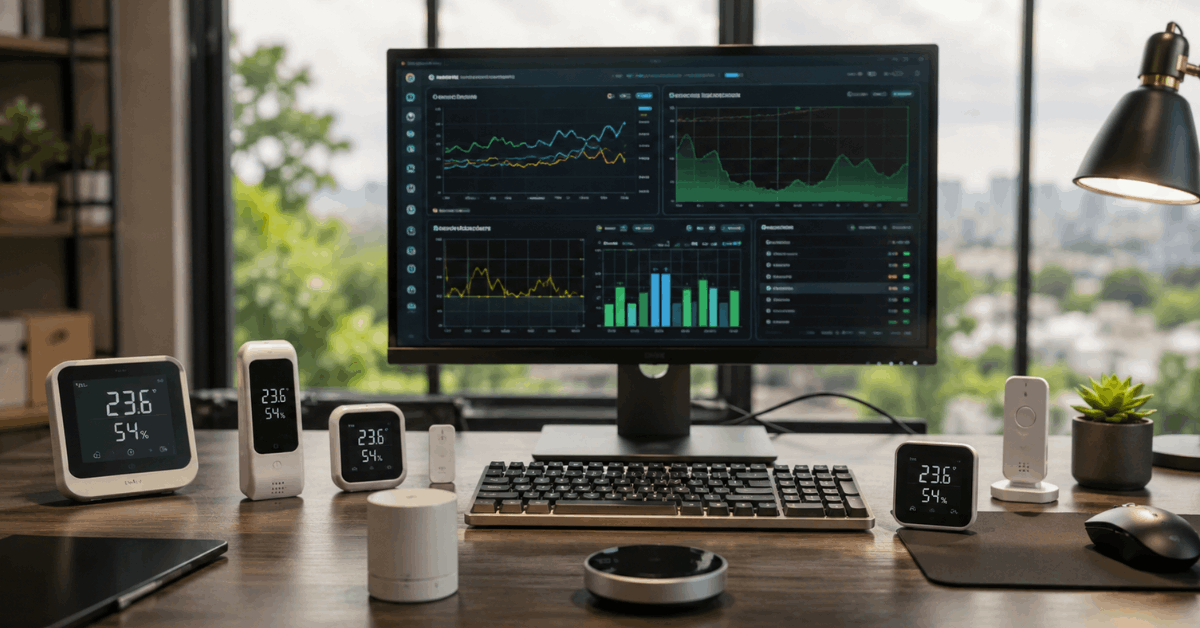
Most monitors use Wi-Fi, Bluetooth, or Zigbee. Wi-Fi models sync directly with routers. Zigbee is favored for smart home integration because of low power draw and stable networks.
App and Platform Compatibility
Ease of use depends on app support. Popular brands include integration with SmartThings, Apple Home, Google Home, or dedicated apps such as Govee Home.
Data Logging and Export
Continuous monitoring is useful for analysis. Some monitors store years of history, while others offer real-time data export, typically in CSV format for spreadsheets.
Battery Life and Power Source
Most smart temperature sensors run on batteries. Long battery life — up to two years — is convenient. Some wall-powered options exist for permanent setups.
Popular Smart Ambient Temperature Monitors
- Aqara Temperature and Humidity Sensor: Reliable Zigbee device, widely used with SmartThings and Apple HomeKit
- Govee WiFi Thermo-Hygrometer: Good app support, live alerts, multiple device management
- Ecobee SmartSensor: Pairs with Ecobee thermostats, provides room-level temperature data
- Xiaomi Mi Temperature and Humidity Monitor 2: Bluetooth device, affordable, minimalist design
- SwitchBot Meter Plus: Versatile, compatible with Alexa and Google Home
How to Install a Smart Temperature Monitor?
- Unpack the monitor and insert any required batteries.
- Decide where to place the unit; away from vents, direct sunlight, stoves, or windows is preferable.
- Download the recommended app (such as Govee Home or SwitchBot).
- Open the app and follow prompts to add a new device.
- Connect the monitor to Wi-Fi, Bluetooth, or Zigbee, based on specifications.
- Name the device and assign its location for easier management.
Some users find setup confusing. It’s not uncommon to need a couple of tries connecting Zigbee devices to some hubs. Placement also requires thought — a spot too close to a window can cause inaccurate readings.
Integrating With Your Smart Home System
Pairing With a Hub
Integration unlocks automations. Zigbee monitors typically pair with a central hub like SmartThings, Home Assistant, or Hubitat. Each hub has slightly different steps but usually involves searching for new devices in the hub dashboard.
Automating Routines
Once added, users commonly build routines, for example:
- If bedroom temperature falls below 19°C, turn on heater.
- If living room exceeds 27°C, open smart window or turn on the fan.
These automations depend on precise sensor data and supported device controls.
Mobile App Notifications
Apps can push custom alerts if thresholds are met or exceeded. Many find this useful when away from home to prevent frozen pipes or overheated rooms.
Review of Protocols and Compatibility
The protocol chosen affects speed, range, and which smart hubs work natively. The main protocols are:
- Bluetooth: Short range, easy to set up, best for single-room monitoring
- Wi-Fi: Broad compatibility, can cause small network congestion with many devices
- Zigbee: Mesh network, ideal for large homes, popular among smart home enthusiasts
Z-Wave is sometimes found in North America but is less common for simple temperature sensors.
Troubleshooting Common Issues
Connectivity drops sometimes happen, especially with Wi-Fi units far from routers. Zigbee can fail if there are too few other Zigbee nodes nearby to strengthen the mesh.
If temperature readings seem off, moving the monitor to a different location often helps. App bugs are occasionally to blame — updates generally resolve these.
Tips for Using Smart Ambient Temperature Monitors in Real Homes
- Placement is critical. Avoid locations near radiators, kitchens, or drafts.
- Regularly check battery status via the app, particularly before travel.
- Update device firmware periodically for accuracy improvements and bug fixes.
- Review your temperature data monthly to spot patterns in energy usage or comfort.
- If security is a concern, choose monitors from reputable brands with transparent privacy policies.
External Integrations and Third-Party Automation
Advanced users sometimes connect sensors to platforms like IFTTT or Home Assistant for more complex automations — such as sending a Slack message if a server closet overheats.
Integration requires enabling the relevant service within the monitor’s app, then linking to the automation platform through an API or webhook.
Energy Savings and Smart Home Security Benefits
Optimizing home temperature leads to lower heating and cooling costs. Security systems benefit by triggering alerts if abnormal temperature fluctuations suggest fire or intrusion (for example, a window left open in winter).
Remote monitoring also provides peace of mind for second homes or sensitive spaces, making these devices valuable components in a smart security setup.
Conclusion
Smart ambient temperature monitors bring both comfort and efficiency to the modern home. The right monitor, well positioned and properly connected, adds more than just convenience. It can lower bills, enhance automation, and even protect valuable possessions.
Beginners may find initial setup takes patience, but the practical benefits quickly become clear. Over time, data from these devices can inform everything from day-to-day comfort choices to major upgrades in smart home management.
For anyone interested in a safer, more responsive home environment, this technology is a worthwhile investment.