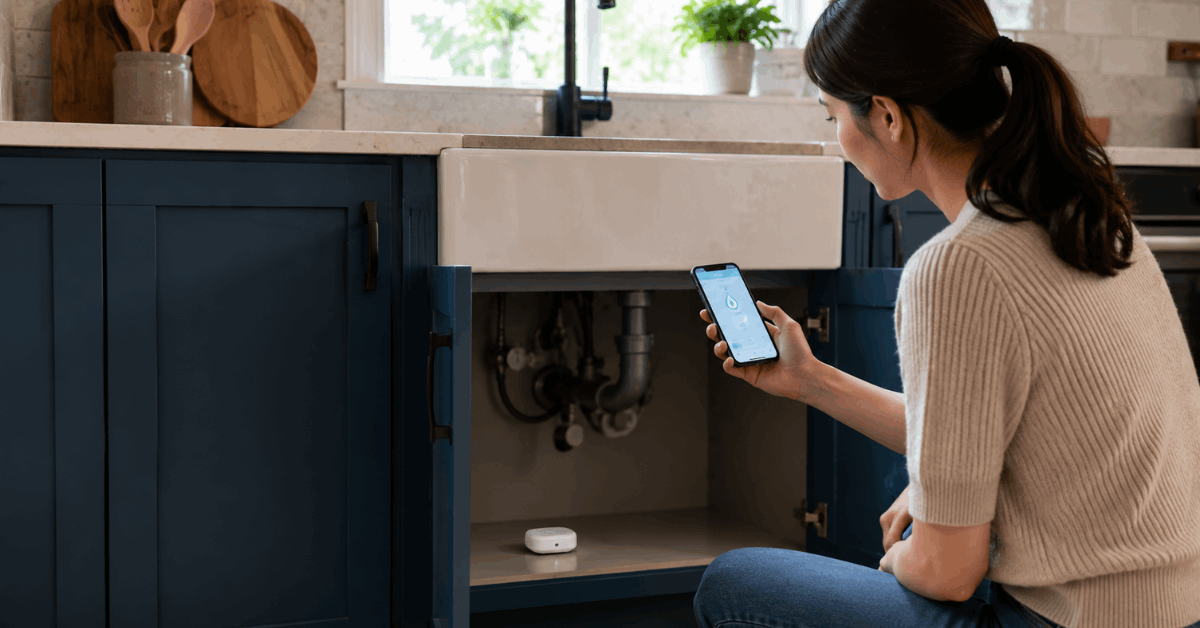
Water leaks in the kitchen can cause costly damage if they go unnoticed. Smart water leak sensors can provide real-time alerts and remote monitoring to help detect problems early.
Many models are affordable, easy to install, and compatible with common smart home systems. This guide explains practical setup tips, useful apps, and ways to improve leak-detection automation.
Why Water Leak Sensors Matter for Kitchen Safety?
Kitchen water leaks often go unnoticed under cabinets, sinks, or dishwashers. The result is costly repairs and, perhaps worse, loss of cherished kitchen appliances or finishes.
Hidden Leak Risks
Rubber seals and water lines can weaken as appliances age. Kitchens experience frequent plumbing use, and small leaks can go undetected for weeks.
Potential Costs
Insurance statistics show that water damage often costs hundreds to thousands of dollars. Expenses include not just the plumbing fix, but cabinet repairs and mold remediation.
Real-World Examples
Many residents report coming home to warped wood or buckled tile. Slow leaks behind dishwashers are especially common, and sometimes only discovered through a musty smell or puddle.
How Smart Water Leak Sensors Operate?
Modern smart leak sensors detect moisture in real time. Most use a pair of metal contacts that, when touched by water, complete an electrical circuit and trigger an immediate alert.
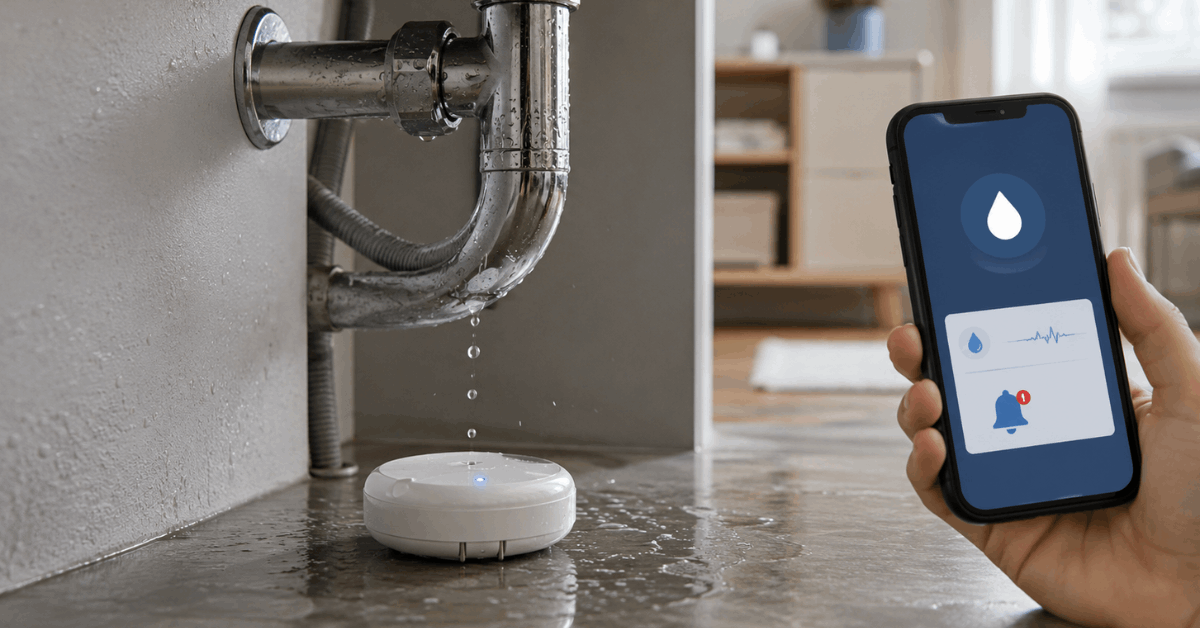
Key Features
- Real-time moisture detection
- Battery operation and long battery life
- Wireless communication with a central hub or Wi-Fi
- Mobile app notifications for rapid response
Tech Protocols Involved
- Zigbee and Z-Wave: These popular smart home protocols minimize interference with Wi-Fi and offer reliable, low-power performance.
- Wi-Fi: Direct connection to your home network and cloud services for app-based alerts without a hub.
Choosing the Right Leak Sensor for Your Needs
Several widely-used brands are trusted in the smart home space. Each serves slightly different needs, depending on compatibility and app support.
- Eve Water Guard: Works well with Apple HomeKit and sends loud audible alerts plus push notifications.
- Shelly Flood Sensor: Integrates with Shelly Cloud and MQTT for advanced automations.
- Aqara Water Leak Sensor: Ideal for Zigbee-based setups; pairs with Aqara’s hub and the Mi Home app.
- Samsung SmartThings Water Leak Sensor: Compatible with the SmartThings ecosystem, which supports routines across many brands.
- D-Link DCH-S162: Wi-Fi-based option with built-in siren and direct mobile alerts.
Things to Consider
- Protocol compatibility with your hub (if you already use a platform like SmartThings or HomeKit)
- App usability and alert features
- Physical sensor size based on placement
- Battery life and replacement ease
Where and How to Place Sensors in the Kitchen?
Correct placement is key for timely alerts. Common leak zones vary by kitchen design but some areas remain universal.
Recommended Sensor Locations
- Under sink cabinets (especially beneath the P-trap and faucet connections)
- Behind or alongside the dishwasher
- Near refrigerator ice maker or water dispenser connections
- Under washing machines if located in kitchen areas
Placement Tips
- Position sensors so water flows toward the contacts, not away from them.
- Maintain easy access for battery changes.
- Consider adding a sensor to each appliance connection, not just obvious wet areas.
Step-by-Step: Installing Your Smart Water Leak Sensor
Installation typically takes only a few minutes per sensor. Most models arrive with adhesive pads, screws, or stand-alone bases for flexible mounting.
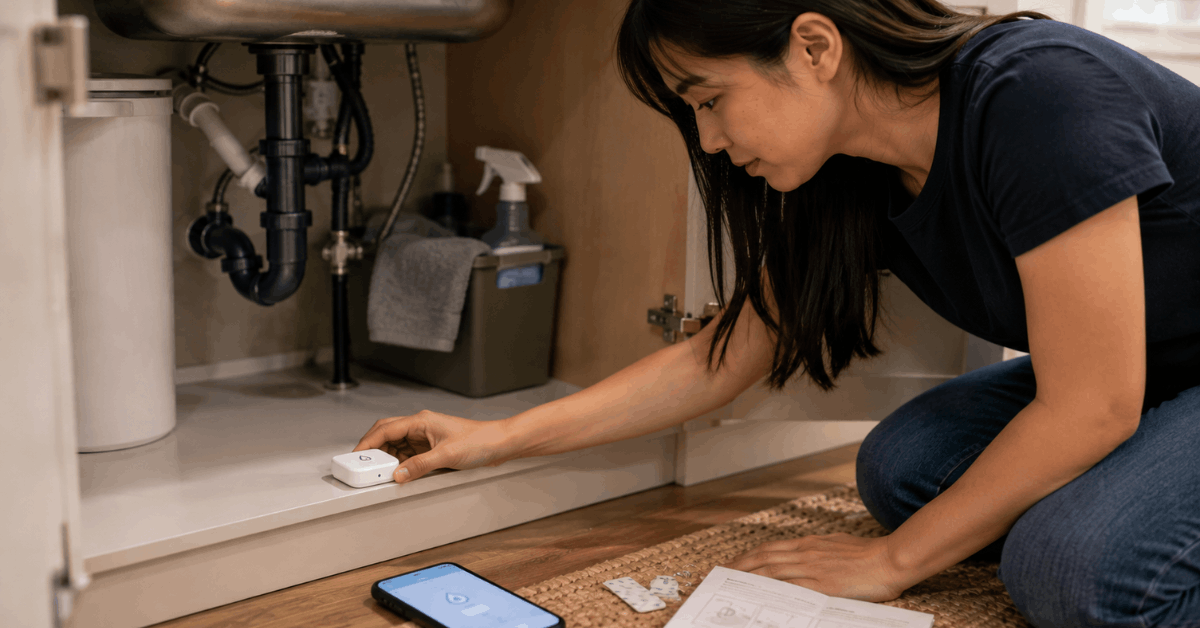
- Unbox your chosen sensor and check batteries are inserted or charged.
- Download the official app (e.g., Aqara Home, Shelly Cloud, SmartThings, Eve app).
- Pair the sensor with your smartphone or smart home hub, following the onscreen prompts in your app.
- Test the sensor by placing a damp paper towel on the metal contacts to ensure you receive an alert.
- Mount or place the sensor in your chosen spot. Double-check it won’t be knocked out of position by cleaning or dropped items.
Optional Automation Upgrades
- Connect leak sensors to a smart shutoff valve for automatic water isolation.
- Send alerts to multiple family members’ phones or smart speakers for faster intervention.
- Integrate with other automations, for example triggering lights or a siren when a leak is detected.
Top Mobile Apps and Smart Home Platforms
Most leak sensors come with a dedicated app or support leading third-party platforms. The following ecosystems are the most popular:
- Apple HomeKit: Integrates deeply with iPhone or iPad and allows automation with other Apple home devices.
- Samsung SmartThings: Broad compatibility with sensors, cameras, and other smart tech.
- Google Home: Adds leak sensors to routines for voice alerts or notifications.
- Shelly Cloud: Useful for more customizable automations and MQTT support.
Notification Customization
- Homeowners can set up push notifications, text messages, or even email alerts based on personal preference.
- Some platforms allow silence overrides for urgent alerts, ensuring no leak goes unnoticed, even in Do Not Disturb mode.
Maintenance and Testing for Ongoing Reliability
Regular maintenance helps ensure leak sensors work properly when needed. Test each sensor at least every few months using a damp cloth to activate the contacts.
Check battery levels in the app and replace low batteries promptly. Also confirm that each sensor remains correctly positioned after cleaning or moving appliances.
Integrating Leak Sensors with Kitchen Automation
Smart leak sensors can work with other connected devices to improve kitchen safety. Automations can provide faster alerts and help reduce water damage when a leak occurs.
Smart Shutoff Valves
Smart shutoff valves can automatically stop water flow when a serious leak is detected. Systems such as Flo by Moen can add another layer of protection to the kitchen. This can be especially useful when no one is home to respond immediately.
Alerts and Smart Home Routines
Leak sensors can connect with voice assistants or smart displays to provide quick warnings. Users can also create routines that change smart-light colors or display alerts when water is detected. These automations make potential leaks easier to notice and address quickly.
Preventing False Alarms and Common Troubleshooting
False alarms can happen because of splashes, condensation, cleaning, or nearby pets. Proper placement and basic maintenance can help sensors respond more accurately.
Choose the Right Sensor Placement
Avoid placing sensors where routine splashes or moisture are common. Position them close to likely leak sources without exposing them to normal kitchen activity. Adjust the location if false alarms continue.
Keep Sensors and Apps Updated
Check the sensor app and firmware regularly for available updates. Updates can improve reliability and correct software-related problems. If issues remain, inspect the sensor, connection, and placement before resetting the device.
Conclusion: Smart Leak Sensors as Essential Kitchen Safeguard
Smart water leak sensors can help detect hidden kitchen leaks before they cause serious damage. Proper placement, regular testing, and customized alerts can improve their reliability.
While they cannot prevent every water-related problem, they provide a practical layer of protection for homeowners. Consistent maintenance can help reduce repair risks and improve peace of mind.